HomeFolio
· development, app, ai, MCP
Stage - under development
HomeFolio
HomeFolio is meant to live with the house. Not just during a build or a renovation. For as long as you are there.
The idea is simple. Your home has a lot of small facts that never quite have a home of their own. The toaster manual. The paint color on the living room wall. The warranty for the windows. Which breaker is the kitchen. The number for the plumber who actually showed up. HomeFolio is where all of that goes, tied to the room or the spot where it matters.
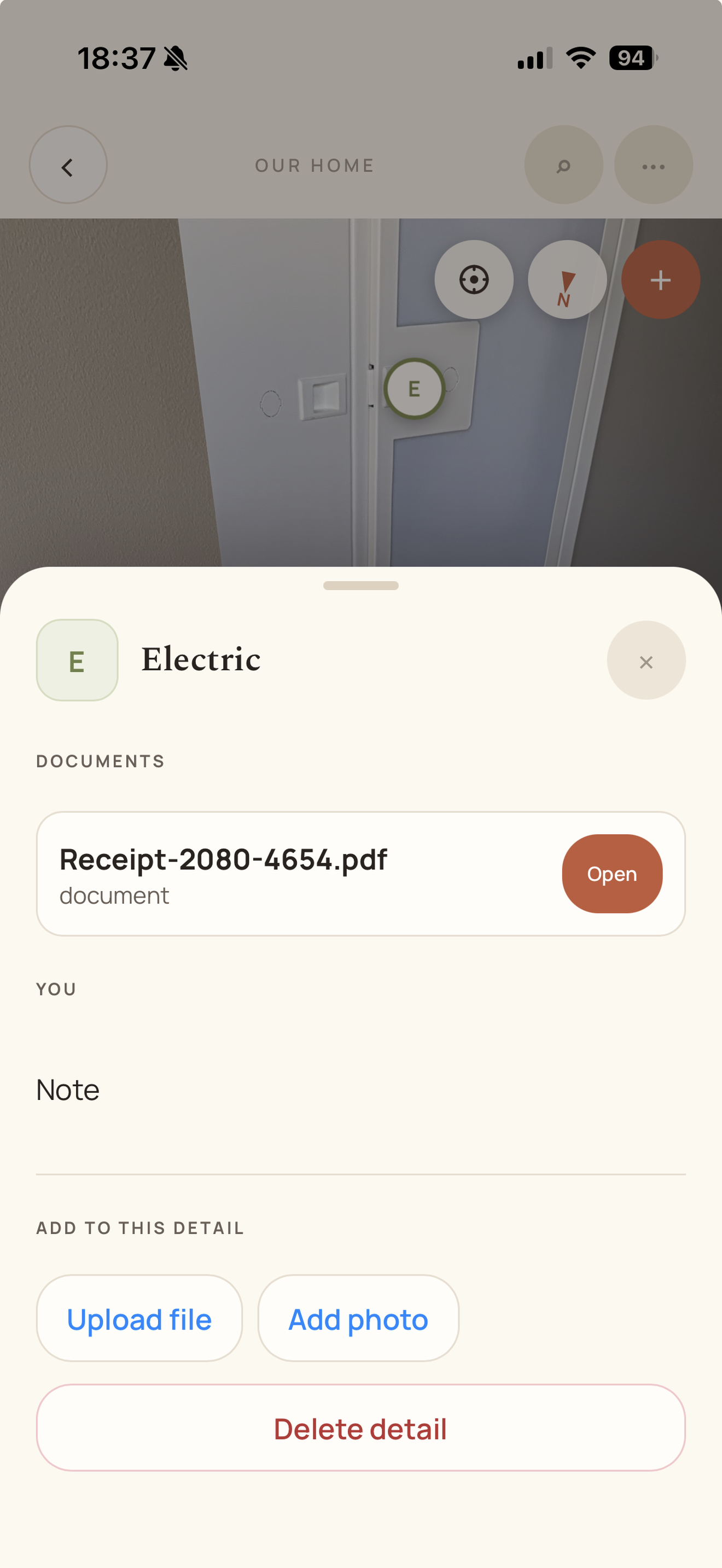
You move through the house in a 360° tour or on a floor plan. Open a pin on the oven and the manual is right there. Stand in the hallway and see what is behind the plaster from when the walls were still open. Save something before you know exactly where it belongs and find it later in search.
Build stages are part of it, not the whole story. Framing, rough in, finished. You can flip between layers at the same spot and keep a record of how the house was put together. That is useful during a project. It stays useful years later when you need to remember what is inside a wall.
You can invite family or trades into a home with different roles. Owners run the show. Editors can add captures and details. Viewers can browse without changing anything.
Read more and check out the webpage on WEB
Or the apps on
Android
IOS
Instagram
How I made the ads for it: Making AI ads for HomeFolio
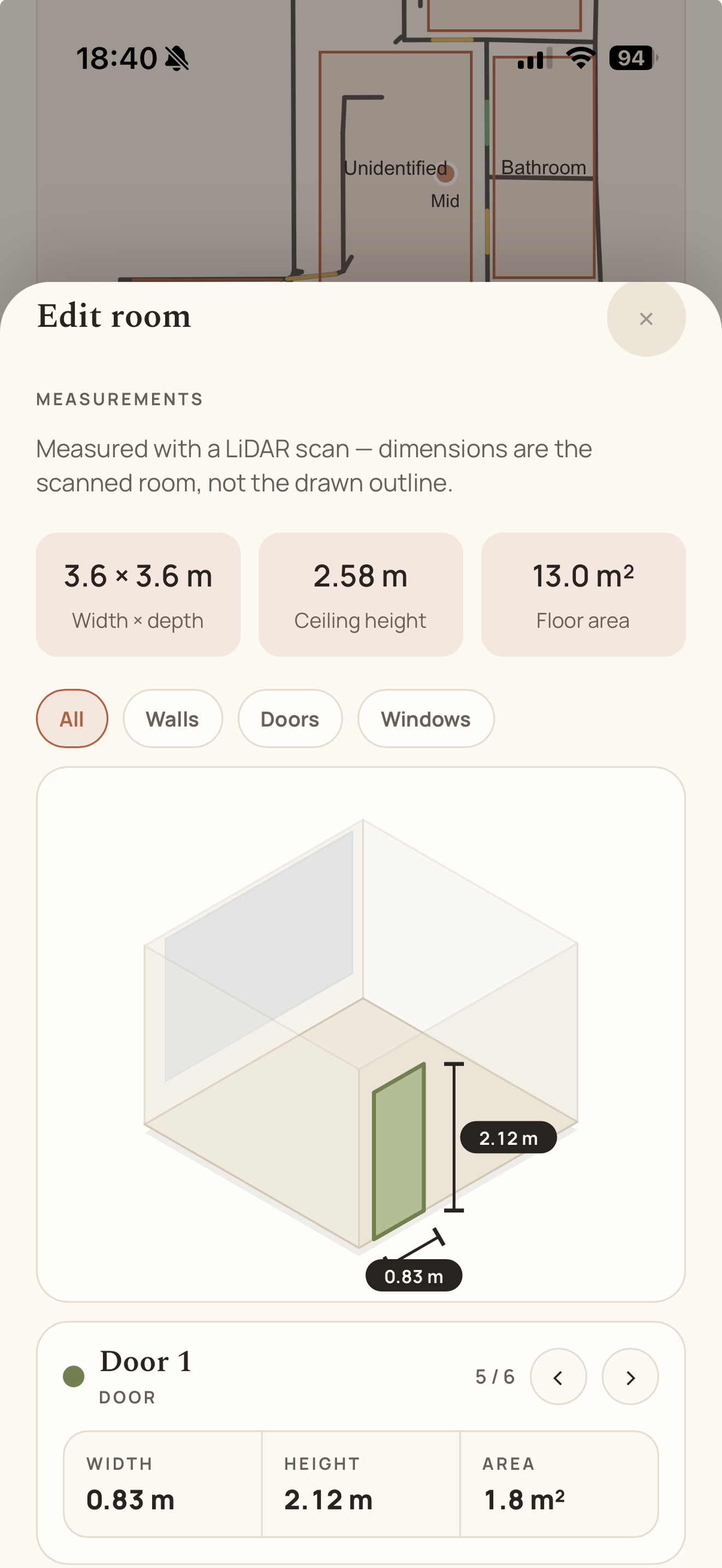
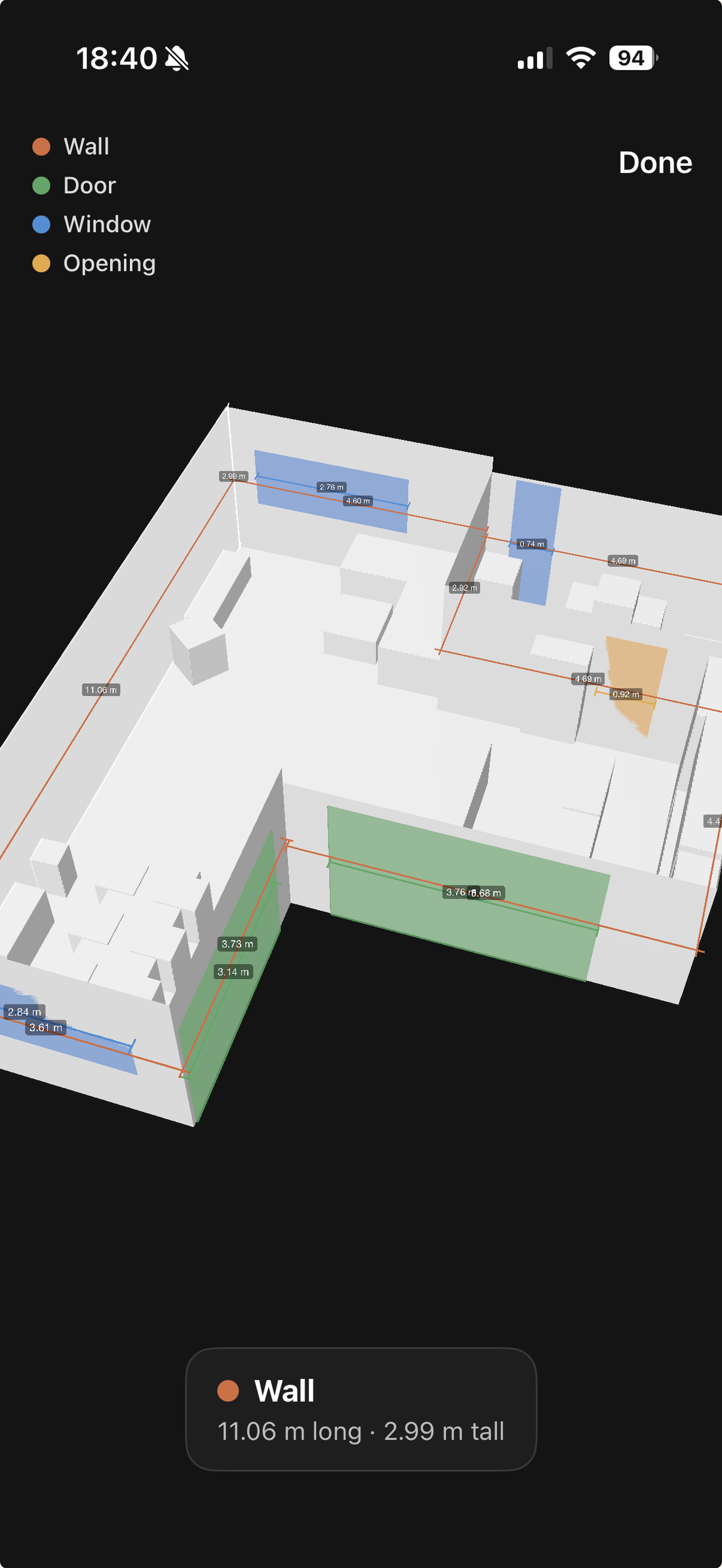
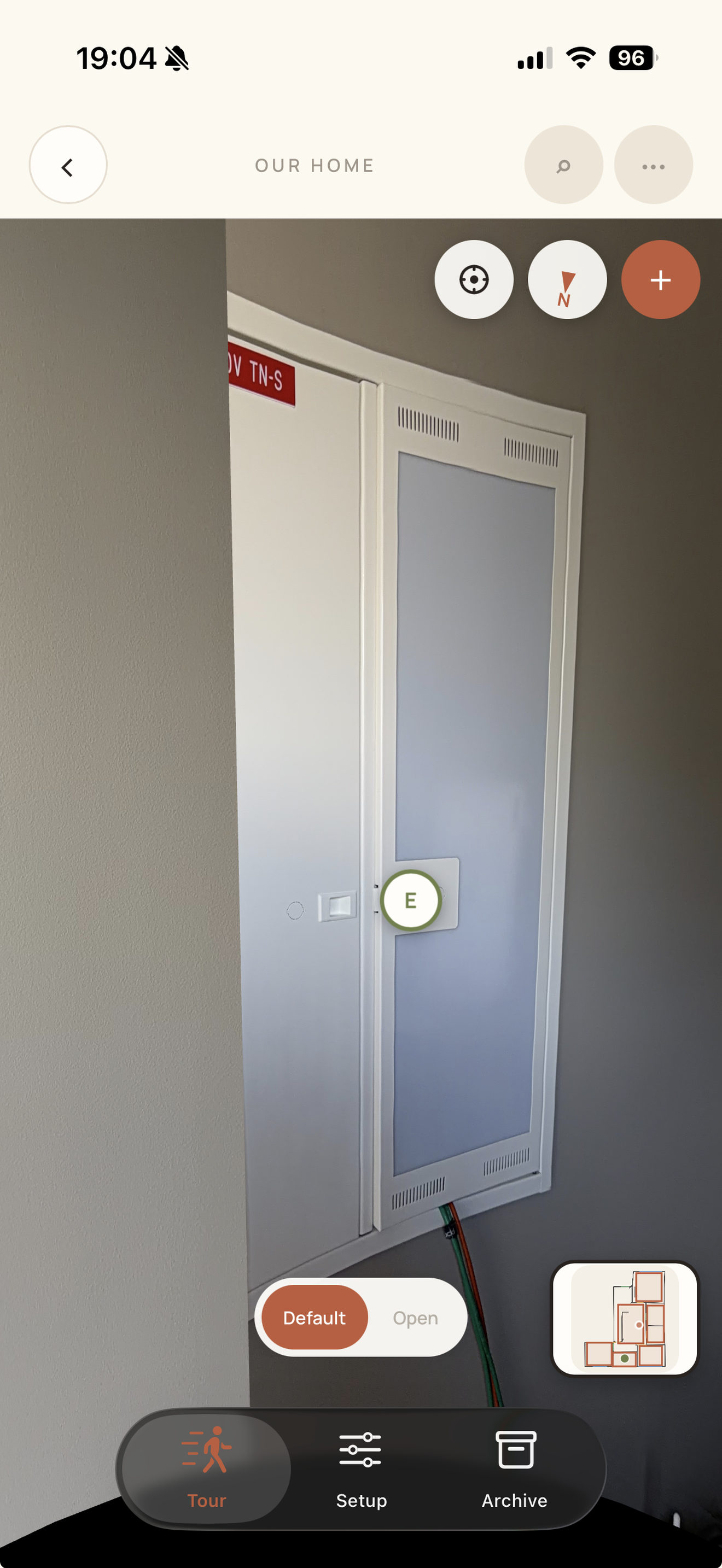
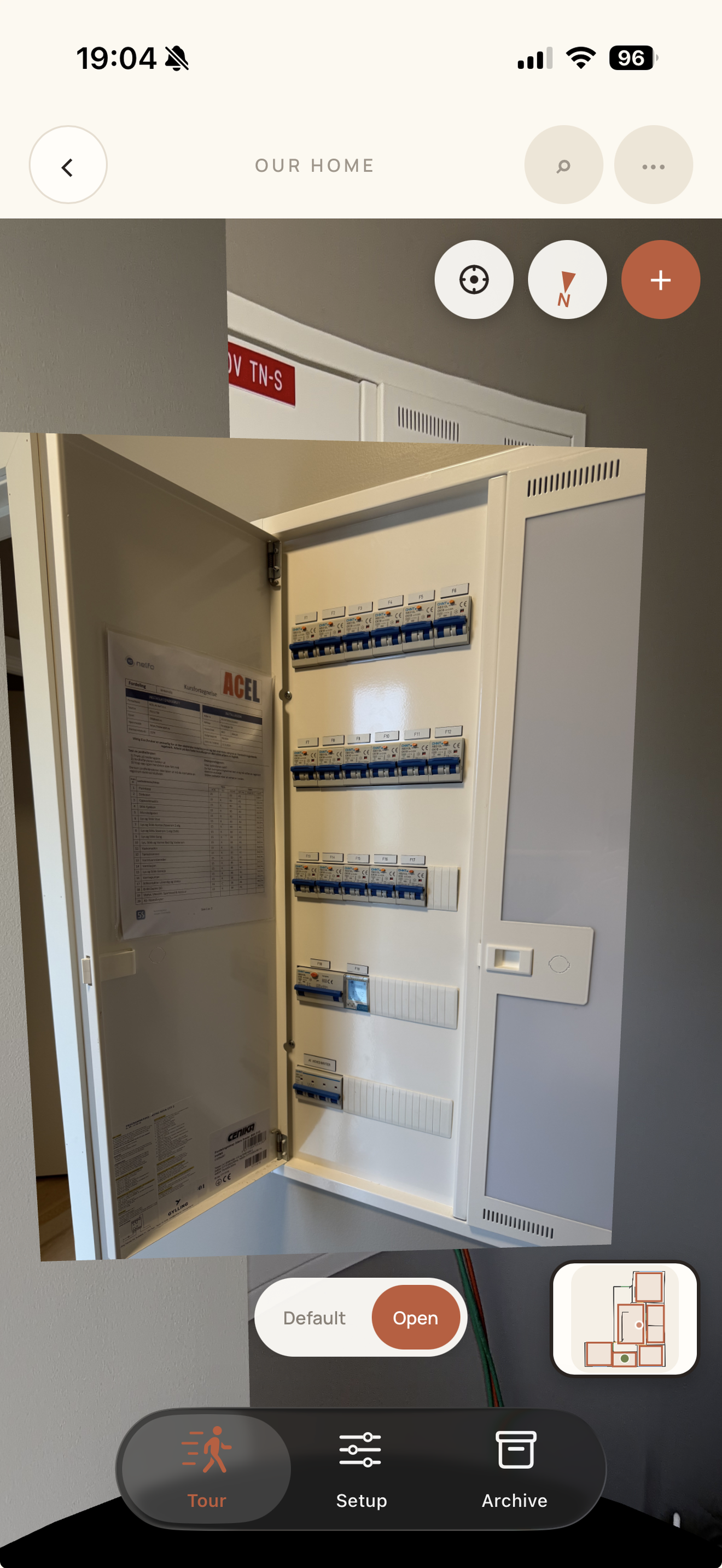
feature list
HomeFolio is a home record: a 360° walkthrough, a floor plan, and the manuals, notes, and upkeep that belong to each room.
Homes & sharing
- Create homes, name them, and set an address
- Multiple floors per home
- Invite household members as owner, editor, or viewer (email or shareable link)
- Switch between homes from the home screen
Floor plan & rooms
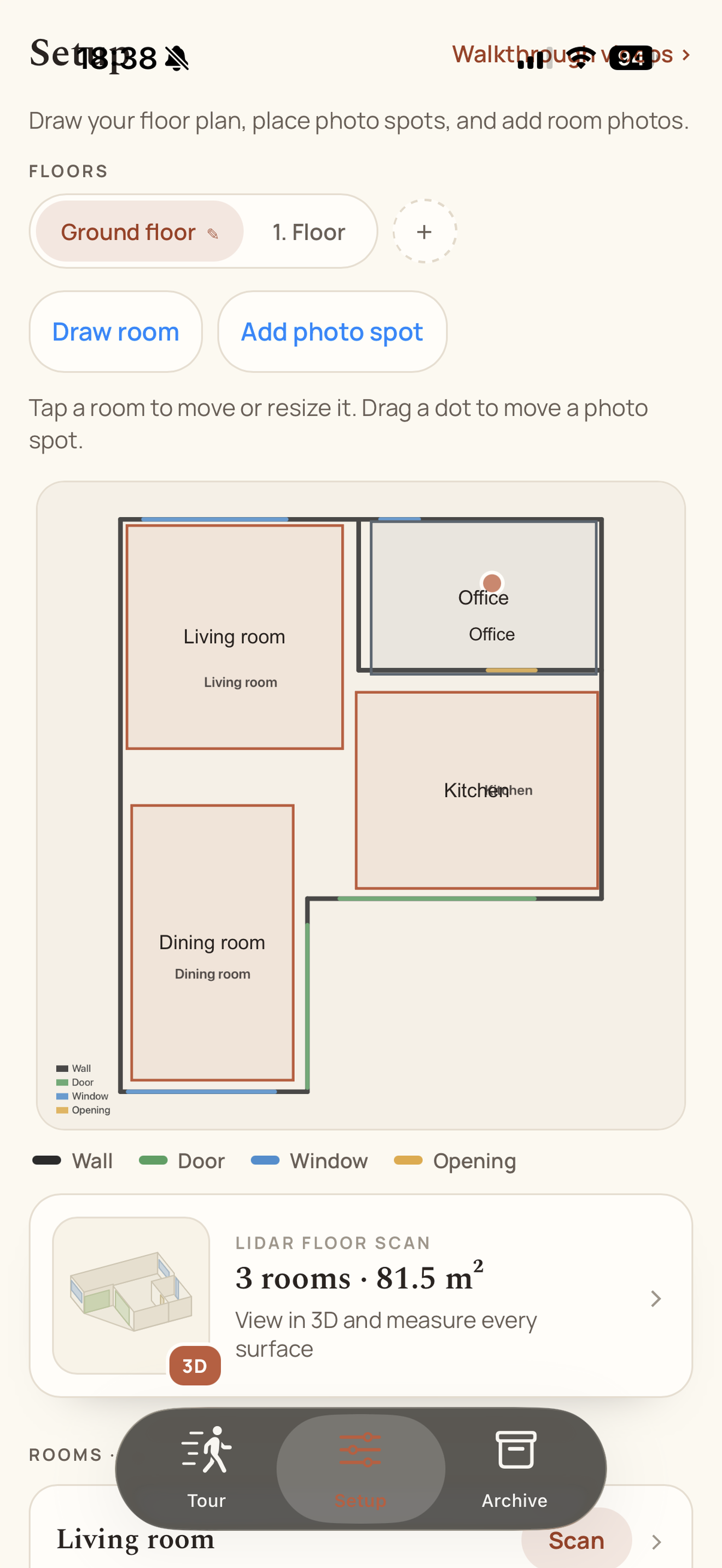
- Draw rooms on a tap-to-edit floor plan (move, resize, colour, rename)
- Place photo spots on the plan and link them into a tour
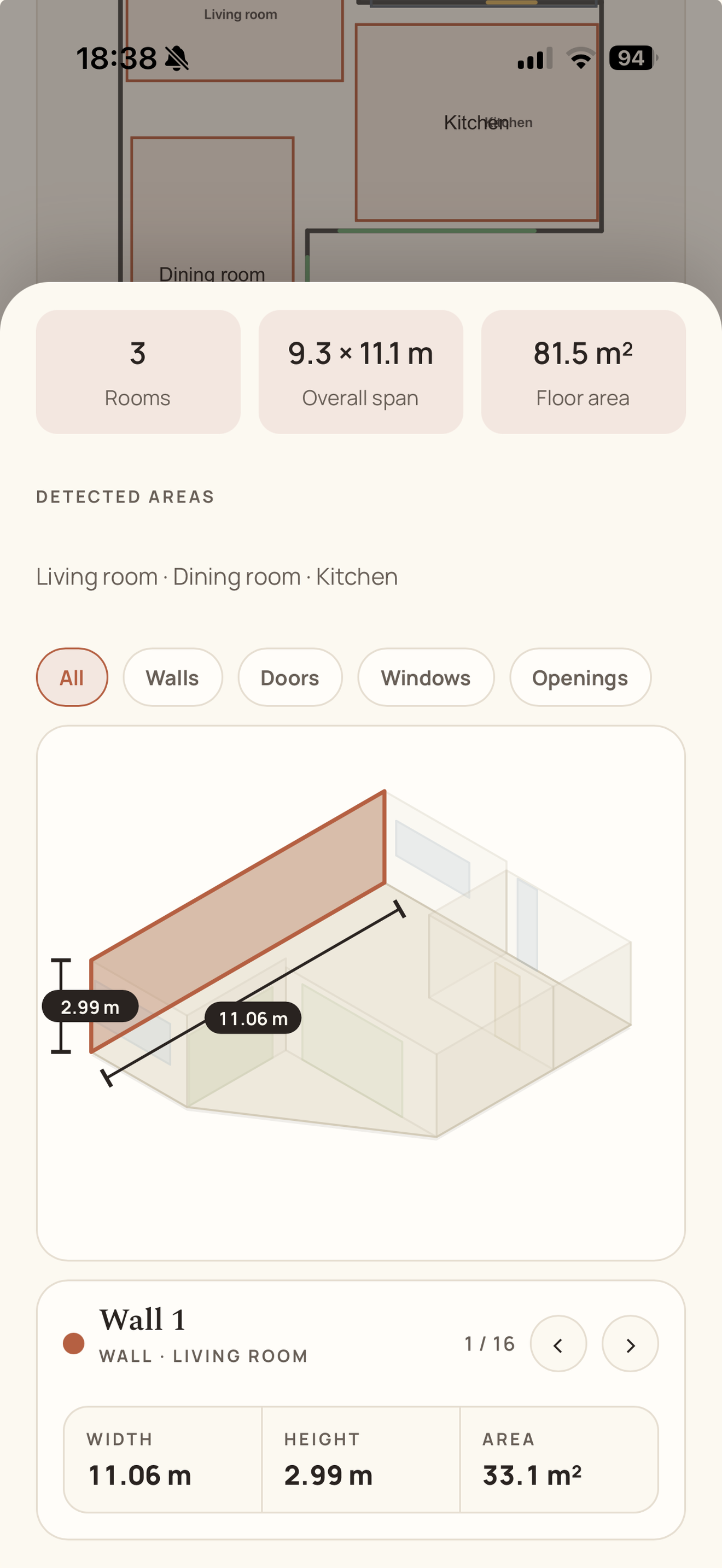
- Optional LiDAR scan on a recent iPhone or iPad: per-room measurements, whole-floor scan, USDZ 3D model
- Turn a floor scan into a plan background and derived rooms
- Wall elevations with dimension chains; correct measurements by hand on any platform
360° tour
- Street View–style walkthrough with arrows between spots
- Gyro look-around on the phone
- Layer rail (Framing / Rough-in / Finished, plus your own layers)
- Mini floor-plan overlay to jump to a room or spot
- Compass / north calibration for navigation arrows
- Walkthrough videos with panorama extraction
- Insta360 and HEIC conversion on upload
Pinned details
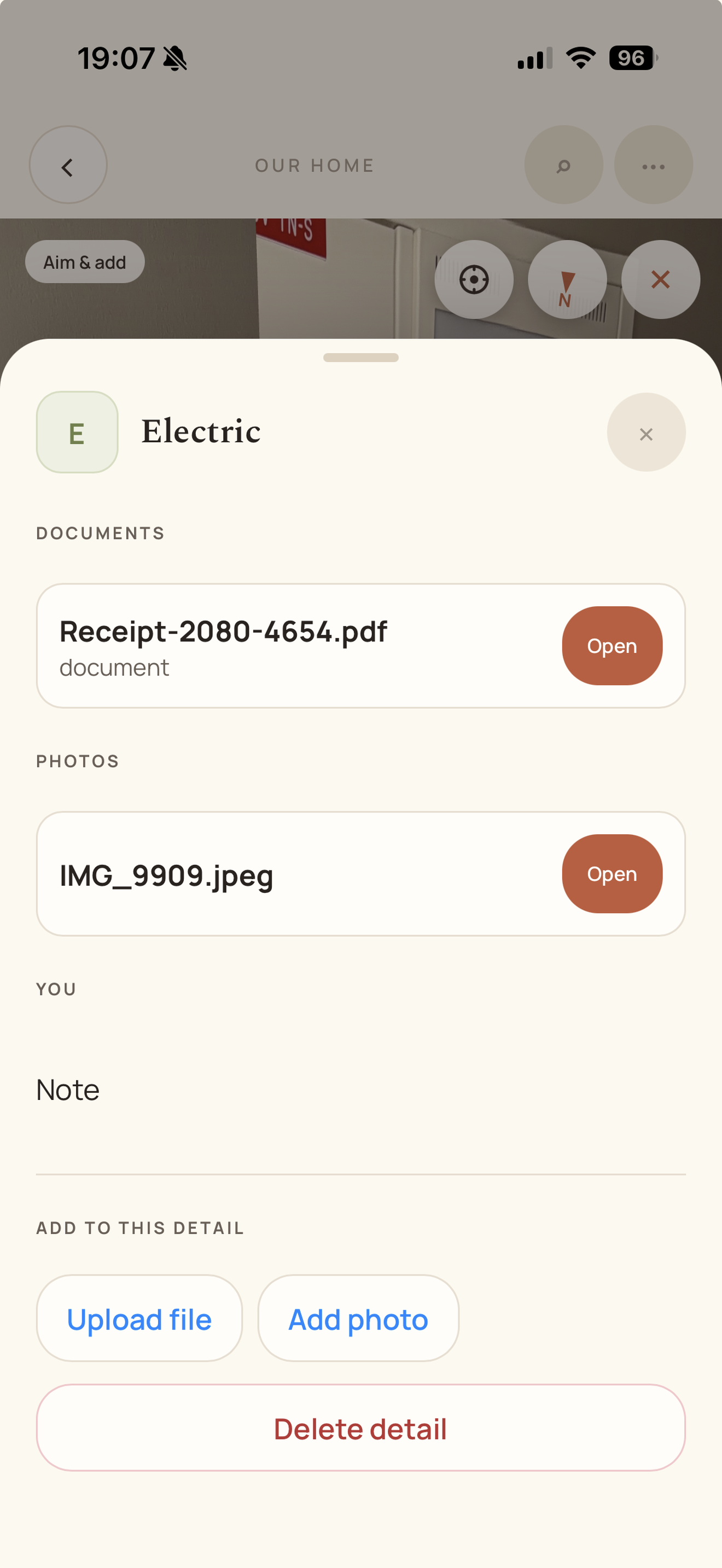
- Pin a photo, note, document, link, or contact to a point on the 360°
- Place ordinary (non-360) photos on the tour as overlays
- Save items with no location yet, then place them later
- In-app viewer for PDFs, photos, and video
Search & archive
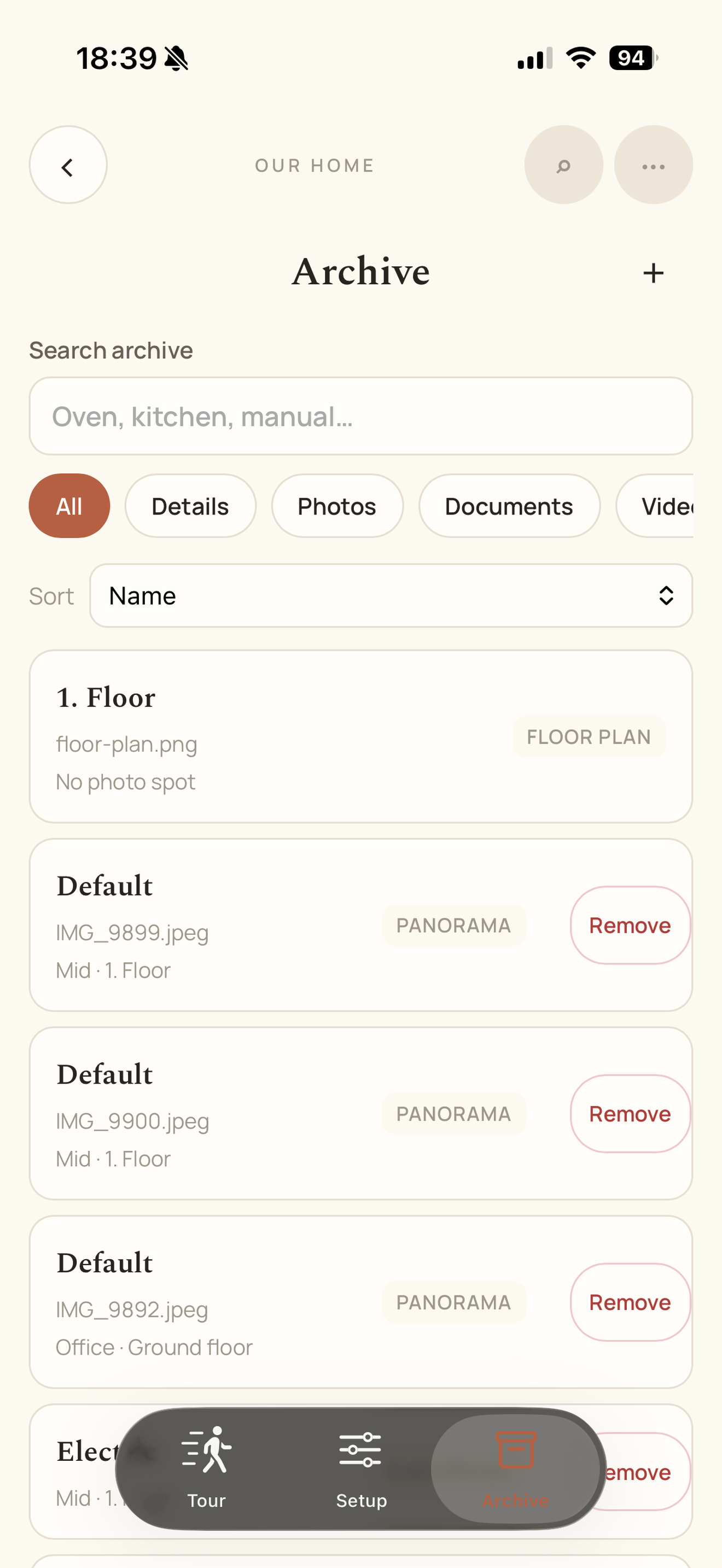
- Search pins, notes, documents, links, and contacts
- Archive of everything in the home, with filters (details, photos, documents, videos, panoramas, floor plans, unplaced)
Upkeep
- Recurring or one-off tasks (filters, chimney, gutters, and so on)
- Overdue / due soon / later, plus a month calendar
- Service history with cost, provider, and attached invoices
- Reminder badges on the home list (native push reminders exist; shopping-list live alerts are still planned)
Shopping lists
- Shared lists with quantities, notes, and photos
- History / “often bought” so clearing the basket does not lose the usual items
- Merge duplicates; viewers can look, editors can change
Account & platforms
- Email/password, Google, and Apple sign-in
- Forgot-password and email confirmation
- Change password, delete account, privacy policy
- Storage usage per home
- Web, iOS, and Android; five languages (English, Norwegian Bokmål, Northern Sami, Swedish, Danish)
- Feedback from anywhere in the app (message + optional photo)
AI access
- Personal API keys or OAuth so an assistant (Claude, Cursor, and similar) can look up items, read manuals, see what’s due, and add to the shopping list
- OpenAi Plugin
Not built yet
- Offline cache
- Vacuum map import
Under the hood
It is a native mobile app on iOS and Android, built with Capacitor and React. The 360° tour uses Photo Sphere Viewer. The floor plan editor lets you draw rooms over a background image.
A Go API sits behind it. MariaDB stores homes, spots, layers, pins, and metadata. Photos and documents live in object storage. The app talks to the API for everything, including media, so uploads and viewing stay simple on the phone.
Problems that were not obvious at the start
- Object storage looked straightforward until browser uploads got involved. Presigned URLs and CORS turned into a rabbit hole. We ended up sending files through the API instead. Slightly more load on the server, much less grief in the app.
- iPhone photos arrive as HEIC. The in app web view does not always know what to do with that. We convert on the server when files land so users can just take a picture and move on.
- We originally treated every detail as a pin on the tour. That meant you could not save "exterior paint" without standing in a room and aiming at a wall. We split the model so items can exist without a location, show up in search, get assigned to a spot later, and only appear on the 360° when you explicitly place them.
- 360° navigation arrows need to agree with the floor plan. Each capture stores a north calibration. You stand in the room, face map north, tap set north. Without that the arrows feel wrong even when the photos are fine.
- Regular photos on a panorama are not the same thing as the base 360° for a layer. One panorama per spot per layer. Everything else is an overlay with its own position in the scene. Mixing them in one place made the tour viewer confusing.
- That is the shape of it. A record of the house you can actually walk through, with the dull but important stuff attached to the place it belongs.