# Håkon Yndestad
> Building systems, flying lines, running trails, writing in the open.
From infrastructure and IT to full-stack development, architecture, and product creation. I build software end to end. If that’s what you need, let’s talk on LinkedIn.
- Role: Developer · Maker · FPV pilot
- Location: Ålesund, Norway
- Email: haakony@gmail.com
- GitHub: https://github.com/haakony
- LinkedIn: https://www.linkedin.com/in/haakony/
- YouTube: https://www.youtube.com/c/MountainSurfer
- Strava: https://www.strava.com/athletes/13571017
Canonical site: https://haakony.no
---
# about/CV
Source: https://haakony.no/about/cv

## Summary
I am a versatile resource with a wide range of skills and experience in electromechanics, radio networks, and telecommunications, as well as IT, programming, system building, film production, drone work, and more.
I am naturally curious and passionate about continually acquiring new knowledge and skills. Additionally, I am driven by problem-solving, whether it involves finding solutions for both customers and colleges or handling internal challenges and improvement initiatives.
These qualities and skills have helped me co-found two telecommunications companies, both of which achieved significant growth and established themselves as strong challengers in the industry, eventually being acquired by larger companies. These experiences have also provided me with insights into organizational development and running companies during growth phases.
In telecommunications, I have worked in various areas, from sales and customer service to troubleshooting base stations and traffic tracing.
And with over 20 years of programming experience, I have taken on roles as a lead architect and system developer for solutions used both externally and internally – ranging from automated systems and API frameworks to job-based backend systems.
Outside of work, I love staying active. When I’m not making videos or coding, you can usually find me in the mountains running, hiking, mountain biking, or skiing.
## Skills
- Solution-oriented
- Problem solving
- Structured
- Creative
- Highly adaptive
- Great at finding cost effective solutions
- Automating systems and Streamlining work processes
- Technology
## Work Experience
### 2025-2026 Saga Mobil AS
**Chief Technology Officer**
In addition to my CTO responsibilities, I have end-to-end (solo) ownership of internal automation and customer management systems (POS, CRM, ERP), including hosting, monitoring, and ongoing maintenance. The platform automates key workflows with a human-in-the-loop approach from telemarketing to shipping. It also manages customer data so helpdesk agents instantly see caller details on screen, without loading delays or pop-ups, enabling an efficient support experience with full control.
Systems:
- Apache Airflow to programmatically author, schedule, and monitor workflows.
- Metabase with APIs for manipulating and exporting reports and data.
- Bifrost, a software platform that connects multiple APIs, systems, and services, from changing or viewing customer data to presenting it in an easy-to-use UI, including POS, CRM, manager dashboards, sales pipeline, commission system, contact management, SMS and email templating with AI, event management with calendar, Microsoft Graph and Entra (Azure AD) for SSO and Graph API integrations, and AI chat for extracting data from MySQL and company files without sending sensitive data outside the organization.
- Min Saga mobile app, where customers can monitor usage, purchase data packs with Vipps or invoice, administer company or family subscriptions, download invoices, and change subscriptions.
Technologies:
- React Native · Go · TypeScript
- Android Development · iOS Development · Mobile Application Development · Mobile Application Design
- PostgreSQL · MySQL · Linux · Docker · Containerization
- GitHub · Software Architecture · Full-Stack Development · REST API
- Microsoft Graph · MetaBase · Artificial Intelligence (AI)
- Telecommunications · MVNO · Bulk SMS
### 2024-2025 Unifon AS
**Senior Developer / Product Manager**
My main focus was maintaining systems developed in the previous company and leading the development of a new software solution for managing information from a wide range of other systems built with Go and React.
With supporting solutions from Airflow with python for transforming data, and Laravel framework for a wide range of use cases.
I also did a lot of other things like.
- Automated systems for a range of services like collecting Zendesk statistics and analyzing data.
- Webhook integration cases for routing calls based on different criteria and more.
- Commission calculation systems, a massive system build in Laravel that handles commission from sales.
- Automated transcription solutions from conversations with analysis of calls via LLM.
- Responsible for several areas of the certification process for ISO-27001.
- Project Management.
- And a lot more.
Technologies: Laravel, Python, SQL, GO, Linux, Docker Airflow, PHP, Erate, Telavox and more.
### 2019-2023 Nortel AS
**CTO** *Nortel was sold to Unifon*
One of the first people hired where I managed the startup and closure of the technical side of the company.
- Planning, purchasing and execution of IT and infrastructure.
- Solving technical problems like finding 5G technical problems for Telenor, or solving delivery automation problems.
- Software deployment and planning of things like SalesForce, ITX, PowerBI and internally produced software.
- Managed and lead the IT and Development department as well as their employees.
- Developed automation tools for churn, commissions, sales, crm, delivery, customer onboarding.
- Integrating several external API's into internal systems for managing services.
- Managed communication between technical systems and management.
- Responsible for several areas of the certification process for ISO-9001.
- And a lot more.
Technologies: Laravel, PHP, Python, mySQL, mariaDB, msSQL, Linux, Docker, PowerBI, SalesForce, HubSpot, ActiveCampaign, API's, Erate, Telavox, several Telecom specific technologies and more.
### 2016-2019 Telia AS
**Technical Consultant**
In Telia I mainly solved highly technical problems in stage 2-3:
- Troubleshooting telecom networks by tracing and analyzing calls and patterns.
- Base stations troubleshooting.
- Call tracing in SIP capture software.
- Communication links between internal stakeholders and external producers and suppliers.
- IOT specialist and troubleshooting.
- Laravel development for internal tools
Technologies: Osix, WireShark and various proprietary tools
### 2016-2016 Phonero AS
**Technical Consultant** *Phonero was sold to Telia.*
I moved to Kristiansand and helped transfer systems and customers to Phonero.
I then transitioned to helping the technical department solve complex problems.
### 2009-2016 Mobitalk AS
**CTO / Leader Customer support** *Mobitalk was sold to Phonero.*
The first person hired and led the customer service and technical departments as well as IT and the development department.
- Managed customer service which handled all customer questions, on/offboarding, churn and delivery.
- Managed Technical department which handled all stage 2 and above support.
- Developed automation tools and large data extraction and viewing tools.
- And a lot more.
Technologies: Laravel, PHP, Python, mySQL, mariaDB, msSQL, Linux, Erate, Zendesk and more.
### 2008-2009 Saint AS
Outsourced for consultant work and technical support to various companies.
### 2007 Telehuset
**Sales**
Worked in Sales while attending "Høgskolen i Ålesund"
### 2003-2004 Military
Corporal in Military service for the engineering corps.
- Worked as HTV
- Teaching VIP's skills before visiting war areas, like first aid in an ARBC environment.
- Mine clearing, ect
### 2000-2002 Sunde AS
**Automation Mechanic**
Worked as automation mechanic.
- Creating, fixing and maintaining large automation production processes.
## Other Experiences
### Drones
- Photography and video production with drones.
- [MountainSurfer](https://youtube.com/c/MountainSurfer)
- Building and programming drones from scratch
- [Birth Of A Drone](https://youtube.com/watch?v=CPR-Q-ftwgw)
### Photo and Video
I was hired to do photo and video of "Superlekene" two years in a row.
- [Superlekene 2023](https://haakony.no/posts/superlekene_2023/)
- [Superlekene 2024](https://haakony.no/posts/superlekene_2024/)
I also have done various other tasks like weddings, and sports events.
### Unity
Multiple completed concepts of various setups like.
- VR: [VR development](https://youtu.be/xg4RlVm_BY0?si=gGWzRM0JhNSKMca8)
- Games: [Agent pathing and turrets.](https://www.youtube.com/watch?v=9kcDRhGhlcU)
- Video production: [Synergize the Eco plan](https://youtube.com/shorts/gxwq1LwCMhI?si=q1PFFB88EyGjGf3u), or [A singing frog joke](https://www.instagram.com/p/CR1pqjSJeP2/)
- And more.
### Product Development
I did a exercise of creating a product from scratch and named it Desky.
The Desky was just a wifi connected small monitor that displayed information like temp and humidity as well as things selected on a config page online like BTC price.
The project involved
- Learning 3D printing before 3D printing was mainstream.
- Learning C++ for programming ESP32
- Learning hardware and schematic design.
- Learning how to scale up production.
I didn't do anything else then give them away to friends and family, this was purly because it was interesting.
While the project is dead I still have some content from the experience [Desky build](https://youtube.com/watch?v=2CATVRR7Ejk)
Later I changed the platform for E-Inc paper which proved a lot more energy efficient and could just use a battery for a long time.
The project still sits on [GitHub - Desky2](https://github.com/haakony/Desky2-1.15-E-IncDisplay)
[The kokkoro box](https://haakony.no/posts/the-kokkorobox/) was also part of this experience.
### Motorbike Mechanic
In 2004~ I Worked as an on-site motorbike mechanic with a racing team in Norway and Spain.
## Languages
- Norwegian: Native
- English: Fluent
## Hobbies
- Mountain Bikes, I often bike up and down mountains.
- Trail running and hiking in the mountains
- Buldring, climbing
- Randonee, and general skiing
- Drone flying and film making
- Development, hardware and software
- Photo
---

---
# Development sidequests
Source: https://haakony.no/posts/dev-sidequests
Published: 2026-07-17
Topics: development, arduino, esp32, hardware, embedded
# Sidequests rant
Do you ever just get 10 ideas you want to explore, but spending 3 months finding out if it's a good idea makes that idea disappear?
Well. Good news! Now that we have AI, it's just a matter of pushing some buttons and you have a POC.
It's crazy to think that something I would spend 3 months doing is now 3 days of angry typing to an AI, but seriously.
{{< gallery cols="3" >}}
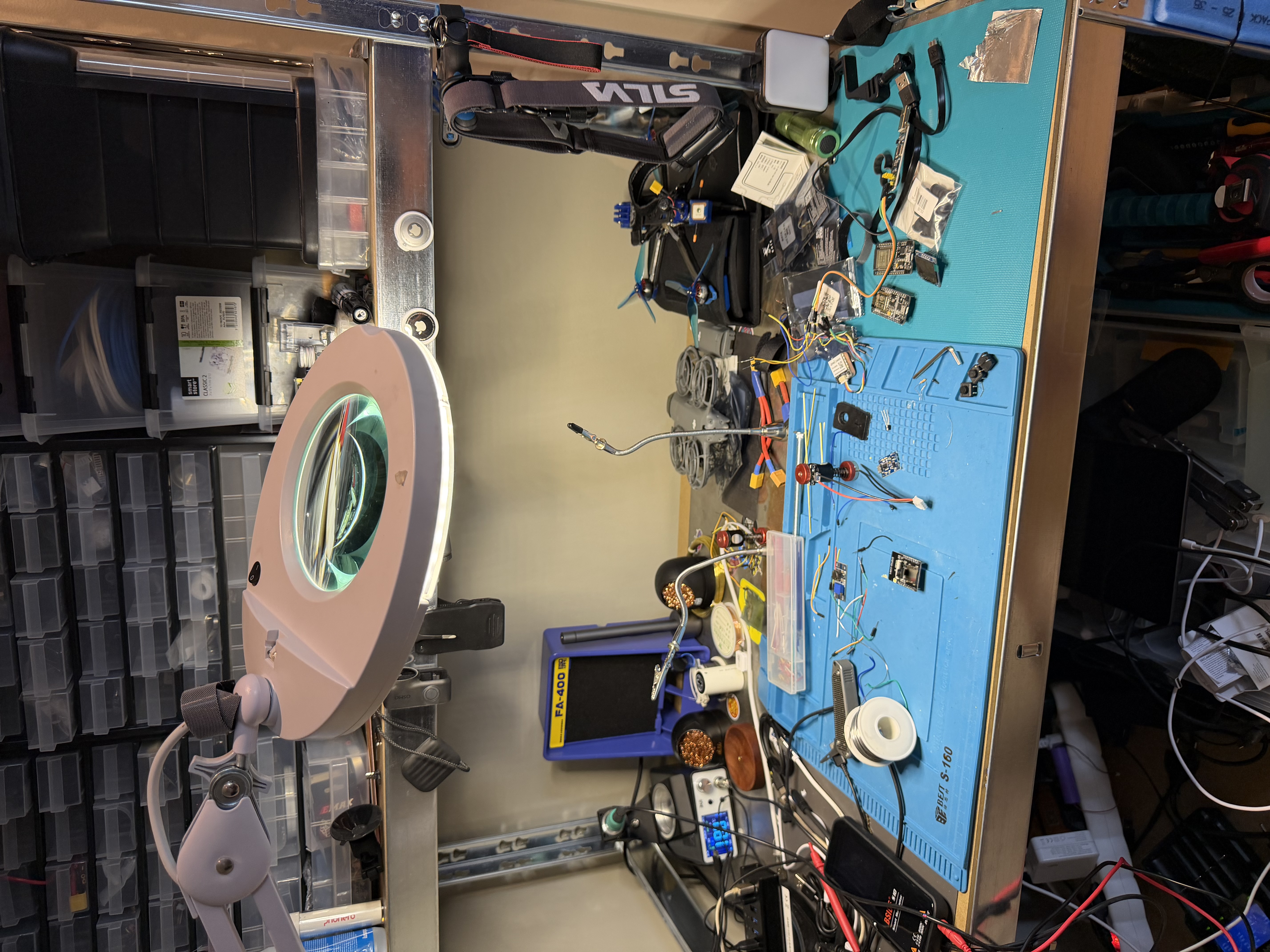
{{< /gallery >}}
## Project lookout
We have this cat and she usually just hangs out around the area and just comes home for food and at night.
But sometimes she wants in and we can't hear her.
I didn't want to spend about 5k NOK on a doorbell thing at the moment, so of course I decided to make something.
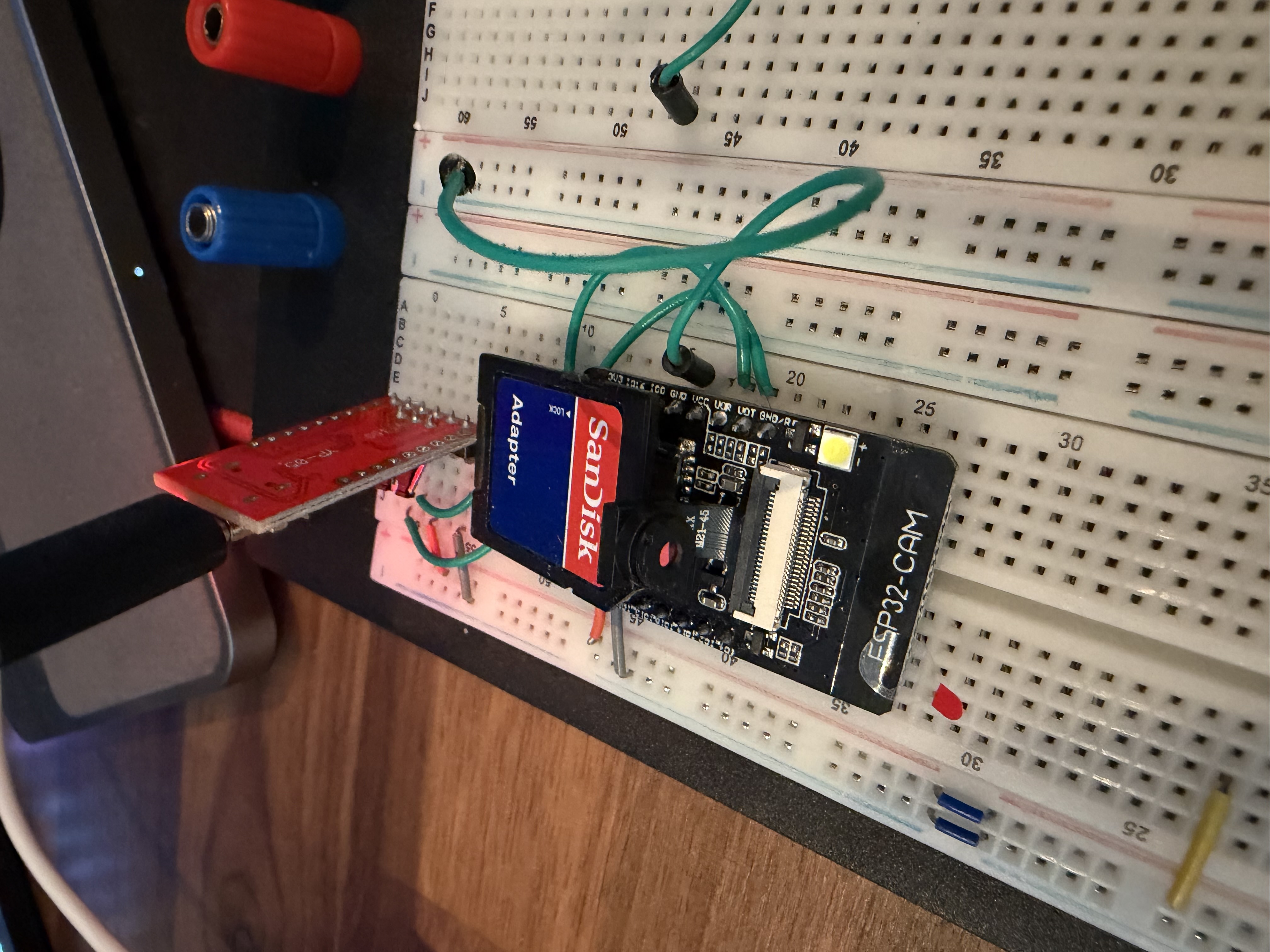
So the $10 esp32-cam it is.
Just add a USB serial reader and program in some firmware, get it online so we can do some updates over the air, and boom we have a prototype.
Now we just set it to take a picture, do some math on the device to see if something changed, and if it did, send max 1 per x seconds.
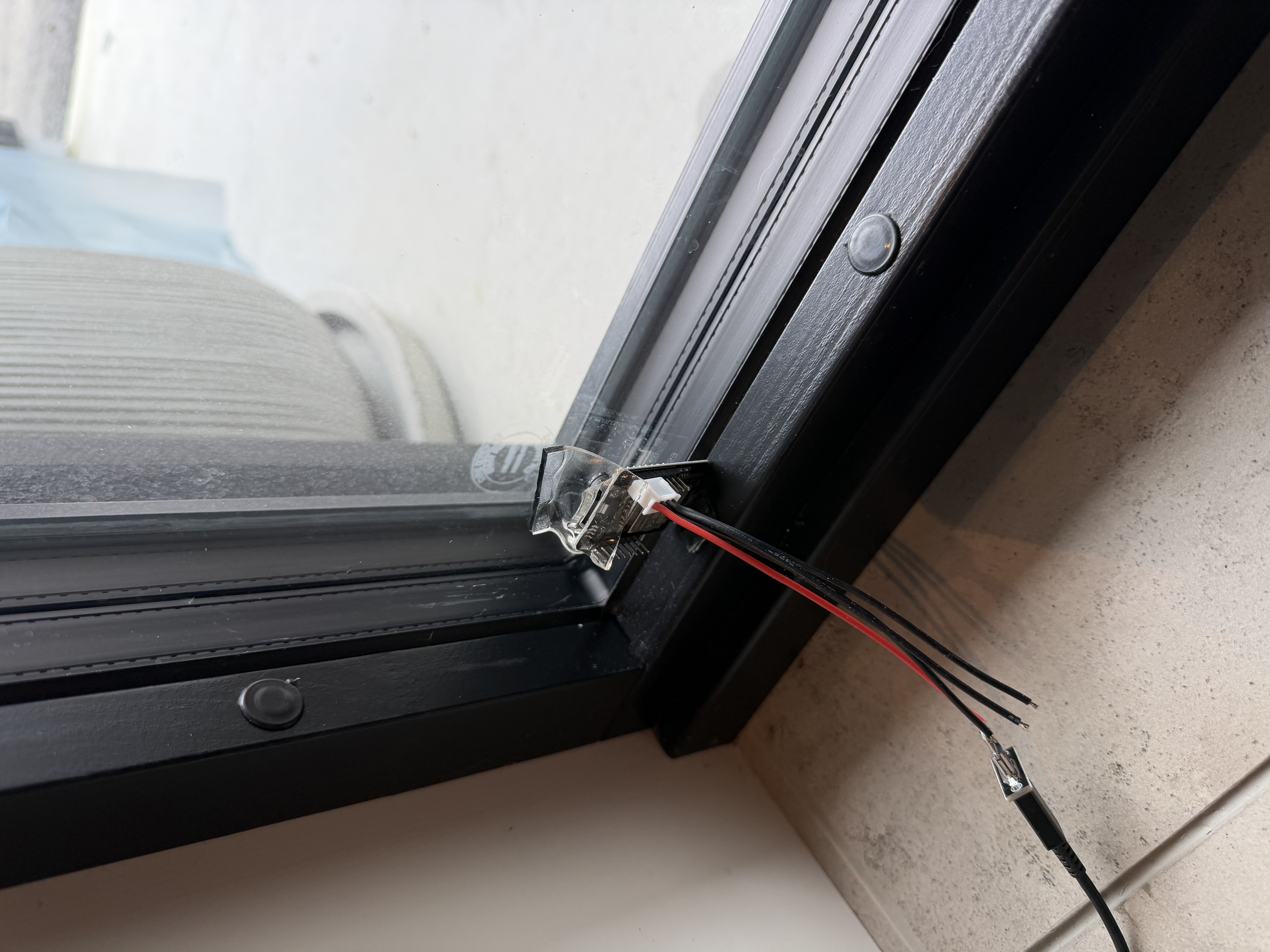
And for a prototype I just soldered on a USB-C power board giving 5V and taped it to the window.
I added some backend and YOLOX for decoding, then some notifications based on what it can see, like a "cat", then it just notifies me if it sees a cat on Mattermost.
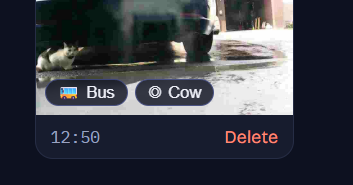
Crazy thing is that it's a working prototype running on 3 Docker containers in a Docker Compose and it detected the cat on the first try.
It thinks it's a cow, but what can I say? I completely understand the mistake :D
# Moving on
Am I going to do something more with this?
I don't know. I have ordered some more cameras, some with motion detectors and some with better cameras with different SOCs. I am thinking of having one in the garage just to check if the door is open, because why not, using just a magnetic or tilt detector is just not fun.
Maybe a mail detector in the postbox? Who knows, we will see.
Hit me up if I should do something or if you want in on something here.
---
# HomeFolio
Source: https://haakony.no/posts/homefolio
Published: 2026-07-07
Topics: development, app
# Stage - under development
# HomeFolio
HomeFolio is meant to live with the house. Not just during a build or a renovation. For as long as you are there.
The idea is simple. Your home has a lot of small facts that never quite have a home of their own. The toaster manual. The paint color on the living room wall. The warranty for the windows. Which breaker is the kitchen. The number for the plumber who actually showed up. HomeFolio is where all of that goes, tied to the room or the spot where it matters.
You move through the house in a 360° tour or on a floor plan. Open a pin on the oven and the manual is right there. Stand in the hallway and see what is behind the plaster from when the walls were still open. Save something before you know exactly where it belongs and find it later in search.
Build stages are part of it, not the whole story. Framing, rough in, finished. You can flip between layers at the same spot and keep a record of how the house was put together. That is useful during a project. It stays useful years later when you need to remember what is inside a wall.
You can invite family or trades into a home with different roles. Owners run the show. Editors can add captures and details. Viewers can browse without changing anything.
## Under the hood
It is a native mobile app on iOS and Android, built with Capacitor and React. The 360° tour uses Photo Sphere Viewer. The floor plan editor lets you draw rooms over a background image.
A Go API sits behind it. MariaDB stores homes, spots, layers, pins, and metadata. Photos and documents live in object storage. The app talks to the API for everything, including media, so uploads and viewing stay simple on the phone.
## Problems that were not obvious at the start
* Object storage looked straightforward until browser uploads got involved. Presigned URLs and CORS turned into a rabbit hole. We ended up sending files through the API instead. Slightly more load on the server, much less grief in the app.
* iPhone photos arrive as HEIC. The in app web view does not always know what to do with that. We convert on the server when files land so users can just take a picture and move on.
* We originally treated every detail as a pin on the tour. That meant you could not save "exterior paint" without standing in a room and aiming at a wall. We split the model so items can exist without a location, show up in search, get assigned to a spot later, and only appear on the 360° when you explicitly place them.
* 360° navigation arrows need to agree with the floor plan. Each capture stores a north calibration. You stand in the room, face map north, tap set north. Without that the arrows feel wrong even when the photos are fine.
* Regular photos on a panorama are not the same thing as the base 360° for a layer. One panorama per spot per layer. Everything else is an overlay with its own position in the scene. Mixing them in one place made the tour viewer confusing.
* That is the shape of it. A record of the house you can actually walk through, with the dull but important stuff attached to the place it belongs.
---
# Kinetiq
Source: https://haakony.no/posts/kinetiq
Published: 2026-06-29
Topics: development, app, ai, image-generation, openai
# Kinetiq
## Stage - V1 complete - V2 in development
So I have my Garmin watch and my Strava account for keeping track of sessions, but they are mainly focused on cardio sports, which is fine.
But I wanted to track strength training the same way I track my running and biking with stats showing progress.
Especially since I have my own garage gym with a power cage and all.
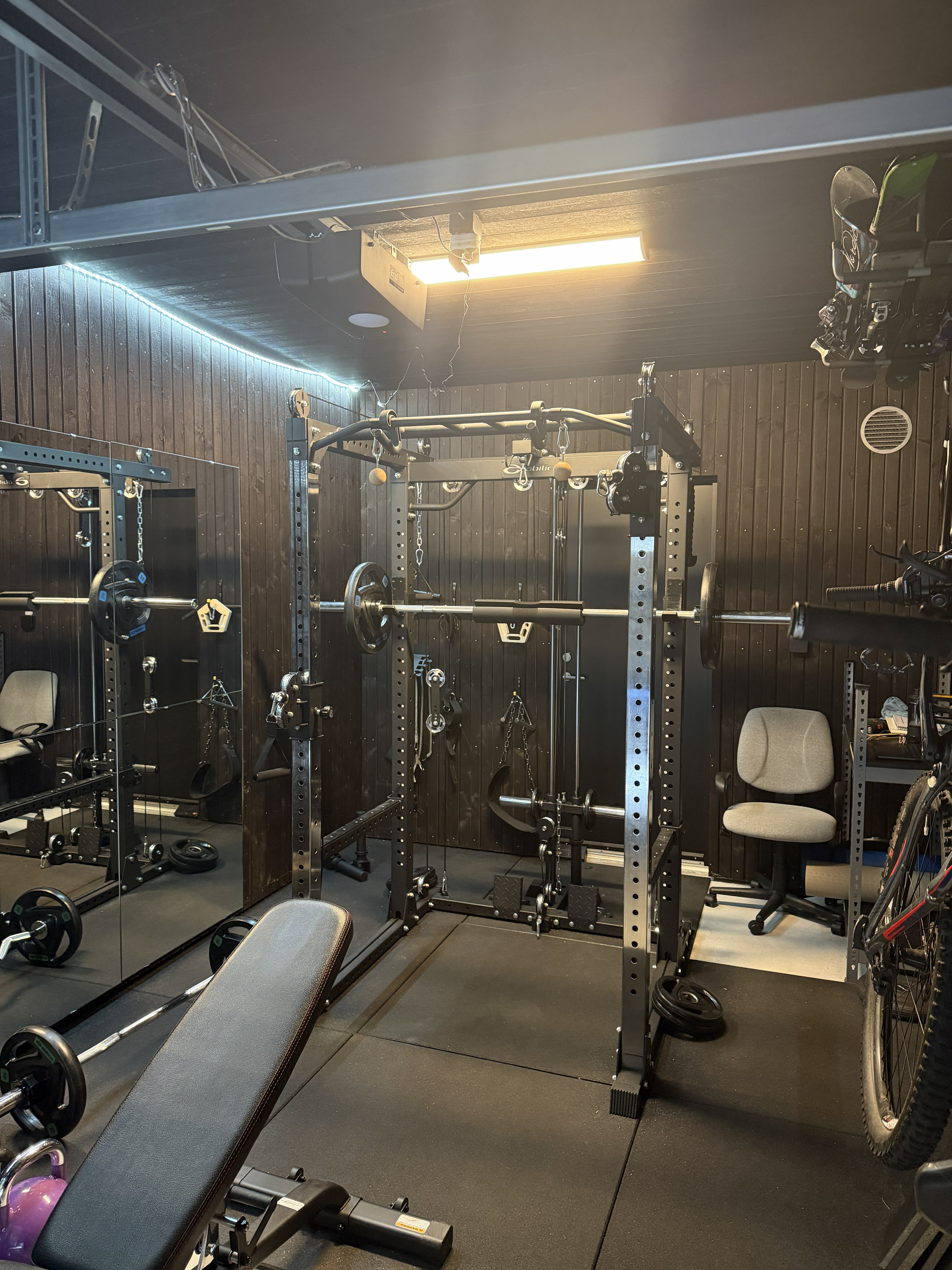{width=25%}
So I checked out a couple of apps and what I found was just a crazy-expensive subscription service; paying 100 USD per month is crazy.
So why not just make my own? How hard can that be?
So I wrote down some main things I need and want from the app.
## Needs:
1. Tracking progress per muscle, and progress per exercise. I want a graph telling me clearly if I am improving.
2. It needs to be super simple to enter each set.
3. I can't remember all the names for exercises, so we need some simple way of finding and adding them.
## Wants:
1. Vocal updates
2. Auto set tracking
3. Bluetooth connection for HR, Treadmill
## Tackling the needs and wants
### Tracking
Tracking the exercises is just a matter of data, so that is fine.
But doing it in an easy way, where you assume the user either doesn't know what the exercise is called or what it does, is a challenge.
I tried a multitude of things before I settled on the current iteration.
I found something called WGER and its open database of exercises that we can use. I pulled that in with the hopes of being able to use that to generate a more coherent dataset with an LLM.
So now I have the ability to generate new images and texts that are easier to understand and are more complete than what's found on WGER.
I use the WGER data with the image if it is there, then generate two texts: 1. a text describing the exercise; 2. a prompt for making the icon and a start and end position on the exercise.
And that worked great, but there are some problems: the current models on OpenAI don't know how to make the end positions, just the start positions.
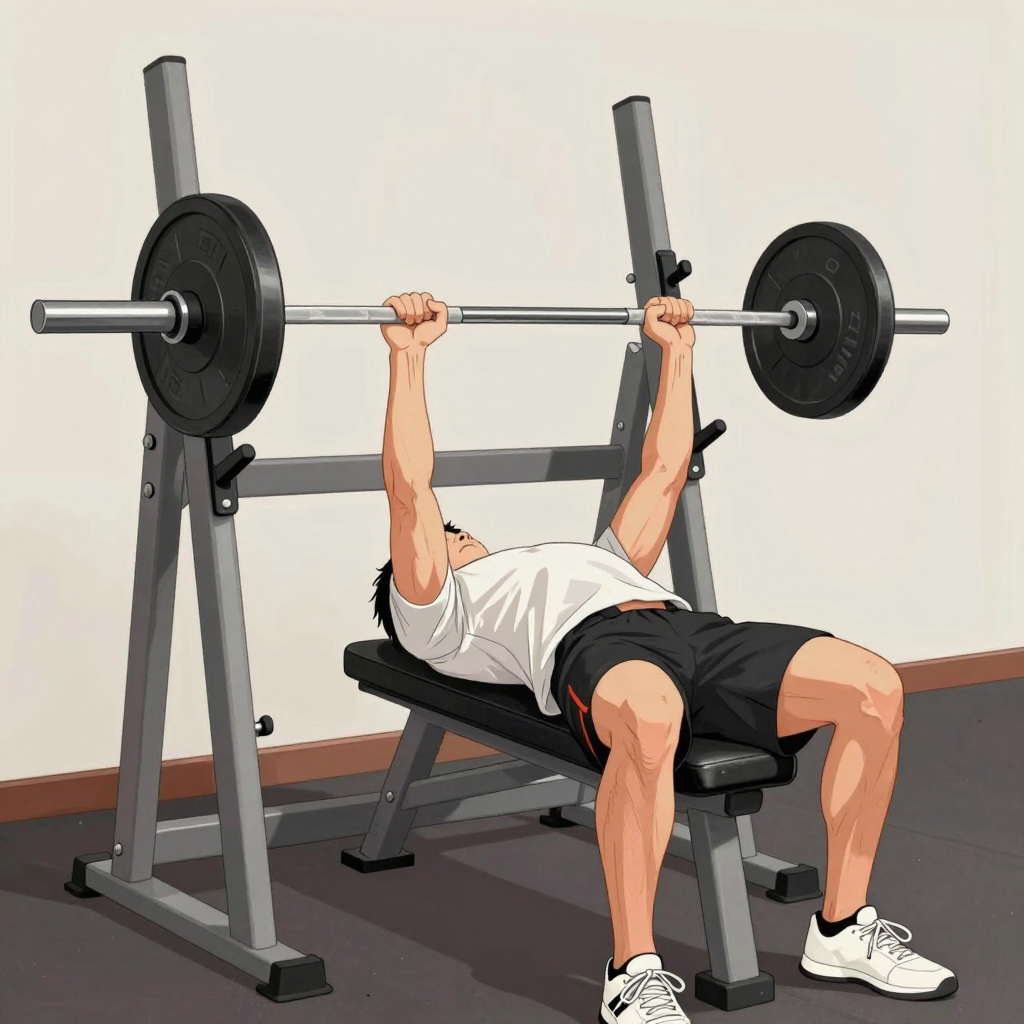{width=25%} 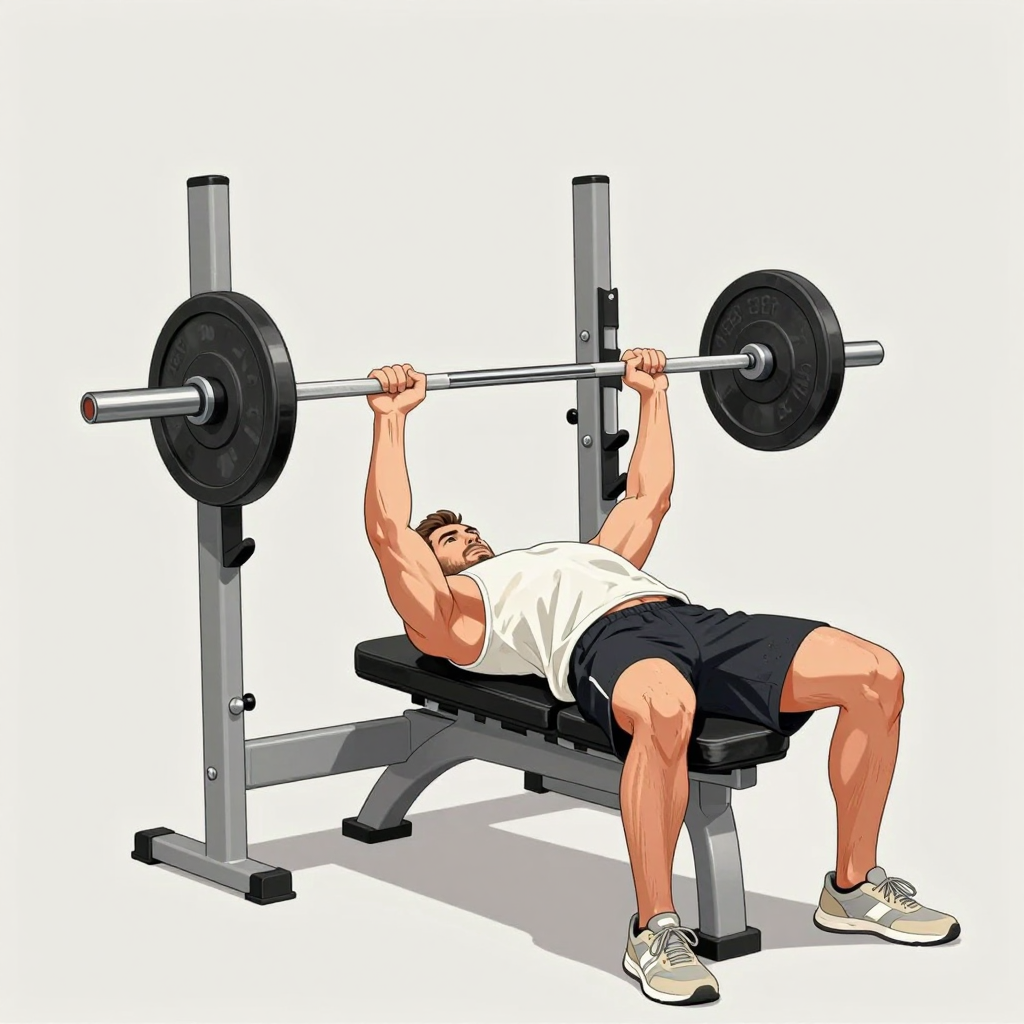{width=25%}
I noticed that using more expensive models greatly improved the situation, but I might wait a bit longer to generate the full set.
But on a positive note, I found the models were really good at explaining in text how to do the exercise and at generating icons for them.
### Vocals
As for the vocal updates, I use a local model to generate a quick text by providing the data the user has entered. For example, if the user has entered 80kg and 10 reps, we send that as well as the name of the exercise, and it returns a text that gets passed on to Elevenlabs for generation and then back to the server and out to the user for encouragement. Adding a voice like Duke Nukem just makes things a lot more fun.
The server saves the text and sound file so that we can reuse them, so we don't generate things all the time.
I also added some sounds to the rest timer so you get a "Back to work" or "Get back to work".
### Bluetooth
I still can't believe how easy this was to implement with the help of an LLM; it would have taken me months otherwise.
The app attaches to the watch or treadmill BLE connection to get the HR or machine data. It can get speed, distance and incline of the machine I have in the garage.
The major headache I had was that there is a problem connecting to multiple BLE connections at the same time, and I am still working on a solution to that.
But from just the watch, I can get both HR and location tracking.
### Auto set tracking.
I have some ideas on this and I am still thinking of how to accomplish it.
There are three things I am considering.
1. Audio analysis from the microphone.
2. Design an ESP32 with an accelerometer in an enclosure with a magnet. A small thing you can attach to whatever you lift and it tracks speed, time, sets, etc. It could also act as a BLE proxy.
3. Video analysis, phone camera?
We will see what I end up with.
# Progress
## 2026-07-02
I have been thinking of changing the storage solution over to some object storage and the same goes for all the apps and sites.
I don't have much need for it at the moment because there is no particular load, so there is no need for load balancing, and the space it takes is not much at all. But it is slowly creeping up on storage on the docker hosts, so I took a quick look into what to do with it.
It started this morning, and I found out I could set up an S3 storage solution on Unraid in a docker container.
Its called Garage-s3. I started reading up and configuring things; nothing worked, of course, until I remembered, we have AI now...
Yeah copilot made quick work of it and I got a pool up in minutes on the local network. It still blows my mind how quickly these things can just make things work. Anyway, I made a migration plan and got S3 hooked up on Kinetiq; this would have taken weeks normally.
I then took a quick look at why Strava had stopped syncing and I found out they wanted the devs to have a paid subscription for access to the API. And I am not paying 100 kr per month for Strava; that's insane.
I still haven't gotten back from Garmin about access to their API, so I needed a different approach. Looking online, it seems like it's a known problem of "we don't care", so some folks have written python libraries like some kind of scraping proxy where you get a REST API out of it. Amazing, but it was in python. Cursor made quick work of that, though, rewriting the entire thing and adapting it to our use case in a couple of minutes...
So in the absence of Strava, we managed to get something better, so I guess that's nice :)
## 2026-07-12
Ok so more things showed up.
I changed around the session storage of the activities from server authoritative that don't really make sense to instead sync the sessions with the server. As there is no reason to think that the user would cheat something like distance, there is no point in sending updates for everything.
I also added new Outdoor mode for Hikes and trailrunning etc, it has mapping, routing and even the ability to pre download areas on map incase there is no coverage where your going.
The mapping is mostly from "Norgeskart" so it should be good for Norway, with a fallback from global supplier.
---
# OreBound
Source: https://haakony.no/posts/Space%20mining%20game
Published: 2026-06-21
Topics: development, app, game
# How Orebound Is Built
Stage - In Development
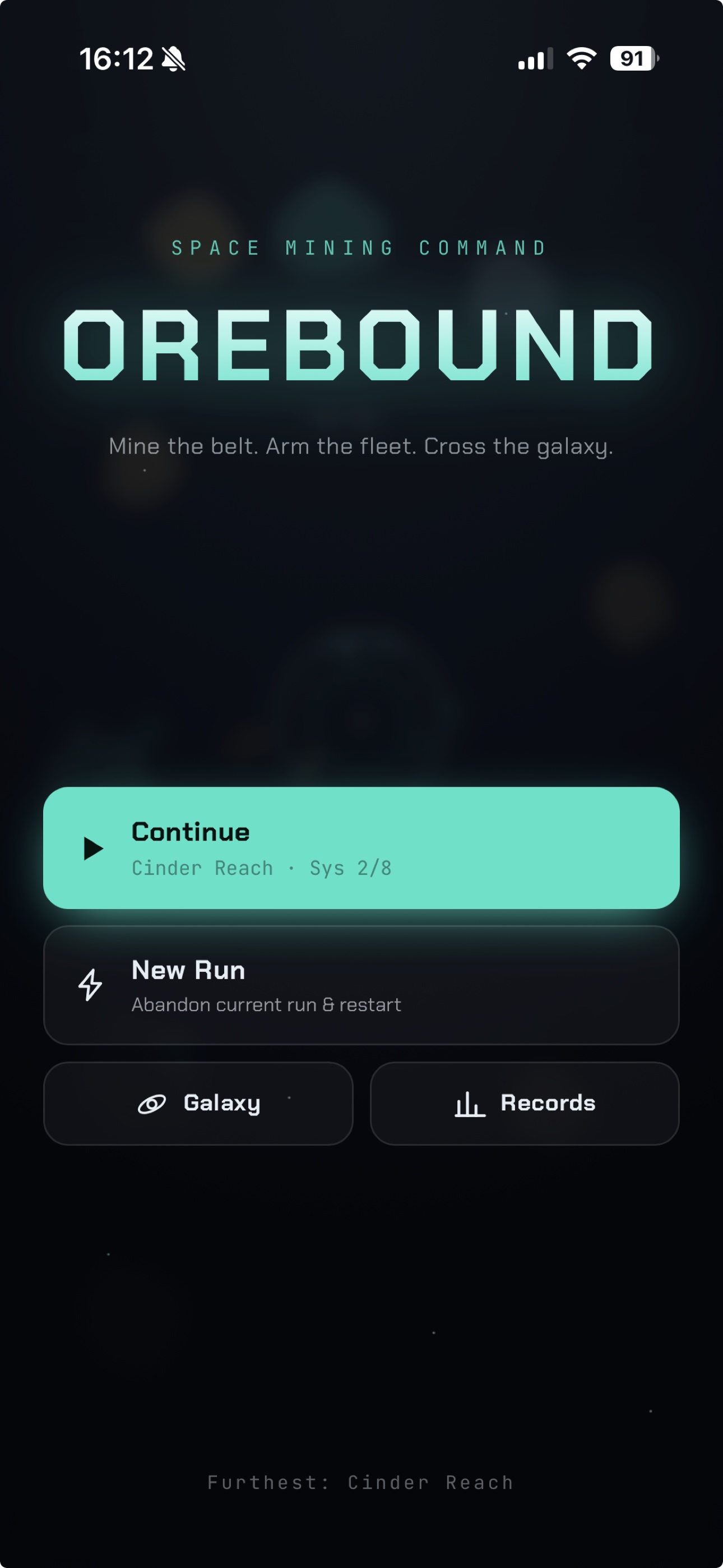
Orebound is a space mining command game — you manage a mining fleet, refine ore, research upgrades, and fight off waves of enemies as you jump between star systems. It ships on iOS and Android, but the game itself is a web app wrapped in a native shell.
## One codebase, two platforms
The stack is deliberately simple: React 18 and Vite for the app shell, Capacitor to package it for mobile, and plain JavaScript + Canvas 2D for the actual game. There’s no game engine framework — no Unity, no Phaser. The simulation is hand-written.
That choice keeps the project small and fast to iterate on. You develop in the browser (npm run dev), then sync the built bundle into Xcode or Android Studio with Capacitor.
{{< youtube wLBwmz6yb94 >}}
# Development
For this project I am considering using only AI, or as much AI as I can, to make this.
Example:
Claude for design (gfx)
Cursor for the main programming
Suno for music
## Progress
When the app was sent to Apple for review, they indicated that performance was low, so I went down a rabbit hole of detecting performance issues and reducing elements when performance got bad. I then started implementing PixiJS for GPU acceleration.
It's incredible how easy it is to just do a complete rewrite of the engine.
It looked like a kid had drawn it afterward, but we got that fixed along the way.
## Interesting Problems
As I test the game, there are immediate things I notice:
1. The game is too easy.
2. There is no point in playing the game more than once.
3. Players don't understand how to play the game.
4. Graphics.
5. Expanding gameplay with "addicting" minigames that might hook some players into watching ads.
1. Tackling the first has become some kind of ultimate challenge, increasing wave numbers and enemy health. I think there is a smarter way of doing this.
I am considering using machine learning to find what works best, but we will see where we land.
2. The second problem is that there is no point in playing more than once, so I made an endless mode. Still, there is nothing to gain from playing it more than once. So we need some way of gaining something over time that we can use to upgrade things permanently.
3. Even though I had a tutorial, players gave up trying to understand things, so I had to rethink the progression and tutorial, and we are going to try a new tactic by hiding and gatekeeping features until later. The campaign will then unlock more and more features as they progress. I also think maybe we will do some kind of minigame to unlock them.
4. Without having 2D graphics and relying on AI to make what I need, it's been a challenge to make graphics that fit, and I even might end up getting some human-built packs of sprites to fit in the game. But for now we are going to press on.
5. Realizing the fact that people aren't going to spend much time on the main game, I am expanding the game with some minigames. For now I am testing various things and how to fit them into the current systems.
# updates
After adding a large number of features and minigames i relize i needed a break from this so the rest is on hold.
The game is out on IOS and Android and can be played. But i will have to work more on this later.
## Expanded gameplay
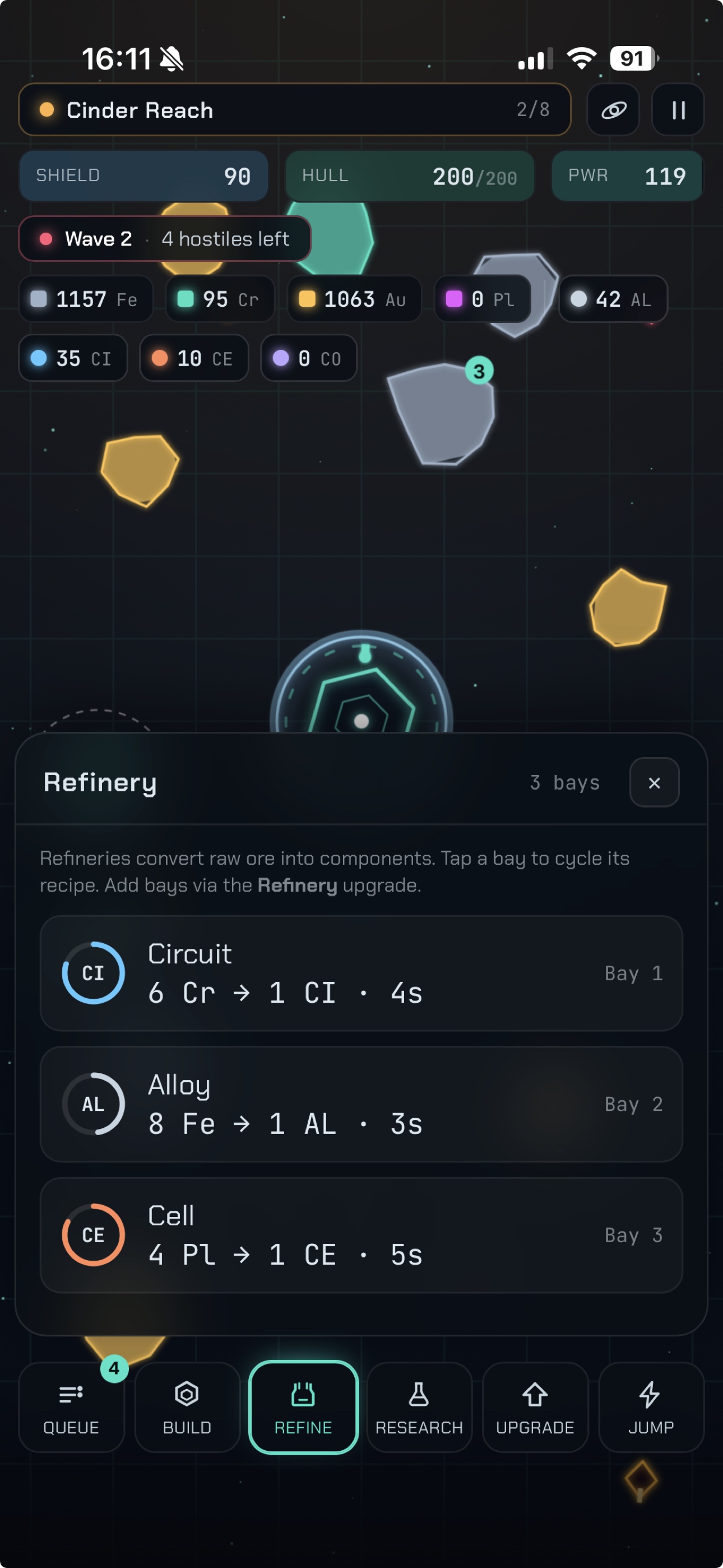
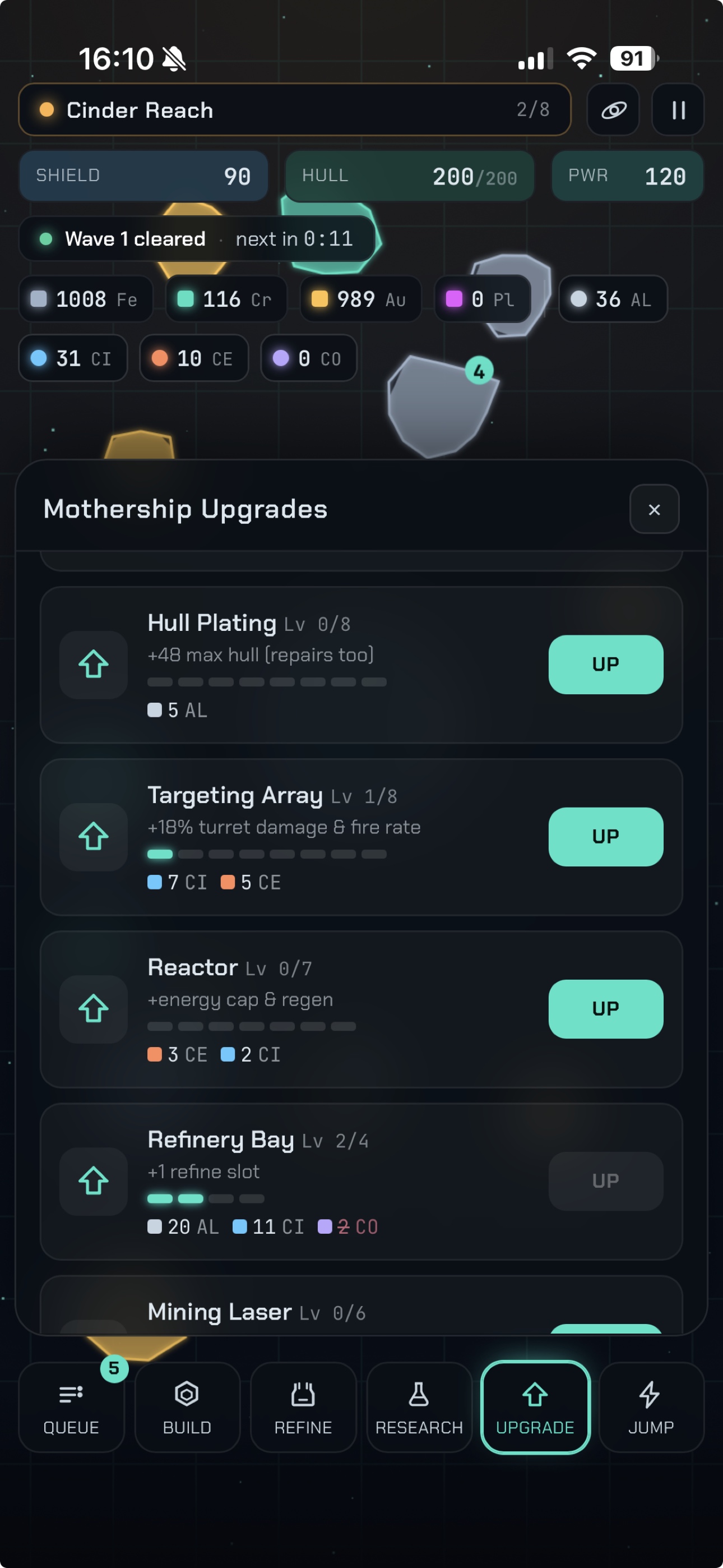
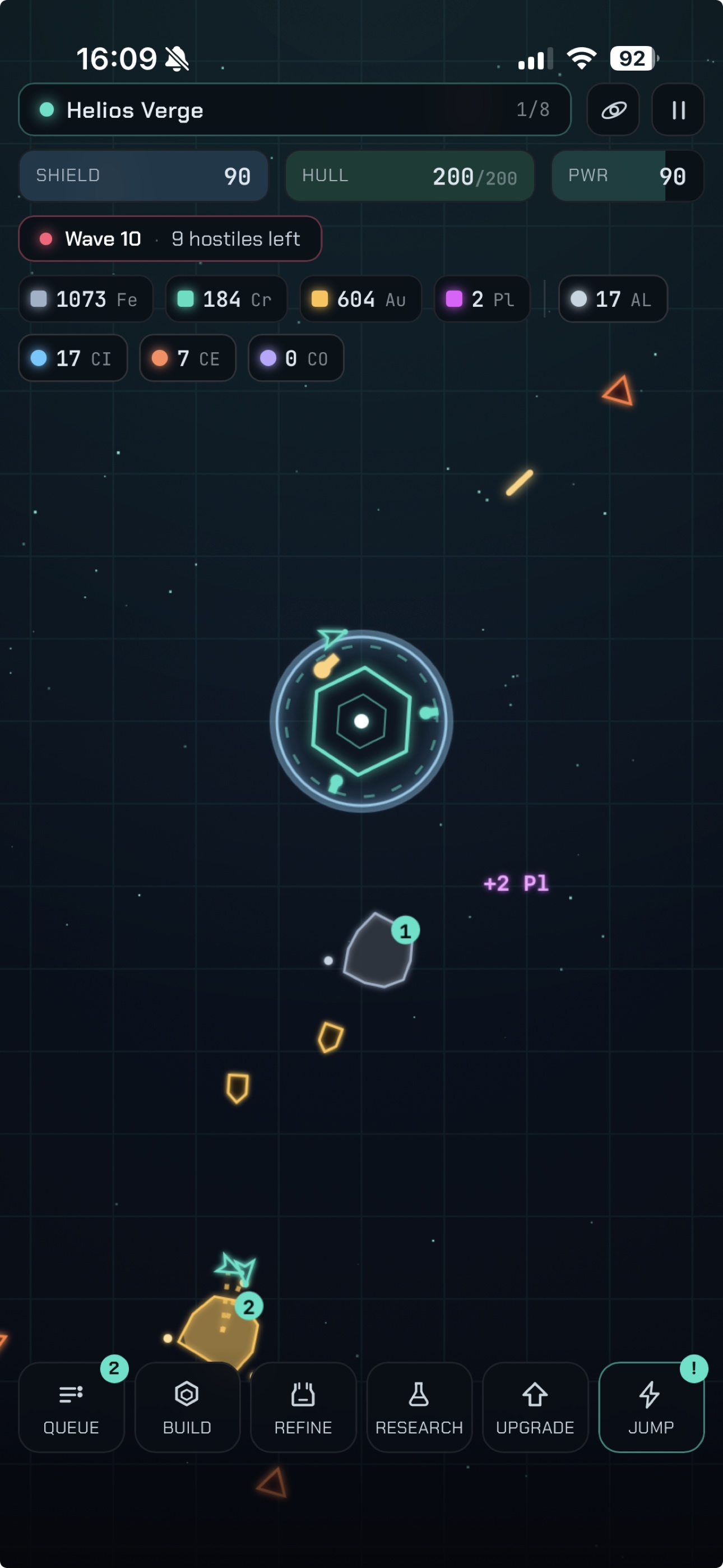
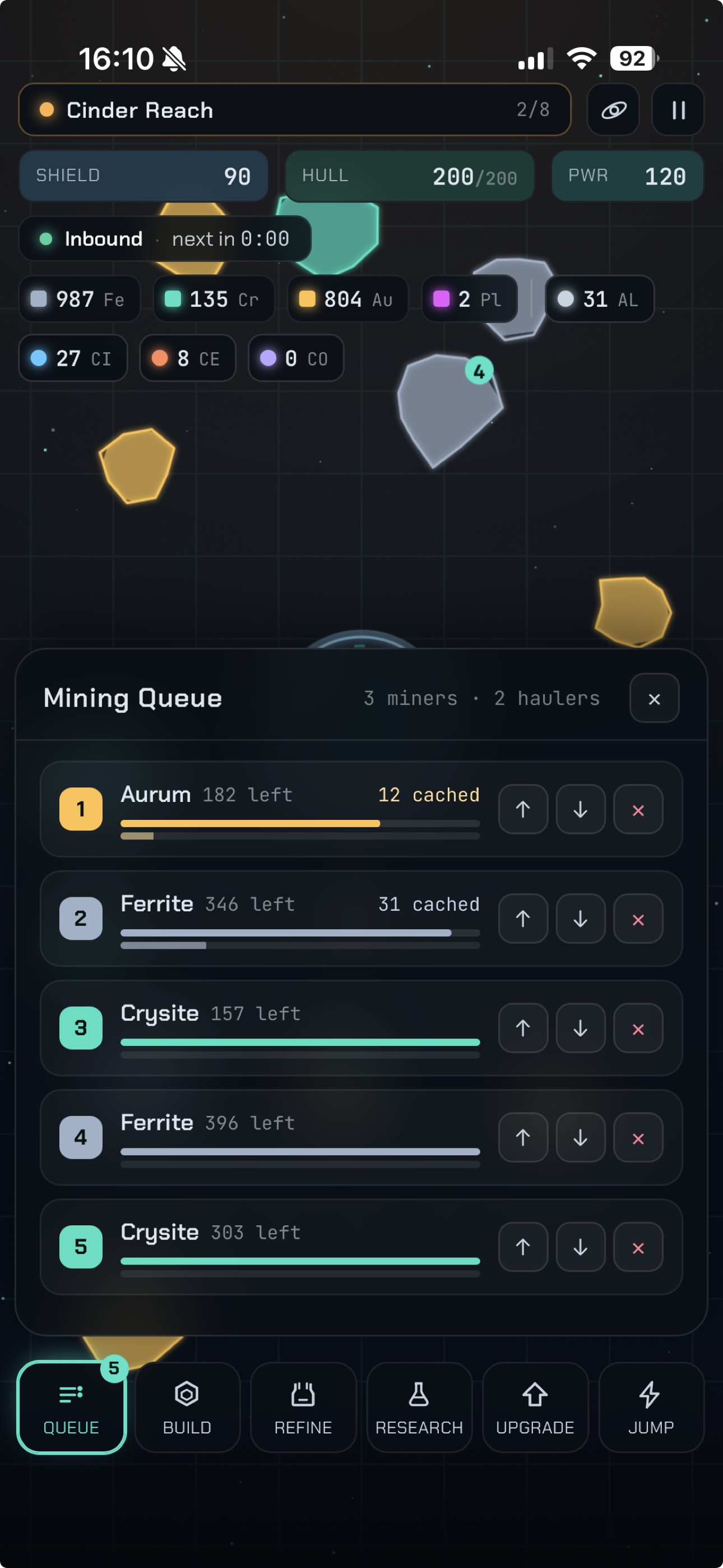
---
# New personal site
Source: https://haakony.no/posts/new-blog-again
Published: 2026-06-21
Topics: projects, development, web
## The new blog
Stage - In Development
Seems like every time I have some free time, I end up rebuilding this thing.
But with the age of AI, it's a lot more fun. I can make features that I would never even bother doing.
## Terminal and IDE
I always wanted a personal website with some crazy design, and not just some theme like a million other sites have.
But there used to be a huge problem with that and that is the time it used to take to make something like this. Even just the working terminal. Who in their right mind would even start to do that on a simple personal site? But today... we can make a custom site in a couple of hours.
## Markdown editor with HTML AI-driven feature?
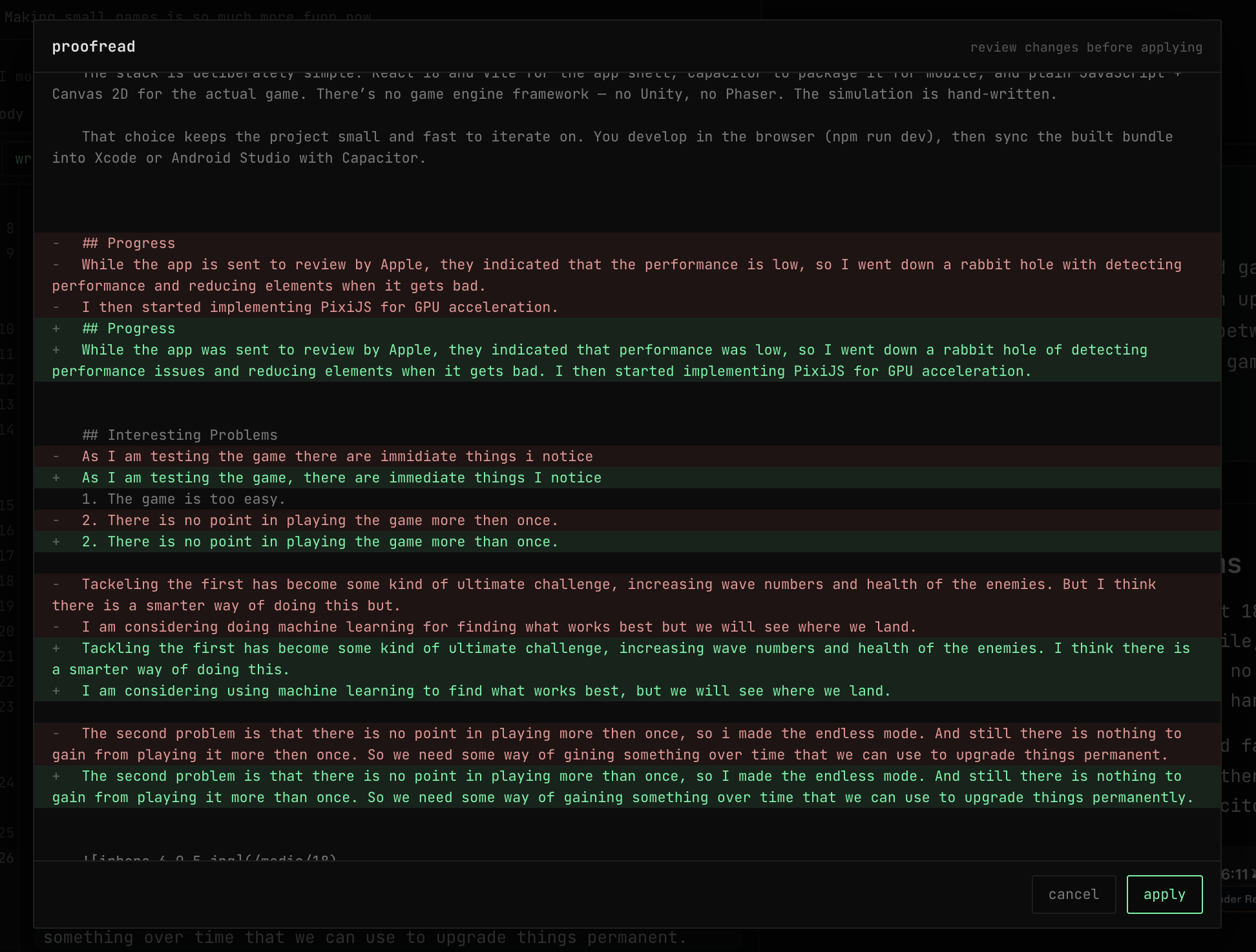
Yes, so with a bit of magic this thing has both a "Format", "Proofread", "Compose" and generate HTML from Markdown with GPT API integration. Nuts!
The buttons send off the data to the GPT API with a prompt for the feature I want.
Example: the Format button just tells the GPT to format the Markdown in a good way. The Proofread does the same, but it will also correct the sentences and everything.
{width=50%}
The Generate button lets you generate a story or blog post. I can, for instance, just type in details into the post like what it is, what it should be, add some images, or anything, and it will generate a blog post.
## Death of SAAS
With the power of LLM it's also a bit funny how I used to keep up to date about opensource and other types of software to find good things I could use. Examples like the old watchdog monitoring software or similar.
You install the agent, set it up, and connect it to the server, and you can monitor the server and even send some commands and stuff.
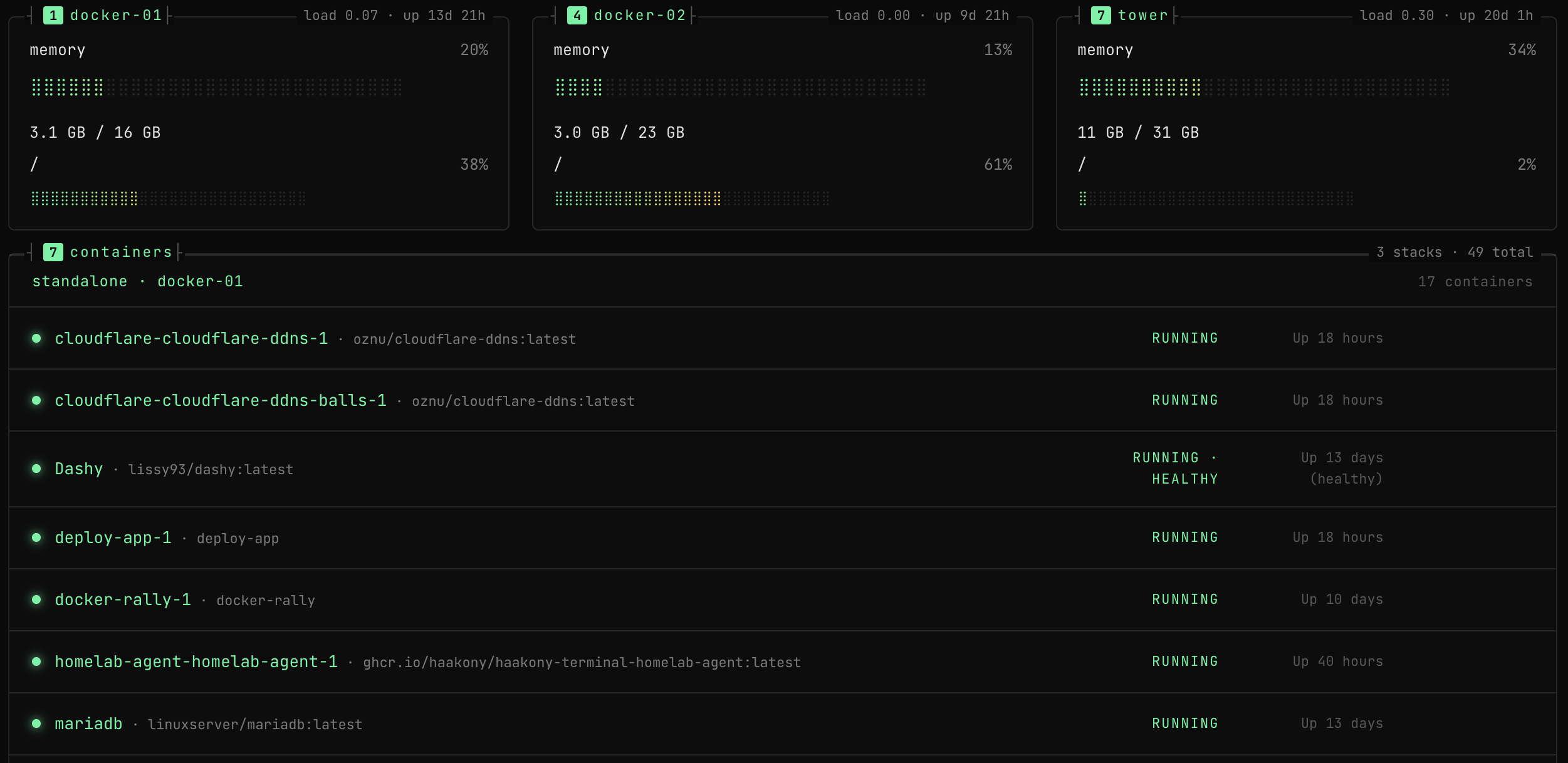
But with the LLM, I can just make my own. The thing just created a docker agent that got built in github workflows, and I just docker compose the thing on the servers I want together with a key, and in 30 minutes I have a working dashboard with my containers and status with some basic server load information.
{width=50%}
The same with software I used to use called toggle that tracks the time you spend doing things.
I was going to use it again, and I see now that they are a paid service with no free tier.
So again, with the power of AI I just made my own by getting a design from claude design, importing it in cursor, and in 30 minutes we had a working time tracker with all the features I needed.
## TBD
Still working on this
---
# Privacy Policy
Source: https://haakony.no/posts/privacy-policy
Published: 2026-06-19
Topics: development
# Privacy Policy
**Last updated:** 30 July 2026
This Privacy Policy explains how **Håkon Yndestad** (“I”, “me”, or “haakony.no”) collects, uses, and protects personal information when you use:
- **haakony.no** (personal website)
- **HomeFolio** (home documentation / virtual tour app)
- **Orebound** (mobile game)
- **Kinetiq** (fitness / workout app)
I am the data controller for these products. Contact: **haakony@gmail.com** · [https://haakony.no](https://haakony.no)
This notice is written for transparency under the GDPR and similar laws. It is not legal advice.
---
## 1. Products covered
| Product | What it is | Where data lives |
|---|---|---|
| haakony.no | Personal website and posts | Web hosting |
| HomeFolio | Document and explore a home with photos, plans, and tours | My servers (database + object storage) and your device |
| Orebound | Offline space-mining game | On your device; ads and purchases go through store/ad partners |
| Kinetiq | Fitness app with activity sync, GPS, and optional AI coach | My servers and your device; also Strava, Garmin, and AI providers when you connect or enable them |
Only the sections that apply to the product you use are relevant to you.
---
## 2. HomeFolio
### What I collect
- **Account:** name, email address, password (stored hashed) or Sign in with Apple / Google identity
- **Home content you upload or create:** home name, optional address, floor plans, rooms, photos (including 360°), videos, documents, notes, links, contact details you attach to items, LiDAR / room measurements and 3D models (on supported iPhones)
- **Sharing:** membership (who you invite), invite links, and member display names / emails visible to other members of a home
- **Technical:** session token (cookie or on-device storage), basic server access logs (for example IP address, time, path) used for security and rate limiting
I do **not** use advertising SDKs, marketing analytics, or payment processors in HomeFolio today.
### Why (purposes and legal bases)
| Purpose | Legal basis |
|---|---|
| Create and run your account and homes | Contract (providing the service you asked for) |
| Store and show your home content | Contract |
| Invite others and share a home | Contract / your instruction |
| Sign-in with Apple or Google | Contract; the provider authenticates you |
| Security, abuse prevention, rate limits | Legitimate interests (keeping the service safe) |
| Respond to privacy or support requests | Legal obligation and/or legitimate interests |
### Sharing
- **Other members** of a home you own or join can see that home’s content and the member list (including email and display name).
- **Apple or Google** if you choose their sign-in.
- **Hosting and infrastructure** I use to run the app (database, object storage, server hosting).
- Authorities if required by law.
I do not sell your personal information.
### Retention
- Account and home data: until you delete the account or home, or ask me to erase them.
- Session tokens: expire after about **7 days** (you can sign out earlier).
- Invite links: expire after about **7 days** if unused.
- Server logs: kept only as long as needed for security and operations (short period), then discarded.
- Copies cached on your device (for example panorama cache) are removed on sign-out or account deletion where the app controls them.
### Your controls in the app
- **Delete account** in Settings (removes homes you own and their files; homes shared with you stay with their owner).
- **Delete a home** if you are the owner.
- For a copy of your data (access / portability), email **haakony@gmail.com** — I aim to respond within **30 days**.
---
## 3. Orebound
### What is collected
- **On your device only:** game progress, settings, and preferences (for example in local storage). There is **no Orebound account** on my servers.
- **Advertising (Google AdMob)** on mobile builds: advertising identifiers and related device/ad data, subject to platform consent (including Google’s UMP consent form and, on iOS, tracking permission where required).
- **Purchases:** Apple App Store or Google Play, and **RevenueCat** for entitlement checks. They process purchase receipts and an anonymous customer identifier.
I do not receive your full payment card details.
### Why
| Purpose | Legal basis |
|---|---|
| Save your game on the device | Contract / your use of the game |
| Show ads (if not removed by purchase) | Consent where required (UMP / ATT); otherwise legitimate interests for non-personalized ads where allowed |
| Process in-app purchases | Contract |
### Sharing
Google (AdMob), Apple, Google Play, RevenueCat, and advertising attribution partners as configured by the OS / ad SDKs. Resetting progress in the game **clears local saves**; it does **not** delete data held by Apple, Google, or RevenueCat — use their tools or contact me if you need help.
### Retention
Local data until you reset progress, clear app data, or uninstall. Ad and purchase partners keep data under their own policies.
---
## 4. Kinetiq
### What I collect
- **Account:** name/email, password (hashed) or Apple / Google sign-in; optional profile (age, weight, height, sex, photo, display name, preferences)
- **Fitness and health-related data:** activities, heart rate and other streams, strength workouts, achievements; when connected, data from **Strava** and/or **Garmin** (which may include heart rate, sleep, stress, HRV, steps, and similar metrics, plus raw sync payloads)
- **Location:** GPS tracks for outdoor activities and routes; routes you mark public may be visible to others
- **Integrations:** OAuth tokens for Strava/Garmin; if you choose “remember login” for Garmin, encrypted credentials may be stored to keep sync working
- **Optional AI coach / voice:** when enabled, limited workout context (for example exercise name, weight, reps) may be sent to the configured text and/or speech providers to generate coaching
- **Media:** activity photos/videos and generated voice clips stored in object storage
- **Technical:** session cookie or on-device token; security logs
This includes **health-related and precise location data**. I process it only to provide Kinetiq features you use.
### Why
| Purpose | Legal basis |
|---|---|
| Account and core app features | Contract |
| Health and biometric-related metrics needed for fitness features | **Explicit consent** and/or contract for features you actively use (connecting Strava/Garmin, recording HR, etc.). You can disconnect integrations and delete your account |
| GPS recording and private routes | Contract / your use of outdoor features |
| Making a route or leaderboard profile public | Your choice (consent / contract for that feature) |
| AI coach / TTS when you turn it on | Consent / contract for that optional feature |
| Security and abuse prevention | Legitimate interests |
### Sharing
- **Strava / Garmin** when you connect them (their policies also apply).
- **Apple / Google** for sign-in.
- **AI / TTS providers** you enable coaching with (for example OpenAI, OpenRouter, ElevenLabs, or a self-hosted model — depending on configuration).
- **Map tile / geo helpers** used to display maps (for example national map services, OpenStreetMap-related tiles, and coarse IP-based map centering).
- Hosting (database, object storage, server).
I do not sell your personal information.
### Retention
Account and synced data until you delete your account or specific content, or ask me to erase them. Session length is configured on the server (on the order of weeks). Local offline / live-session copies on your device may remain until you clear app data.
### Your controls
- **Delete account** in Settings.
- Disconnect Strava/Garmin; turn off AI coach.
- Set route visibility (private vs public) and leaderboard opt-in.
- For a full copy of your data, email **haakony@gmail.com** (target: **30 days**).
---
## 5. haakony.no (website)
When you visit the site, the host may process standard web server logs (for example IP address, browser type, pages requested, time). If you email me, I process the content of that correspondence to reply.
I do not run advertising trackers on the site for these products. If that changes, this policy will be updated.
---
## 6. Cookies and similar technologies
| Product | What |
|---|---|
| HomeFolio | Essential session cookie (`homefolio_token`) or equivalent on-device token; local preferences and media cache |
| Kinetiq | Essential session cookie / on-device token; local preferences and offline data |
| Orebound | Local game storage; ad SDKs may use their own identifiers subject to consent |
| haakony.no | Hosting may set strictly necessary cookies if required by the host |
Essential login cookies do not require a marketing cookie banner. Orebound uses a consent form for personalized ads where required.
---
## 7. International transfers
Some providers (for example Apple, Google, AdMob, RevenueCat, Strava, Garmin, and certain AI providers) may process data in the United States or other countries outside your own. Where required, I rely on appropriate safeguards used by those providers (such as Standard Contractual Clauses or an adequacy decision). My own application databases and object storage are operated on infrastructure I control; I aim to keep them in the EEA where practical.
---
## 8. Security
I use reasonable technical and organizational measures (access control, HTTPS in production, hashed passwords, encrypted integration secrets where implemented). No method of storage or transmission is perfectly secure.
---
## 9. Children
These products are not directed at children. Do not use them if you are under **13**, or under the digital consent age in your country if that age is higher. I do not knowingly collect personal data from children. If you believe a child has provided data, contact me and I will delete it.
---
## 10. Your rights (EEA / UK and similar)
Depending on where you live, you may have the right to:
- Access your personal data
- Correct inaccurate data
- Delete data (“erasure”)
- Restrict or object to certain processing
- Withdraw consent where processing is based on consent
- Receive a portable copy of data you provided
- Lodge a complaint with a supervisory authority (in Norway: **Datatilsynet**)
To exercise these rights, email **haakony@gmail.com**. For HomeFolio and Kinetiq you can also delete your account in the app. I aim to respond within **30 days**.
---
## 11. Changes
I may update this policy from time to time. The “Last updated” date at the top will change. For significant changes I may provide additional notice in the relevant app or on the site where appropriate.
---
## 12. Contact
**Håkon Yndestad**
Email: **haakony@gmail.com**
Website: [https://haakony.no](https://haakony.no)
Privacy policy URL (canonical): [https://haakony.no/posts/privacy-policy](https://haakony.no/posts/privacy-policy)
---
# SagaMobil user app
Source: https://haakony.no/posts/sagamobil-user-app
Published: 2026-06-17
Topics: projects, app, development
# Min Saga — The Saga Mobil customer app
*What the app does, how it works behind the scenes, and what you can do with it.*
---
## Watch the app in action
---
## What is Min Saga?
**Min Saga** (Norwegian for “My Saga”) is the customer app for [Saga Mobil AS](https://sagamobil.no). It lets you manage your mobile subscription without calling customer service — check data usage, buy extra datapacks, turn products on or off, and manage SIM cards, all from your phone.
The experience is built around an **aurora-themed** visual design: deep forest-green backgrounds with flowing northern-lights-style data visualizations, so usage information feels clear and engaging rather than like a dry utility bill.
| Platform | Where to get it |
|----------|-----------------|
| **iOS** | [App Store](https://apps.apple.com/no/app/min-saga/id6756000278?l=nb) |
| **Android** | [Google Play](https://play.google.com/store/apps/details?id=no.sagamobil.app) |
---
## Features at a glance
### For individual subscribers
| Feature | What it does |
|---------|--------------|
| **SMS login** | Enter your 8-digit Norwegian mobile number; receive a 4-digit code by SMS. No password to remember. |
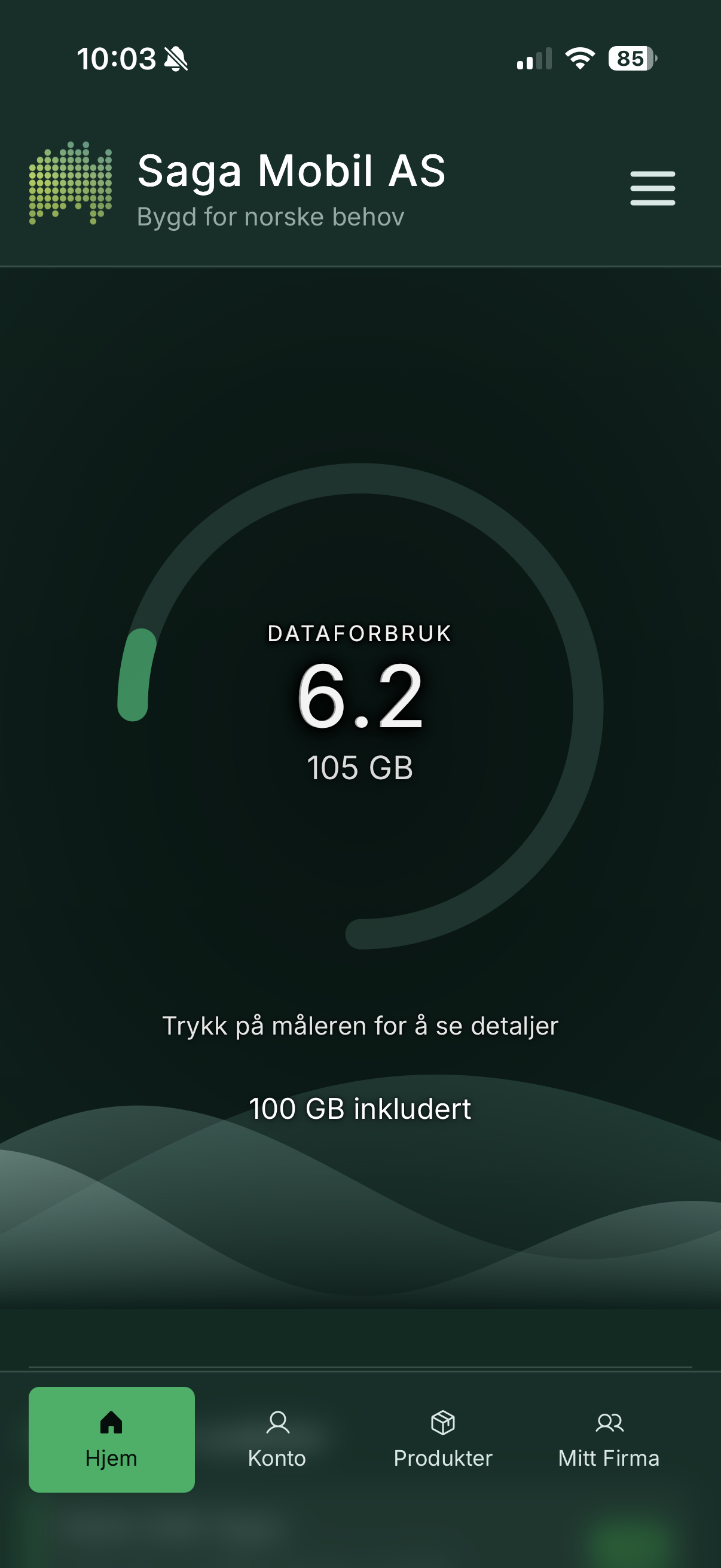
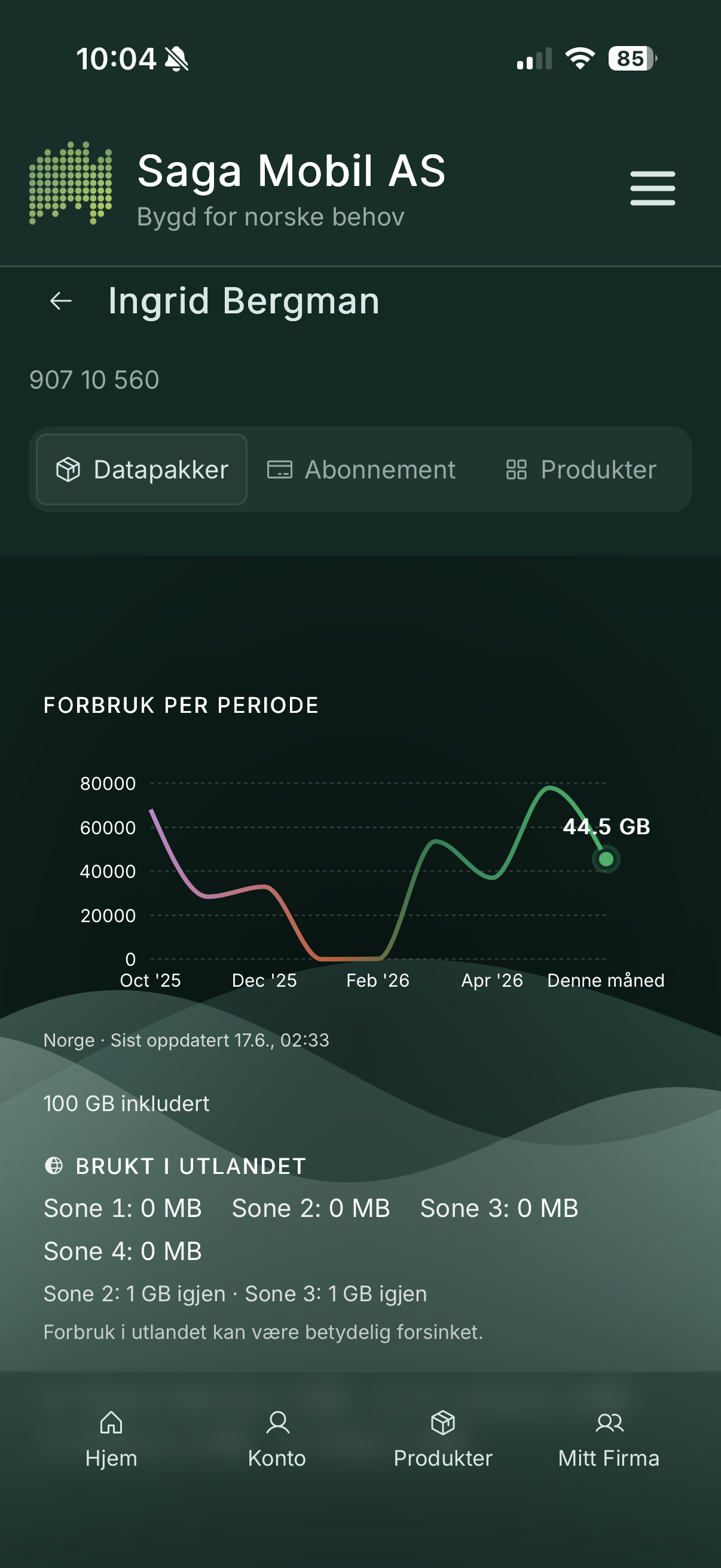
| **Data dashboard** | Live view of used vs. remaining data, with an animated aurora gauge and usage history. Pull down to refresh. |
| **Buy datapacks** | Browse available packages and pay with **Vipps** in a few taps. Balance updates after payment. |
| **Products** | Turn mobile add-ons on or off (e.g. call forwarding, number display settings). |
| **SIM cards** | View main, data, and twin SIMs; order eSIM; activate cards; soft/hard block; manage call forwarding. |
| **Account info** | Name, address, contact details; update from Vipps where supported. |
| **Languages** | Norwegian (Bokmål), English, and Davvisámegiella (Northern Sámi). |
### For families and businesses (“Min Familie” / “Mitt Firma”)
If you are the account owner or have been granted manager access, additional areas unlock:
| Feature | What it does |
|---------|--------------|
| **All subscriptions** | List every number on the account with usage bars and invoice trends. |
| **Represent a user** | Act on behalf of a specific subscription (view usage, products, SIMs). |
| **Change plans** | Switch subscription plans for managed numbers (within allowed rules). |
| **Invoices** | Open, paid, and usage-type invoice lines; view or download PDFs (native share sheet on mobile). |
| **Owner permissions** | Delegate manager rights to other users on the same account. |
| **Vipps verification** | Sensitive manager actions require a fresh Vipps identity check in the session. |
### For Saga Mobil operators
A built-in **admin panel** (restricted to authorised staff) supports configuration without releasing a new app version: product visibility, featured items, plan-change rules, support impersonation, audit logging, and more.
---
## Screenshots
### Dashboard — data at a glance
{width=25%}
{width=25%}
*The home screen shows remaining data as an aurora visualization with clear GB numbers.*
### Buy a datapack with Vipps
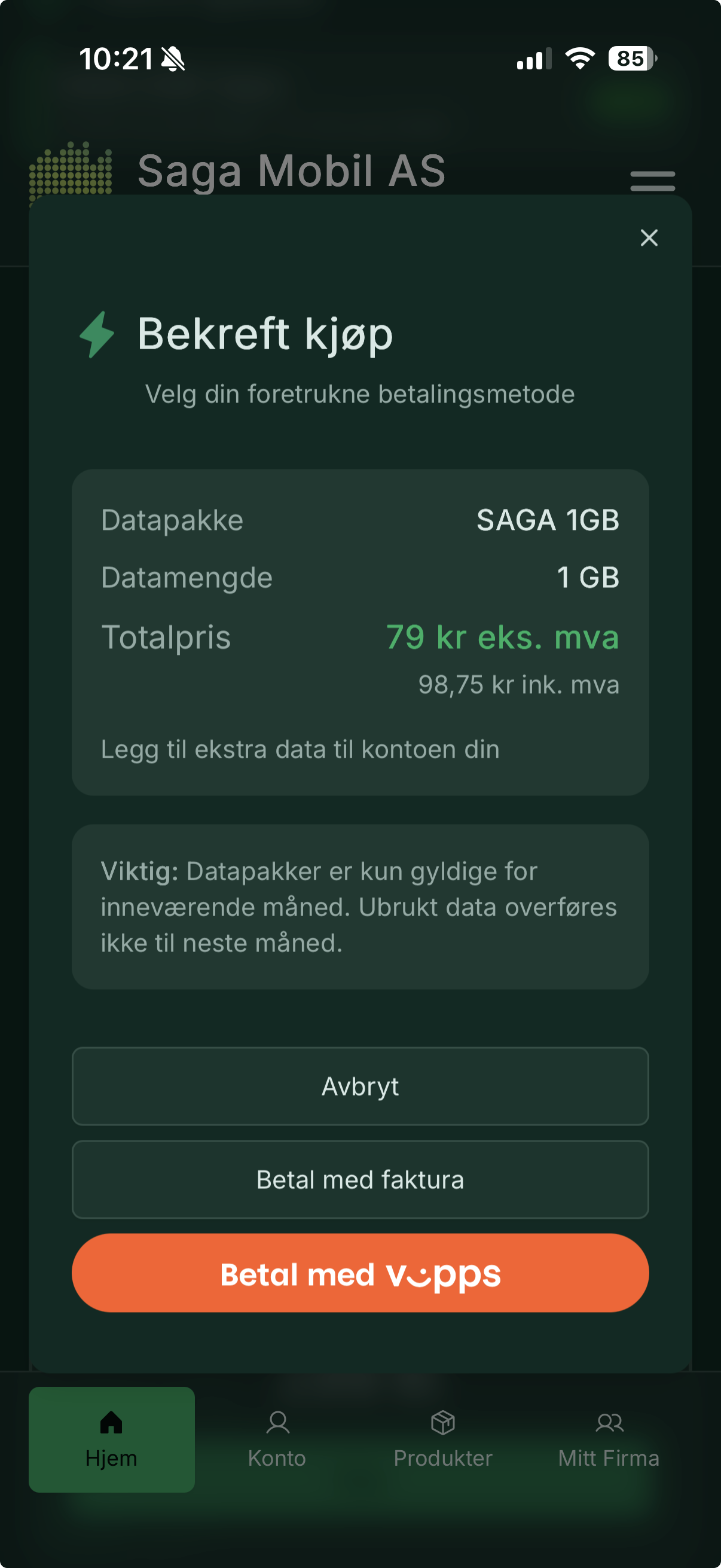{width=25%}
*Select a package, confirm, and complete payment in the Vipps app.*
### Mitt Firma — manage many subscriptions
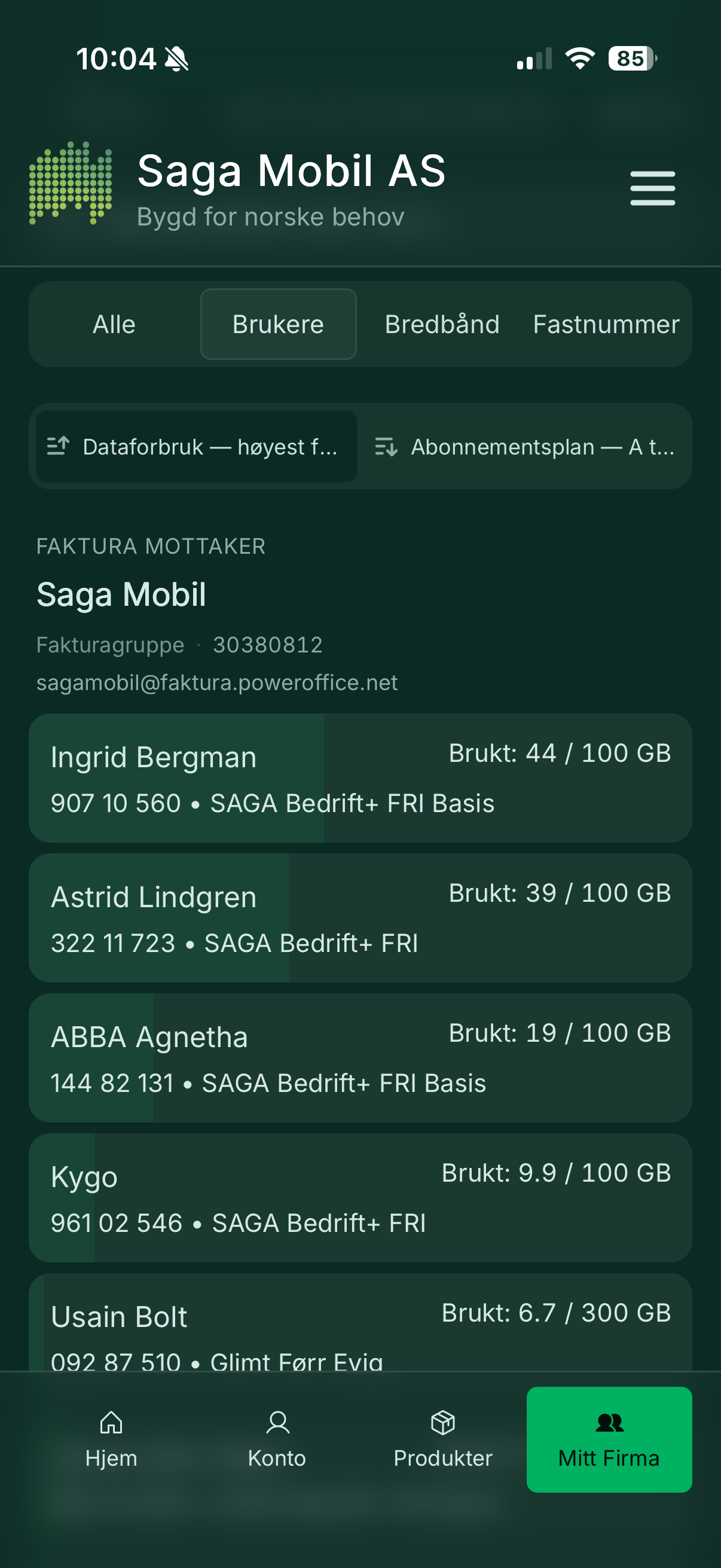{width=25%}
*Business account owners see all numbers, usage, and invoice history in one place.*
### SIM card management
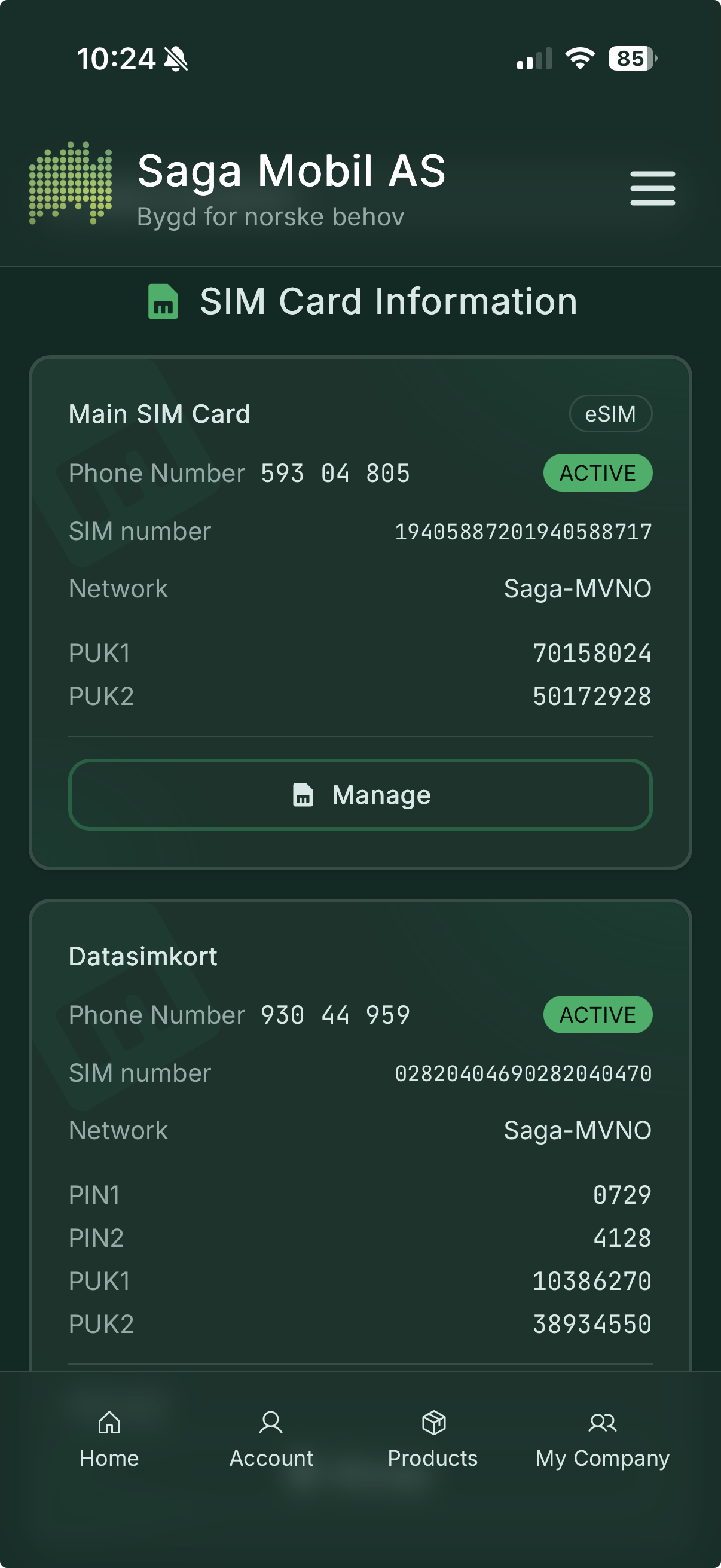{width=25%}
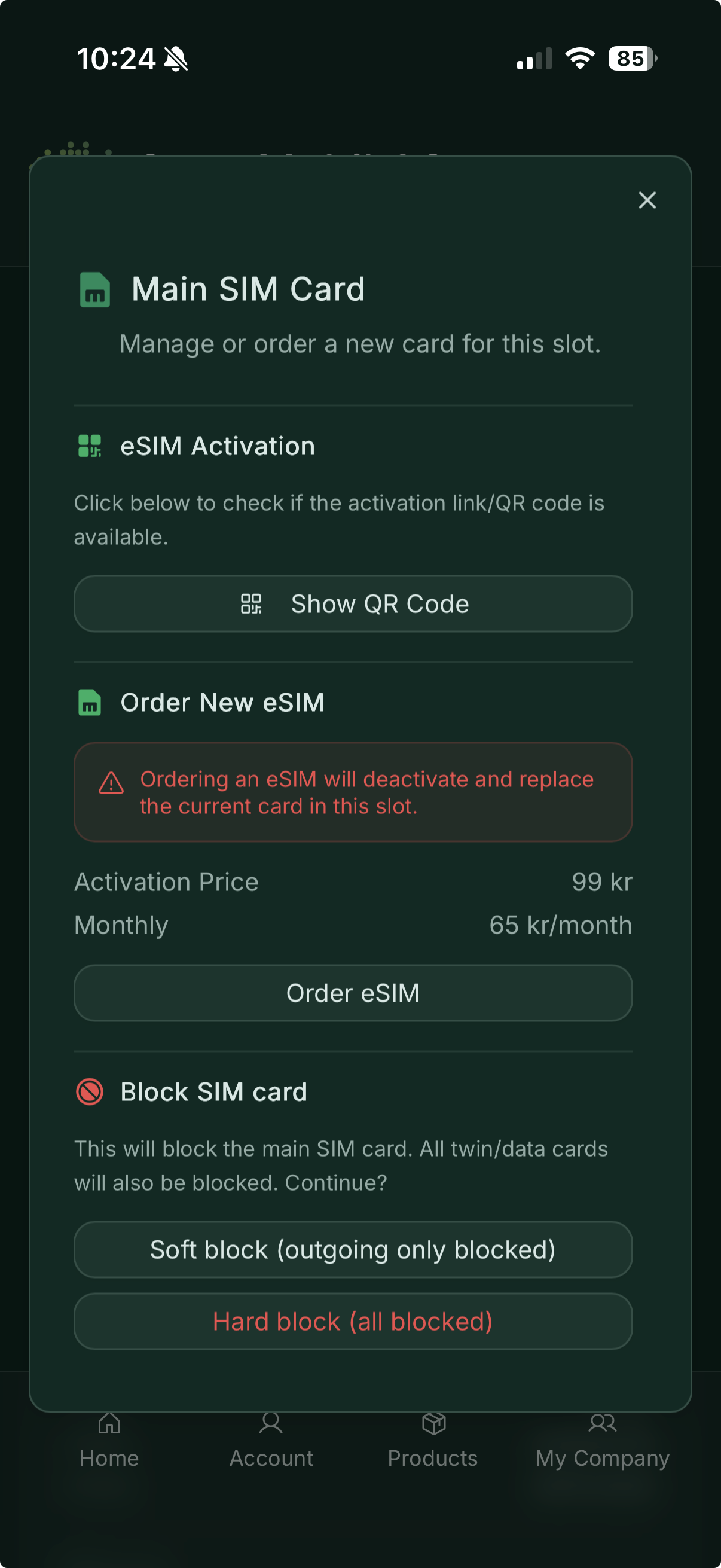{width=25%}
*Order eSIM, activate cards, or block a lost SIM.*
---
## How it works — the big picture
When you open Min Saga on your phone, the app talks securely to Saga Mobil’s **API** — a Go service running in **Docker** on our servers. The API sits between you and Saga Mobil’s billing platform (**eRate**), handling login, security, and Vipps payments so your subscription data stays protected.
The iOS and Android apps are built with **Capacitor**, which packages the same interface into a native app for each platform while keeping one shared codebase.
```mermaid
flowchart TB
subgraph phones["Your phone"]
IOS["Min Saga — iOS"]
AND["Min Saga — Android"]
end
subgraph saga["Saga Mobil servers"]
API["API Go, running in Docker"]
DB[("MariaDB sessions and app data")]
end
subgraph partners["Partner services"]
ERATE["eRate subscriptions, usage, products"]
VIPPS["Vipps payments and identity"]
SMS["SMS login codes"]
end
IOS -->|Secure connection| API
AND -->|Secure connection| API
API --> DB
API --> ERATE
API --> VIPPS
API --> SMS
```
### A typical visit — from login to buying data
```mermaid
sequenceDiagram
actor You
participant App as Min Saga
participant API as Saga Mobil API
participant SMS as SMS
participant eRate as eRate
participant Vipps as Vipps
You->>App: Enter phone number
App->>API: Request login code
API->>SMS: Send 4-digit code
SMS-->>You: SMS with code
You->>App: Enter code
App->>API: Verify code
API->>eRate: Look up subscription
API-->>App: You are logged in
You->>App: Open dashboard
App->>API: Fetch data usage
API->>eRate: Get current usage
API-->>App: GB used and remaining
App-->>You: Aurora gauge updates
You->>App: Buy a datapack
App->>API: Start Vipps payment
API->>Vipps: Create payment
You->>Vipps: Approve in Vipps app
API->>eRate: Activate package
API-->>App: Purchase complete
App-->>You: Updated data balance
```
### Where everything runs
```mermaid
flowchart LR
subgraph users["Users"]
IOS[iPhone]
AND[Android]
end
subgraph saga["Saga Mobil infrastructure"]
LB["Secure gateway"]
API["API service Docker"]
DB[("MariaDB")]
end
subgraph external["External services"]
E[eRate]
V[Vipps]
S[SMS]
end
IOS --> LB
AND --> LB
LB --> API
API --> DB
API --> E
API --> V
API --> S
```
The app itself is installed from the App Store or Google Play. All subscription actions go through the API, which reads and updates your account via eRate and handles payments through Vipps.
---
## Design and accessibility
- **Dark-first** UI on deep forest green with aurora accent colours
- **Mobile-first** — thumb-friendly navigation, bottom tabs, and safe-area support on notched phones
- **Accessible contrast** for text and buttons in both light and dark use
- **Three languages** — Norwegian, English, and Northern Sámi
---
## In short
**Min Saga** is your Saga Mobil pocket assistant: see how much data you have left, top up with Vipps, manage SIM cards and products, and — for families and businesses — oversee every number on the account. Aurora visuals, Norwegian roots, and a secure path through Saga Mobil’s own API to eRate and Vipps.
---
*Saga Mobil AS — Min Saga*
---
# Hike to Rametinden
Source: https://haakony.no/posts/rametinden
Published: 2026-05-29
Topics: stories, hike, drone
# Hiking Rametinden: A Journey to the Peak
I embarked on an exhilarating hike up to Rametinden, a peak that offers breathtaking views and a sense of accomplishment. The trek is not overly dangerous, but it is a long one, with a climb of over 1100 meters. The beauty of the landscape made every step worth it.
## The Ascent
{{< workout id="15729801714" media="0" >}}
The trail to Rametinden is well-marked and takes you through stunning scenery. As I made my way up, I was surrounded by lush greenery and the occasional glimpse of wildlife. The climb tested my endurance, but the tranquility of the surroundings provided a perfect backdrop for reflection and appreciation of nature.
{width=320}{width=320}
After a hour of steady hiking, I finally reached the summit. The view from the top was simply magnificent, with panoramic sights of Ramoen and Jønshorn in the distance. It was the perfect spot to take a break, enjoy a snack, and prepare for the next part of my adventure: flying my drone.
## Aerial Views
With the drone ready to go, I launched it from the peak of Rametinden. The feeling of watching it soar above the landscape was exhilarating. The camera captured stunning footage of the surrounding mountains and valleys, showcasing the beauty of the area from a bird's-eye view.
Flying the drone over Ramoen and Jønshorn provided a unique perspective that I couldn't have experienced otherwise. The vibrant colors of nature contrasted beautifully against the blue sky, making for some incredible shots.
## Conclusion
The hike up to Rametinden was a rewarding experience, combining physical challenge with the serenity of nature. If you're looking for a hike that offers stunning views without significant dangers, I highly recommend this trip. The memories and the footage from the drone flight will stay with me for a long time.
Whether you're an experienced hiker or just looking for a beautiful day out, Rametinden should definitely be on your list. Happy hiking!
---
# blog-depricated
Source: https://haakony.no/posts/blog
Published: 2026-05-29
Topics: projects
I have been trying different blogging tools and where wordpress have been the staple, its become so bloated it's redicules.
So i started looking at alternatives and stumbled on to some systems that generate html out of markup pages.
Aslong is its not a dynamic focus site then this seems to be the fastes easyest setup to do so i decided to try it out.
I am now using [Hugo](https://gohugo.io/installation/) and will be trying to migrate over.
The workflow is abit different but there is alot less "things" to worry about, like image placement and such.
The content are written in markdown and translated to html when you run "hugo" to the public folder.
You can then eider host the content directly from that folder or transfeer it to where you want to host it.
My choice was to just use a tiny vm to run hugo and then do a docker container for the actual website.
The docker-compose.yml looks like this.
```yml { title = "docker-compose.yml" }
services:
nginx:
image: nginx
volumes:
- './site-content-haakony:/usr/share/nginx/html'
container_name: web_haakony_no
ports:
- '8085:80'
tty: true
stdin_open: true
environment:
- PUID=1000
- PGID=1000
```
and you just run, remember to make the "/site-content" folder on the docker host for persistance when the docker restart.
```sh
docker compose up -d
```
When writing the content I use VS Code with a remote connection to the hugo installation
the settup for that is quite easy as there is a "remote explorer" plugin from microsoft that lets you directy connect to linux.
the config can be just something like this.
```yml
Host hugo
HostName 192.168.1.12
User hugo
```
You can transfeer the static content to the webserver that is just running on a docker image
```sh
rsync -avz public/ user@adress:~/webservers/site-content-haakony
```
or just do it with a script
```sh
#!/bin/sh
USER=my-user
HOST=my-server.com
DIR=my/directory/to/content/ # the directory where your website files should go
hugo && rsync -avz --delete public/ ${USER}@${HOST}:~/${DIR} # this will delete everything on the server that's not in the local public folder
exit 0
```
You can do a draft live refresh to view the pages you write like this
```sh
hugo server --bind 192.168.1.12 --baseURL=http://192.168.1.12:1313 --buildDrafts
```
---
# gear
Source: https://haakony.no/posts/gear
Published: 2026-05-29
Topics: drone
List of fpv gear i use.
### **Radio Equipment**
====================
* RadioMaster TX16S Hall with TBS Crossfire: https://www.banggood.com/custlink/GDvW5oLuSq
* JumperRC T-Pro 2.4GHz:
* iFlight Crystal HD Patch:
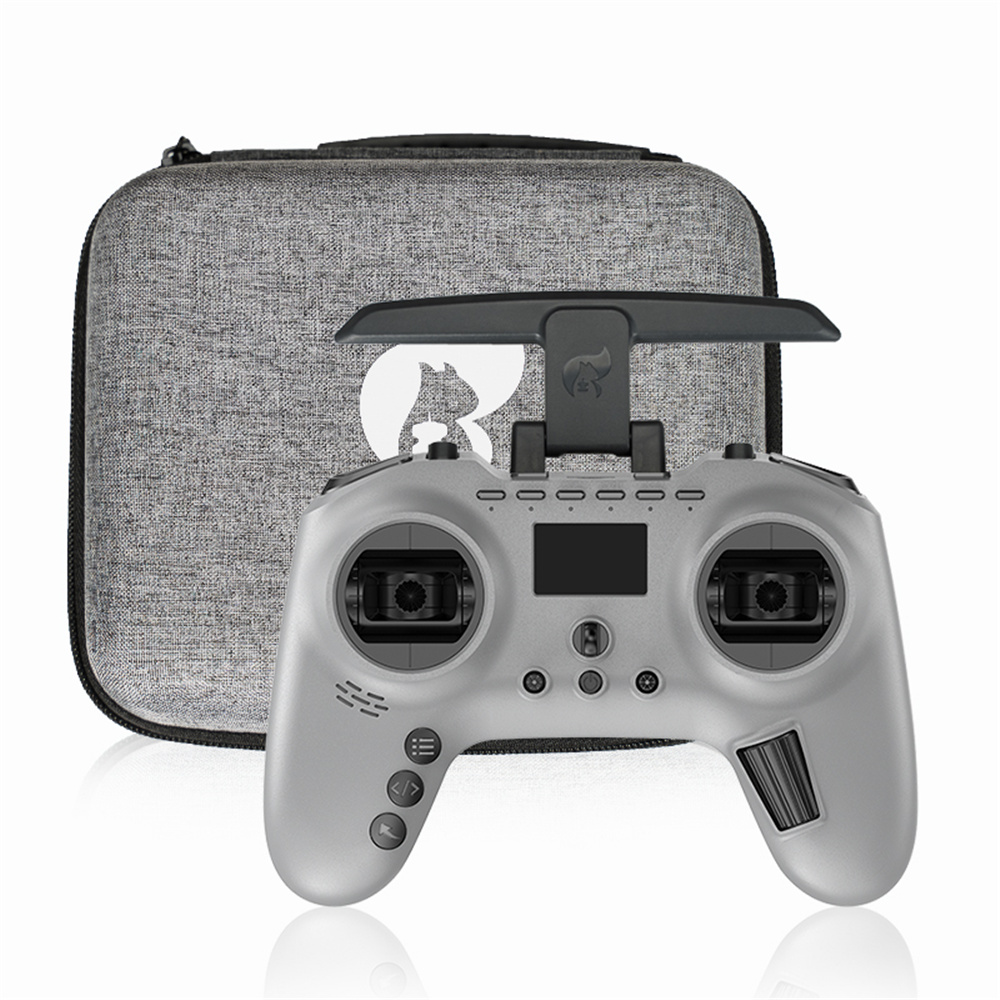{width=50%}
### **Recording Equipment**
=====================
* GoPro 11 mini and 9
{width=50%}
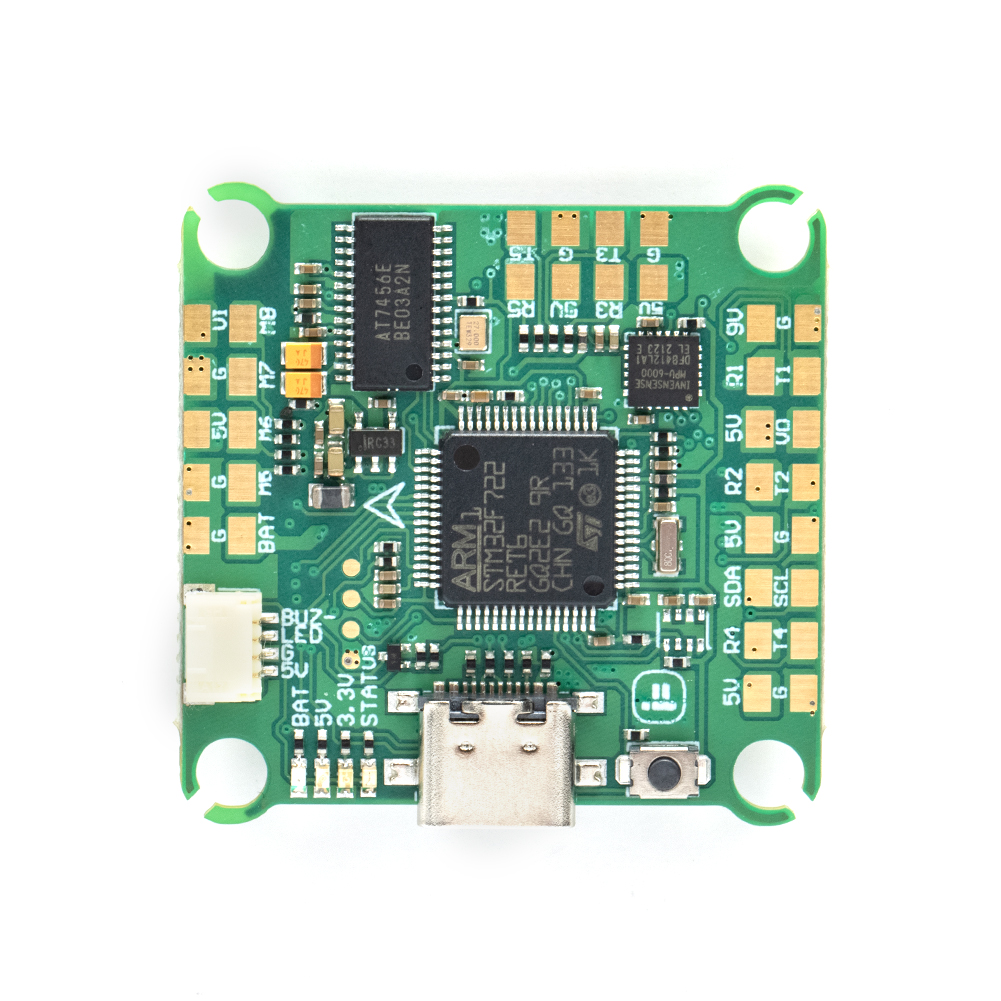
### **Controller and Receiver**
========================
* Beast F7 45A AIO board
* TBS Crossfire nano
{width=50%}
{width=50%}
### **Frame and Motor**
================
* Avata 2
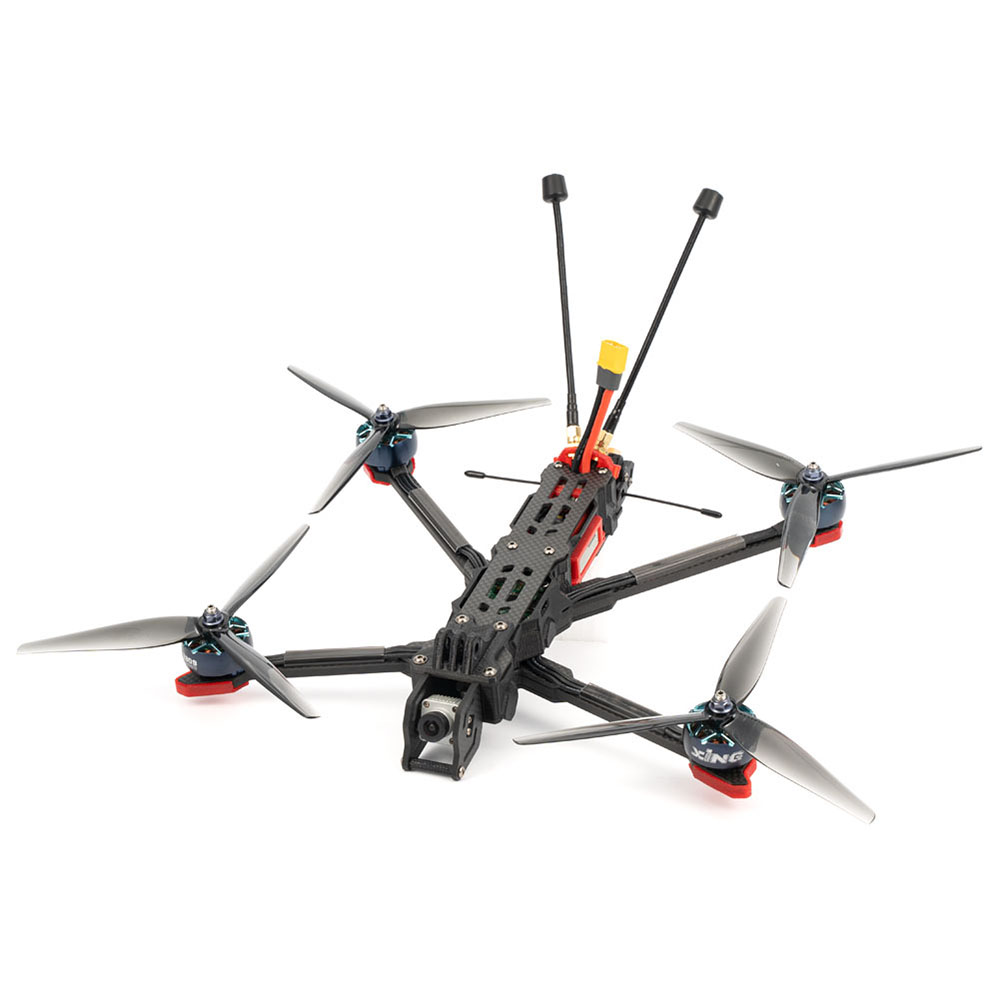
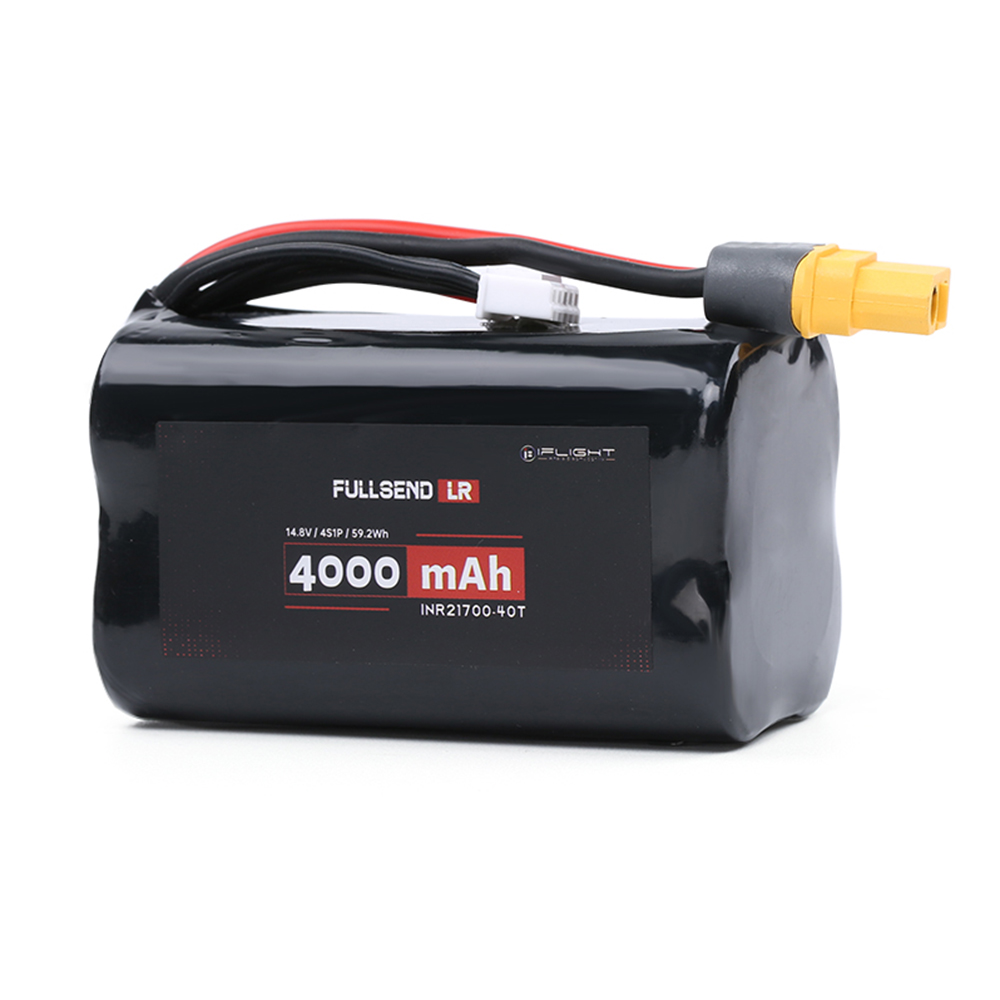
* iFlight Chimera7 LR 320mm:
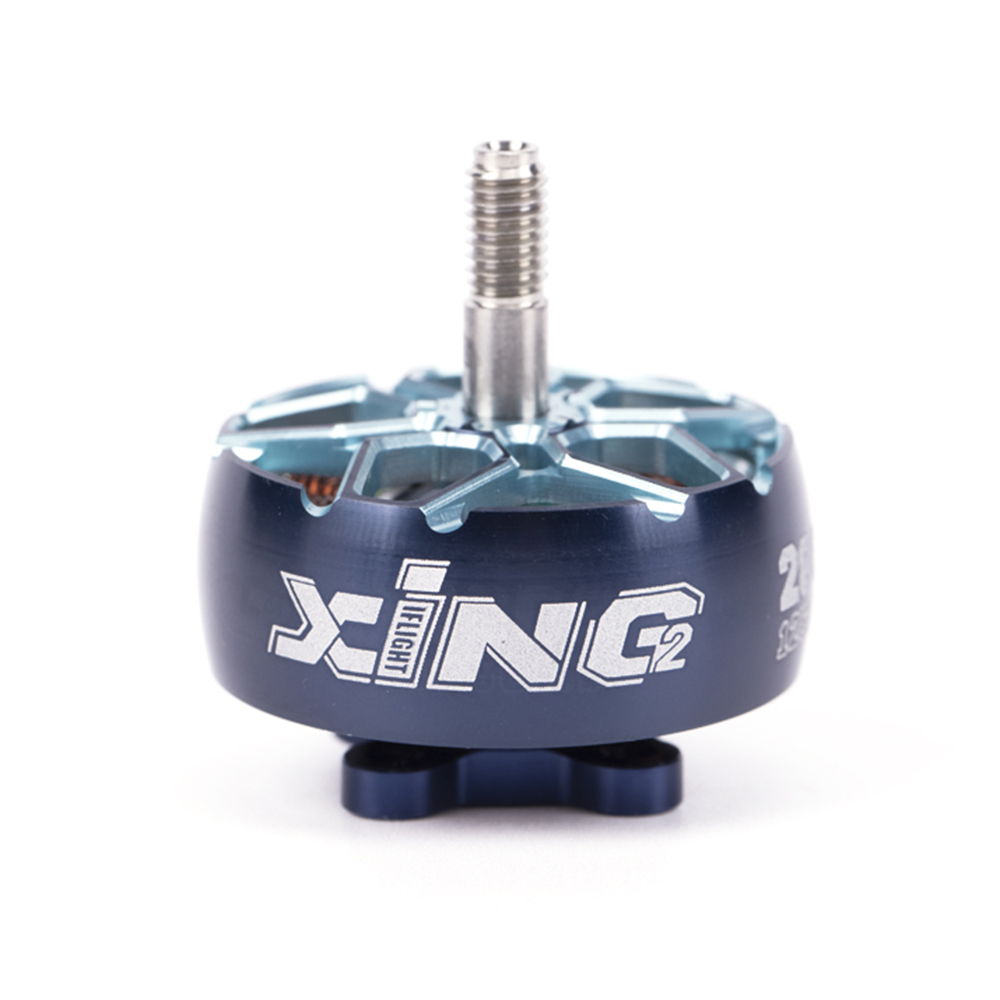
* iFlight Xing 2806.5 1300KV:
{width=50%}
{width=50%}
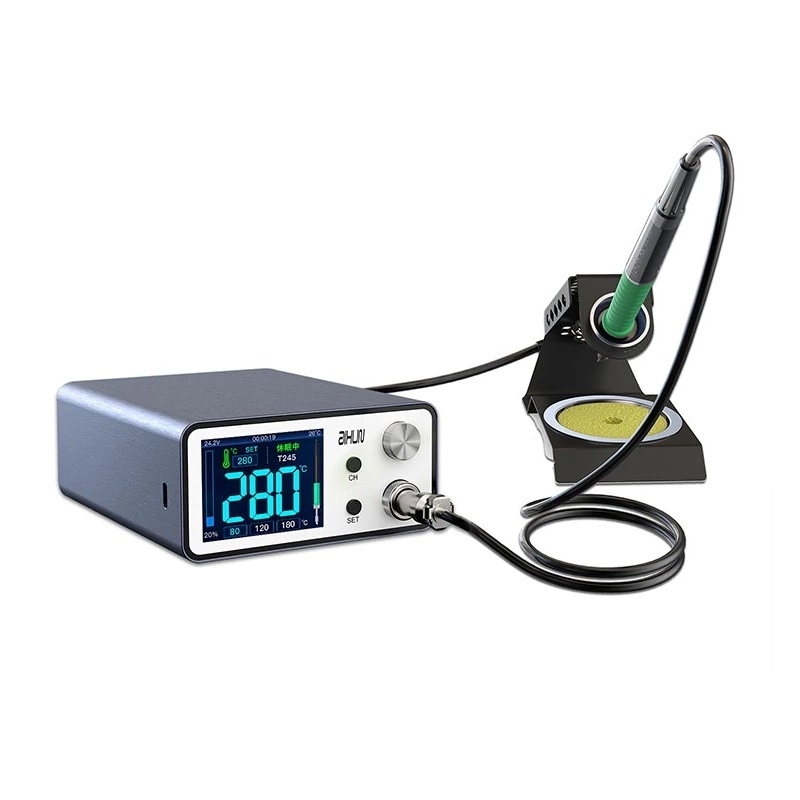
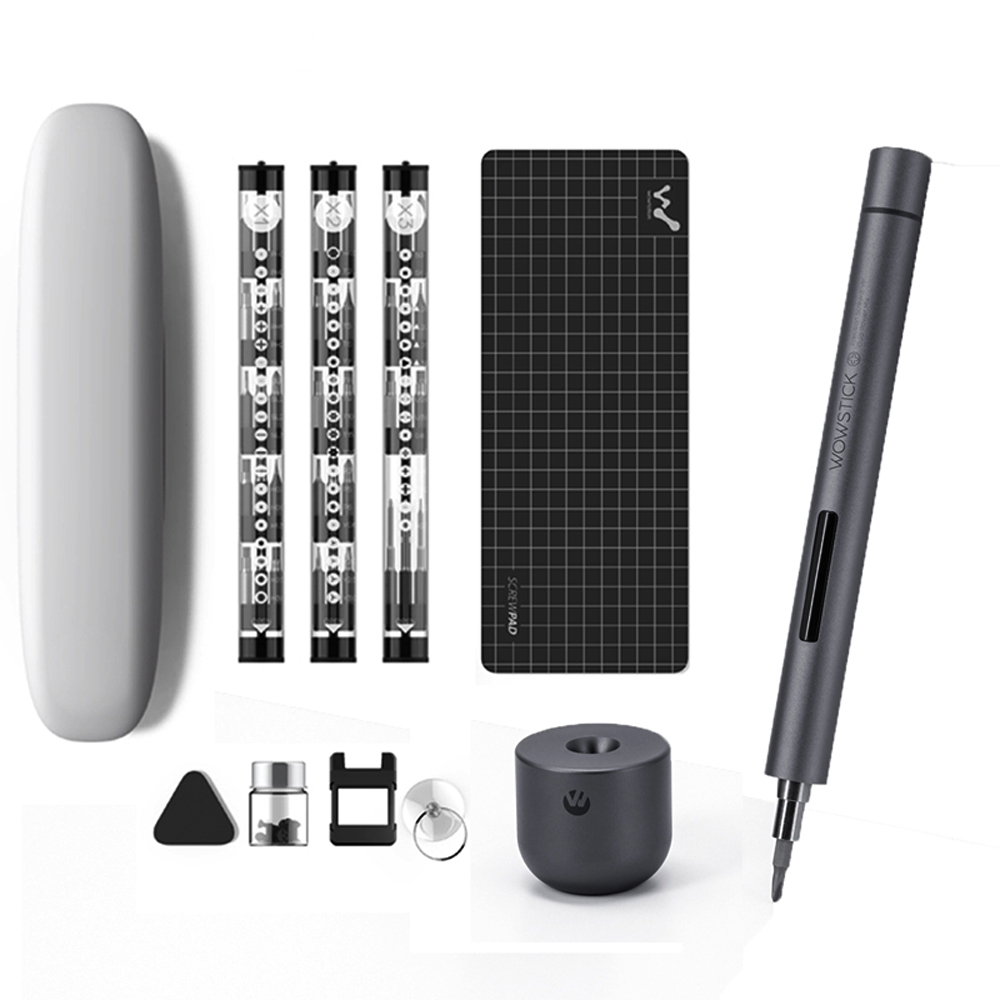
### **Tools**
=====
* JC AIXUN T3A 200W Smart Soldering Station:
* Wowstick:
{width=50%}
{width=50%}
---
# henningolsen
Source: https://haakony.no/posts/henningolsen
Published: 2026-05-29
Topics: stories
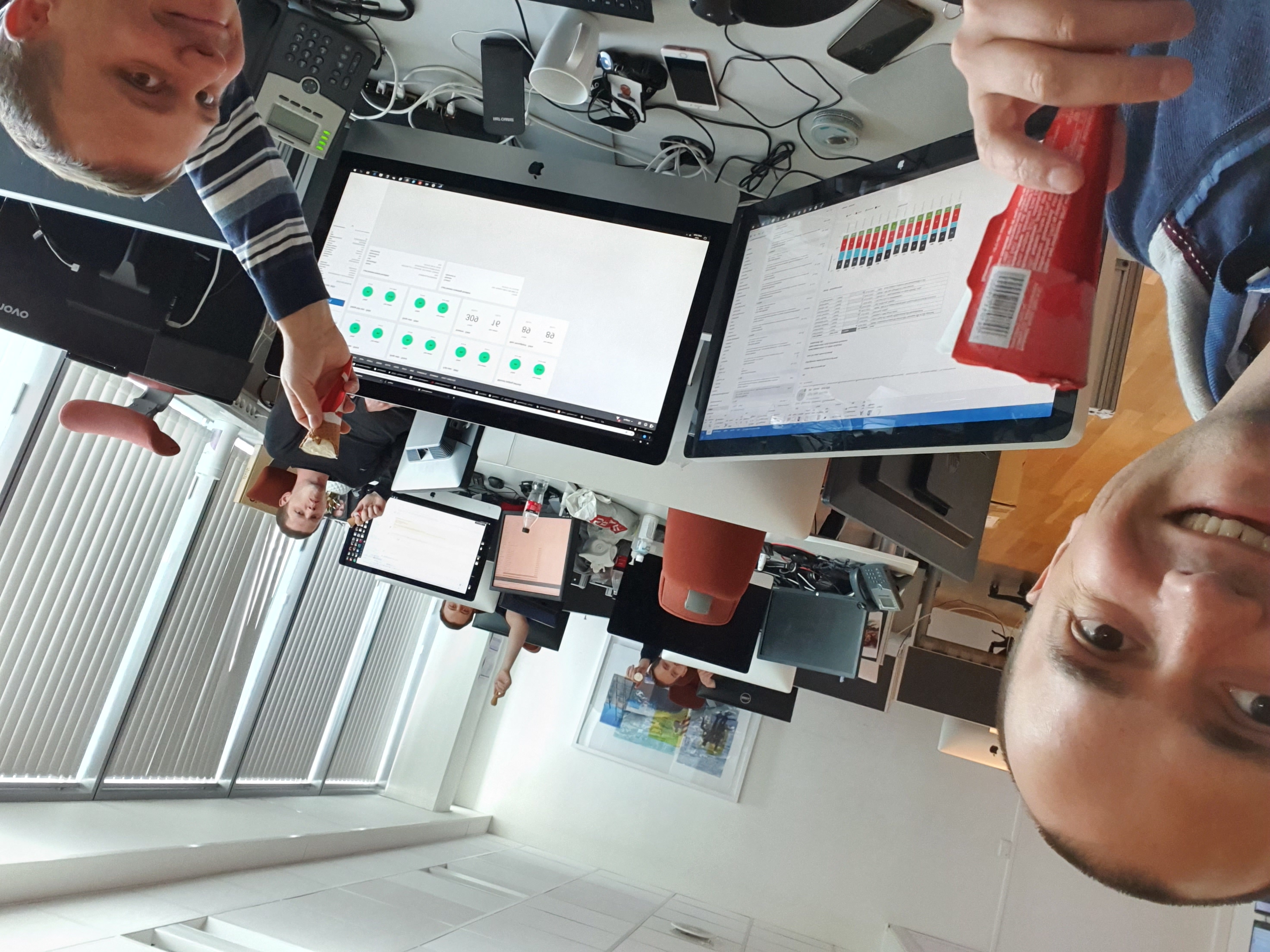
We were wondering if Henning Olsen had a store at their factory in Kristiansand, and I stumbled upon a small search field where you could apply for free ice used in events.
**Event Details**
---------------
* **Event:** Håkons Ice Cream Party
* **Date:** Every day
* **Location:** Kristiansand
* **Number of attendees:** 1
* **Target audience:** Me
* **Description:** A fun event for everyone to enjoy ice cream in the sun.
We received a response from Henning Olsen:
Hello Håkon,
We don't get requests like this very often, so we're making an exception to our usual rules. You can collect a box of Kroneis Jordbær ice cream from our Expedition department on Friday, 19 July between 9 and 11:30 am. It's marked with "Håkon Yndestad". We hope you enjoy your ice cream when the sun is shining (which it seems to be all the time lately).
Have a great summer.
Best regards,
Vivian
**Update from Henning Olsen**
I replyed to them with
Change of plans, there was enough ice cream for a larger group, so Håkon's ice cream festival was moved to the Phonero customer center. We appreciate the ice cream gift.
---
# lessons_learned_with_nb-whisper-large_and_LLM
Source: https://haakony.no/posts/lessons_learned_with_nb-whisper-large_and_LLM
Published: 2026-05-29
Topics: ai, projects
## The job in question
We have a conversation in a Norwegian recording to confirm details about a specific question:
"Did person A ask person B if he wanted coffee?"
Sounds straightforward, right?
The plan was to
- use [pyannote-audio](https://github.com/pyannote/pyannote-audio) to capture timestamps whenever the speaker switched between A and B,
- then use [nb-whisper-large](https://huggingface.co/NbAiLab/nb-whisper-large) to transcribe those segments in Norwegian,
- and finally use an LLM with Ollama to answer the question: yes or no.
### Let's get into it
After multiple tests, I found three main issues with this approach:
1. NB-Whisper sometimes skips entire sentences.
2. The hit rate on analysis can be unreliable; it occasionally answers "yes" incorrectly.
3. LLMs often struggle with Norwegian grammar and sometimes mix in Swedish words.
The tests I did involved a set of audio files and an "authority" file with correct answers.
I ran multiple tests on several models, eventually getting a match rate of 7, which surpassed other models.
```
Model: gemma3:27b
Total evaluations: 11
Correct matches: 7 (63.6%)
Partial matches: 4 (36.4%)
Wrong matches: 0 (0.0%)
Cannot determine: 0 (0.0%)
```
I also tried translating the text into English with "deepseek-r1:14b". When comparing English vs. Norwegian results,
the consensus for
- Norwegian had "Correct matches: 1 (9.1%)"
- English had "Correct matches: 8 (72.7%)"
```
=== Model Performance Statistics (EN) ===
Model: deepseek-r1:14b
Total evaluations: 11
Correct matches: 8 (72.7%)
Partial matches: 2 (18.2%)
Wrong matches: 0 (0.0%)
Cannot determine: 1 (9.1%)
Model: gemma3:27b
Total evaluations: 11
Correct matches: 9 (81.8%)
Partial matches: 2 (18.2%)
Wrong matches: 0 (0.0%)
Cannot determine: 0 (0.0%)
Model: gemma3:12b
Total evaluations: 11
Correct matches: 4 (36.4%)
Partial matches: 5 (45.5%)
Wrong matches: 0 (0.0%)
Cannot determine: 2 (18.2%)
Model: phi4:14b
Total evaluations: 11
Correct matches: 3 (27.3%)
Partial matches: 5 (45.5%)
Wrong matches: 1 (9.1%)
Cannot determine: 2 (18.2%)
=== Consensus Performance (EN) ===
Total evaluations: 11
Correct matches: 8 (72.7%)
Partial matches: 2 (18.2%)
Wrong matches: 0 (0.0%)
Cannot determine: 1 (9.1%)
High agreement cases: 4 (36.4%)
=== Model Performance Statistics (NO) ===
Model: deepseek-r1:14b
Total evaluations: 11
Correct matches: 0 (0.0%)
Partial matches: 6 (54.5%)
Wrong matches: 1 (9.1%)
Cannot determine: 4 (36.4%)
Model: gemma3:27b
Total evaluations: 11
Correct matches: 4 (36.4%)
Partial matches: 4 (36.4%)
Wrong matches: 0 (0.0%)
Cannot determine: 3 (27.3%)
Model: gemma3:12b
Total evaluations: 11
Correct matches: 2 (18.2%)
Partial matches: 2 (18.2%)
Wrong matches: 0 (0.0%)
Cannot determine: 7 (63.6%)
Model: phi4:14b
Total evaluations: 11
Correct matches: 2 (18.2%)
Partial matches: 4 (36.4%)
Wrong matches: 0 (0.0%)
Cannot determine: 5 (45.5%)
=== Consensus Performance (NO) ===
Total evaluations: 11
Correct matches: 1 (9.1%)
Partial matches: 4 (36.4%)
Wrong matches: 0 (0.0%)
Cannot determine: 6 (54.5%)
High agreement cases: 6 (54.5%)
```
## pyannote-audio
Pyannote works great; it outputs as advertised:
```
start=0.2s stop=1.5s speaker_0
start=1.8s stop=3.9s speaker_1
start=4.2s stop=5.7s speaker_0
```
We then load the whisper.
## nb-whisper-large
nb-whisper-large is based on OpenAI's Whisper and is a Norwegian model for transcribing speech to text.
Using something similar to the example:
```python
from transformers import pipeline
# Load the model
asr = pipeline("automatic-speech-recognition", "NbAiLabBeta/nb-whisper-large")
# Transcribe
asr("king.mp3", generate_kwargs={'task': 'transcribe', 'language': 'no'})
```
It outputs the text in one large string, but if we add "return_timestamps=True" then we can map that together with the pyannote-audio's data.
And we get:
A: Hallo har du en bra dag ?
B: ja jeg har en veldig bra dag.
## LLM's
The initial testing was done by creating a new model called "judge_llama3.1:8b".
You can do that by calling the Ollama API /api/create:
```python
curl http://localhost:11434/api/create -d '{
"model": "judge_llama3.1:8b",
"from": "llama3.1:8b",
"system": "Du er en svært dyktig ekspert som spesialiserer deg på å vurdere samtaler. Gjennom over to tiår med erfaring er du i stand til å oppsummere, evaluere og tolke slike samtaler grundig. Målet ditt er å returnere et rent JSON-svar på tydelig, konsis og lett forståelig norsk, der du spesielt sjekker om setningen Har du lyst på kaffe? har blitt uttalt under samtalen. Din analyse skal være grundig."
}'
```
But the tests did not conclude that it was better to use the judges, where sometimes it performed worse.
The prompt for the model must be simple and to the point, specifying exactly how to respond. For example:
```python
prompt_template = """You are a JSON generator. Your task is to evaluate if person A asked person B about coffee.
Question: Did person A ask person B if they wanted coffee?
Categories and scoring rules:
1 (90-100): Clear coffee question if:
- Person A directly asks B about wanting coffee
- The question is explicit and clear
2 (60-89): Implied coffee question if:
- Person A indirectly mentions coffee to B
- The offer is made but not as a direct question
- Coffee is discussed but the question is ambiguous
3 (30-59): No coffee question if:
- Coffee is mentioned but not as an offer
- No one asks about coffee
- Wrong person asks the question
4 (0-29): Cannot determine if:
- Conversation is incomplete or unclear
- There is no mention of coffee
- Cannot identify speakers clearly
Conversation:
{text}
Return ONLY this JSON format (no other text):
{{
"coffee_question": 0-100
}}
STRICT RULES:
1. DO NOT write any explanations
2. DO NOT write any thoughts or reasoning
3. DO NOT use markdown or code blocks
4. DO NOT use quotes around numbers
5. DO NOT write anything before or after the JSON object"""
```
What makes this all possible is the ability to make Ollama push out JSON objects using format type object.
```c
curl -X POST http://localhost:11434/api/generate \
-H "Content-Type: application/json" \
-d '{
"model": "model1:14b",
"prompt": "You are a JSON generator. Your task is to evaluate if person A asked person B about coffee...",
"stream": false,
"temperature": 0.1,
"format": {
"type": "object",
"properties": {
"coffee_question": {
"type": "integer",
"description": "Score from 0-100 indicating if person A asked person B about coffee",
"minimum": 0,
"maximum": 100
},
"category": {
"type": "integer",
"description": "Category number (1-4) based on the score",
"enum": [1, 2, 3, 4]
},
"reasoning": {
"type": "string",
"description": "Brief explanation of the score (optional)"
}
},
"required": ["coffee_question", "category"]
},
"system": "You are a JSON generator. Your task is to analyze conversations and return structured JSON data according to the specified format."
}'
```
## Script
For reference
```python
"""
Multi-Model Conversation Analysis System
This script implements a system for analyzing conversations using multiple language models
to determine if one speaker (A) asked another speaker (B) about coffee. It includes:
1. Conversation Translation:
- Translates conversations between languages for consistent analysis
- Caches translations to avoid redundant API calls
2. Multi-Model Analysis:
- Uses multiple language models to analyze the same conversation
- Implements a scoring system (0-100) with 4 categories
- Calculates consensus between different models
3. Performance Evaluation:
- Compares model outputs against ground truth
- Generates detailed performance statistics
- Creates human-readable reports
Requirements:
- Python 3.6+
- Ollama API running locally
- Required packages: json, requests, tqdm
Usage:
Run the script directly:
$ python analyze_with_authority.py
The script expects:
- Conversation files in ./texts/conversation_*.txt
- Ground truth in ./texts/coffee_evaluations.json
It will generate:
- Translation cache in conversation_translations.json
- Analysis results in coffee_analysis_results.json
- Human-readable report in coffee_analysis_report.txt
"""
import json
import glob
import os
import requests
import time
from tqdm import tqdm
def translate_conversation(text, target_language):
"""
Translate conversation text using the Ollama API.
This function handles translation while preserving conversation structure,
especially the speaker labels (A:, B:, etc.).
Args:
text (str): The conversation text to translate
target_language (str): Target language code ('en' or 'other')
Returns:
str: Translated text, or None if translation fails
Example conversation format:
A: Hello, how are you?
B: I'm good, thanks.
"""
url = "http://localhost:11434/api/generate"
# Define translation prompts for different languages
system_prompts = {
"en": "You are a professional translator. Translate the conversation from any language to English. Keep the same format and structure. Maintain speaker labels (A:, B:, etc).",
"other": "You are a professional translator. Translate the conversation from English to the target language. Keep the same format and structure. Maintain speaker labels (A:, B:, etc)."
}
user_prompts = {
"en": "Translate this conversation to English:\n\n{text}",
"other": "Translate this conversation to the target language:\n\n{text}"
}
# Configure API request
payload = {
"model": "model1:14b", # Using a general language model for translation
"prompt": user_prompts["en" if target_language == "en" else "other"].format(text=text),
"system": system_prompts["en" if target_language == "en" else "other"],
"stream": False,
"temperature": 0.1 # Low temperature for more consistent translations
}
try:
response = requests.post(url, json=payload)
response.raise_for_status()
result = response.json()
if 'response' in result:
translated_text = result['response'].strip()
return translated_text
except Exception as e:
print(f"Translation error: {e}")
return None
def analyze_transcription(text, model_name, language="en"):
"""
Analyze conversation to determine if person A asked person B about coffee.
This function uses a language model to analyze the conversation and score
the likelihood that person A asked person B about coffee. The scoring is
based on specific criteria and categories.
Scoring Categories:
1. Clear coffee question (90-100):
- Direct question about wanting coffee
- Explicit and clear intent
2. Implied coffee question (60-89):
- Indirect mention of coffee
- Ambiguous but present question
3. No coffee question (30-59):
- Coffee mentioned but not as question
- Wrong person asking
4. Cannot determine (0-29):
- Unclear or incomplete
- No mention of coffee
Args:
text (str): The conversation text to analyze
model_name (str): Name of the model to use for analysis
language (str): Language of analysis ('en' or 'other')
Returns:
dict: Analysis result with score, or None if analysis fails
"""
url = "http://localhost:11434/api/generate"
# Define analysis prompts for different languages
prompt_template = """You are a JSON generator. Your task is to evaluate if person A asked person B about coffee.
Question: Did person A ask person B if they wanted coffee?
Categories and scoring rules:
1 (90-100): Clear coffee question if:
- Person A directly asks B about wanting coffee
- The question is explicit and clear
2 (60-89): Implied coffee question if:
- Person A indirectly mentions coffee to B
- The offer is made but not as a direct question
- Coffee is discussed but the question is ambiguous
3 (30-59): No coffee question if:
- Coffee is mentioned but not as an offer
- No one asks about coffee
- Wrong person asks the question
4 (0-29): Cannot determine if:
- Conversation is incomplete or unclear
- There is no mention of coffee
- Cannot identify speakers clearly
Conversation:
{text}
Return ONLY this JSON format (no other text):
{{
"coffee_question": 0-100
}}
STRICT RULES:
1. DO NOT write any explanations
2. DO NOT write any thoughts or reasoning
3. DO NOT use markdown or code blocks
4. DO NOT use quotes around numbers
5. DO NOT write anything before or after the JSON object"""
prompts = {
"en": prompt_template,
"other": prompt_template
}
# Configure API request
payload = {
"model": model_name,
"keep_alive": 10,
"prompt": prompts[language].format(text=text),
"stream": False,
"temperature": 0.1, # Low temperature for consistent analysis
"system": "You are a JSON generator. Your only task is to generate JSON data. Do not write any explanations, thoughts, or other text. Return only the JSON object specified in the prompt."
}
try:
# Make API request
response = requests.post(url, json=payload)
response.raise_for_status()
result = response.json()
if 'response' in result:
response_text = result['response'].strip()
if not response_text:
return None
try:
# Clean and parse the response
response_text = response_text.replace("```json", "").replace("```", "").strip()
# Extract JSON object
response_text = response_text[response_text.find("{"):response_text.rfind("}")+1]
verification_data = json.loads(response_text)
# Extract and validate score
score = verification_data.get('coffee_question', 0)
if not isinstance(score, (int, float)) or score < 0 or score > 100:
return None
return {'score': score}
except json.JSONDecodeError:
return None
return None
except (requests.exceptions.RequestException, json.JSONDecodeError):
return None
def convert_score_to_category(score):
"""
Convert numerical score to analysis category.
Categories:
1: Clear coffee question (90-100)
2: Implied coffee question (60-89)
3: No coffee question (30-59)
4: Cannot determine (0-29)
Args:
score (float): Numerical score from 0 to 100
Returns:
int: Category number from 1 to 4
"""
if score >= 90:
return 1 # Clear coffee question
elif score >= 60:
return 2 # Implied coffee question
elif score >= 30:
return 3 # No coffee question
else:
return 4 # Cannot determine
def calculate_consensus(model_results):
"""
Calculate consensus from multiple model results.
This function combines results from multiple models to determine:
1. Average score across all models
2. Most common category
3. Agreement percentage between models
Args:
model_results (dict): Dictionary of model results, each containing score and category
Returns:
dict: Consensus results with score, category, and agreement percentage
None: If no valid results to analyze
"""
if not model_results:
return None
# Extract scores and categories from all models
scores = []
categories = []
for model_data in model_results.values():
scores.append(model_data['score'])
categories.append(model_data['category'])
# Calculate average score
avg_score = sum(scores) / len(scores)
# Find most common category
category_counts = {}
for cat in categories:
category_counts[cat] = category_counts.get(cat, 0) + 1
consensus_category = max(category_counts.items(), key=lambda x: x[1])[0]
agreement_percentage = (category_counts[consensus_category] / len(categories)) * 100
return {
'score': round(avg_score, 1),
'category': consensus_category,
'agreement_percentage': round(agreement_percentage, 1)
}
def analyze_model_performance():
"""
Main function to analyze model performance against ground truth.
This function:
1. Loads conversation files and ground truth
2. Translates conversations if needed
3. Runs analysis with multiple models
4. Calculates consensus and agreement
5. Generates performance reports
The analysis is done in both the original language and English,
allowing for comparison of model performance across languages.
"""
print("\n=== Coffee Question Analysis ===")
# Load ground truth evaluations
try:
with open(os.path.join("texts", "coffee_evaluations.json"), "r", encoding="utf-8") as f:
ground_truth = json.load(f)
except Exception as e:
print(f"Error loading ground truth: {e}")
return
# Define models to use for analysis
MODELS = [
"model1:14b",
"model2:27b",
"model3:12b",
"model4:14b"
]
# Initialize results storage
results = {
'en': {}, # Results for English analysis
'other': {} # Results for original language
}
# Initialize translation cache
translations_cache = {
'en': {}, # English translations
'other': {} # Original texts
}
# Get all conversation files
conversation_files = sorted(glob.glob(os.path.join("texts", "conversation_*.txt")))
# First phase: Translate all conversations
print("\nTranslating conversations...")
for file in tqdm(conversation_files, desc="Translating", unit="conv"):
file_name = os.path.basename(file)
if file_name not in ground_truth:
continue
# Read and cache original text
with open(file, "r", encoding="utf-8") as f:
original_text = f.read()
# Translate and cache results
translations_cache['en'][file_name] = translate_conversation(original_text, "en")
translations_cache['other'][file_name] = original_text
time.sleep(1) # Rate limiting
# Second phase: Process with each model
for model_name in MODELS:
print(f"\nProcessing model: {model_name}")
# Process each language version
for language in ['en', 'other']:
print(f"\nLanguage: {language.upper()}")
pbar = tqdm(total=len(conversation_files), desc=f"Analyzing conversations", unit="conv")
# Analyze each conversation
for file in conversation_files:
file_name = os.path.basename(file)
if file_name not in ground_truth:
pbar.update(1)
continue
# Initialize results structure if needed
if file_name not in results[language]:
results[language][file_name] = {
'ground_truth': ground_truth[file_name]['choice'],
'model_results': {},
'consensus': None
}
# Get cached translation
conversation_text = translations_cache[language][file_name]
if conversation_text is None:
pbar.update(1)
continue
# Run analysis
result = analyze_transcription(conversation_text, model_name, language)
if result is not None:
score = result['score']
category = convert_score_to_category(score)
results[language][file_name]['model_results'][model_name] = {
'score': score,
'category': category
}
pbar.update(1)
time.sleep(1) # Rate limiting
pbar.close()
# Save translations for reference
translations_file = os.path.join("texts", "conversation_translations.json")
try:
with open(translations_file, "w", encoding="utf-8") as f:
json.dump(translations_cache, f, indent=2, ensure_ascii=False)
print(f"\nTranslations saved to {translations_file}")
except Exception as e:
print(f"Error saving translations: {e}")
# Calculate consensus for all results
for language in results:
for file_name, data in results[language].items():
consensus = calculate_consensus(data['model_results'])
if consensus:
data['consensus'] = consensus
# Save detailed results
output_file = os.path.join("texts", "coffee_analysis_results.json")
try:
with open(output_file, "w", encoding="utf-8") as f:
json.dump(results, f, indent=2, ensure_ascii=False)
print(f"\nDetailed results saved to {output_file}")
except Exception as e:
print(f"Error saving results: {e}")
# Generate reports
generate_text_report(results)
# Print performance statistics
for language in ['en', 'other']:
print(f"\n=== Model Performance Statistics ({language.upper()}) ===")
# Calculate per-model statistics
for model_name in MODELS:
total = 0
correct = 0
partial = 0
wrong = 0
cannot_determine = 0
for file_name, data in results[language].items():
if model_name in data['model_results']:
total += 1
model_category = data['model_results'][model_name]['category']
ground_truth_category = data['ground_truth']
if model_category == ground_truth_category:
correct += 1
elif abs(model_category - ground_truth_category) == 1:
partial += 1
elif model_category == 4:
cannot_determine += 1
else:
wrong += 1
if total > 0:
print(f"\nModel: {model_name}")
print(f"Total evaluations: {total}")
print(f"Correct matches: {correct} ({correct/total*100:.1f}%)")
print(f"Partial matches: {partial} ({partial/total*100:.1f}%)")
print f"Wrong matches: {wrong} ({wrong/total*100:.1f}%)")
print f"Cannot determine: {cannot_determine} ({cannot_determine/total*100:.1f}%)")
# Calculate consensus performance
print f"\n=== Consensus Performance ({language.upper()}) ===")
total = 0
correct = 0
partial = 0
wrong = 0
cannot_determine = 0
high_agreement = 0 # Cases with >75% agreement
for file_name, data in results[language].items():
if data['consensus']:
total += 1
consensus_category = data['consensus']['category']
ground_truth_category = data['ground_truth']
if consensus_category == ground_truth_category:
correct += 1
elif abs(consensus_category - ground_truth_category) == 1:
partial += 1
elif consensus_category == 4:
cannot_determine += 1
else:
wrong += 1
if data['consensus']['agreement_percentage'] >= 75:
high_agreement += 1
if total > 0:
print f"Total evaluations: {total}"
print f"Correct matches: {correct} ({correct/total*100:.1f}%)"
print f"Partial matches: {partial} ({partial/total*100:.1f}%)"
print f"Wrong matches: {wrong} ({wrong/total*100:.1f}%)"
print f"Cannot determine: {cannot_determine} ({cannot_determine/total*100:.1f}%)"
print f"High agreement cases: {high_agreement} ({high_agreement/total*100:.1f}%)"
def generate_text_report(results):
"""
Generate a human-readable text report of the analysis results.
This function creates a detailed report including:
- Results for each language
- Individual conversation analysis
- Model-specific results
- Consensus information
Args:
results (dict): Complete analysis results dictionary
The report is saved to coffee_analysis_report.txt
"""
report = "=== Coffee Question Analysis Report ===\n\n"
for language in ['en', 'other']:
report += f"=== {language.upper()} Analysis ===\n\n"
# Process each conversation in sorted order
conversation_files = sorted(results[language].keys())
for file_name in conversation_files:
data = results[language][file_name]
report += f"Conversation: {file_name}\n"
report += f"Ground Truth: {data['ground_truth']}\n"
# Add consensus information
if data['consensus']:
report += f"\nConsensus:\n"
report += f" Category: {data['consensus']['category']}\n"
report += f" Score: {data['consensus']['score']}\n"
report += f" Agreement: {data['consensus']['agreement_percentage']}%\n"
# Add individual model results
report += "\nModel Results:\n"
for model_name in sorted(data['model_results'].keys()):
model_data = data['model_results'][model_name]
report += f" {model_name}: Category {model_data['category']} (score: {model_data['score']})\n"
report += "\n" + "-"*50 + "\n\n"
# Save the report
output_file = os.path.join("texts", "coffee_analysis_report.txt")
try:
with open(output_file, "w", encoding="utf-8") as f:
f.write(report)
print f"Text report saved to {output_file}"
except Exception as e:
print f"Error saving text report: {e}"
if __name__ == "__main__":
analyze_model_performance()
```
---
# luna-the-cat
Source: https://haakony.no/posts/luna-the-cat
Published: 2026-05-29
Topics: photo
This is Luna
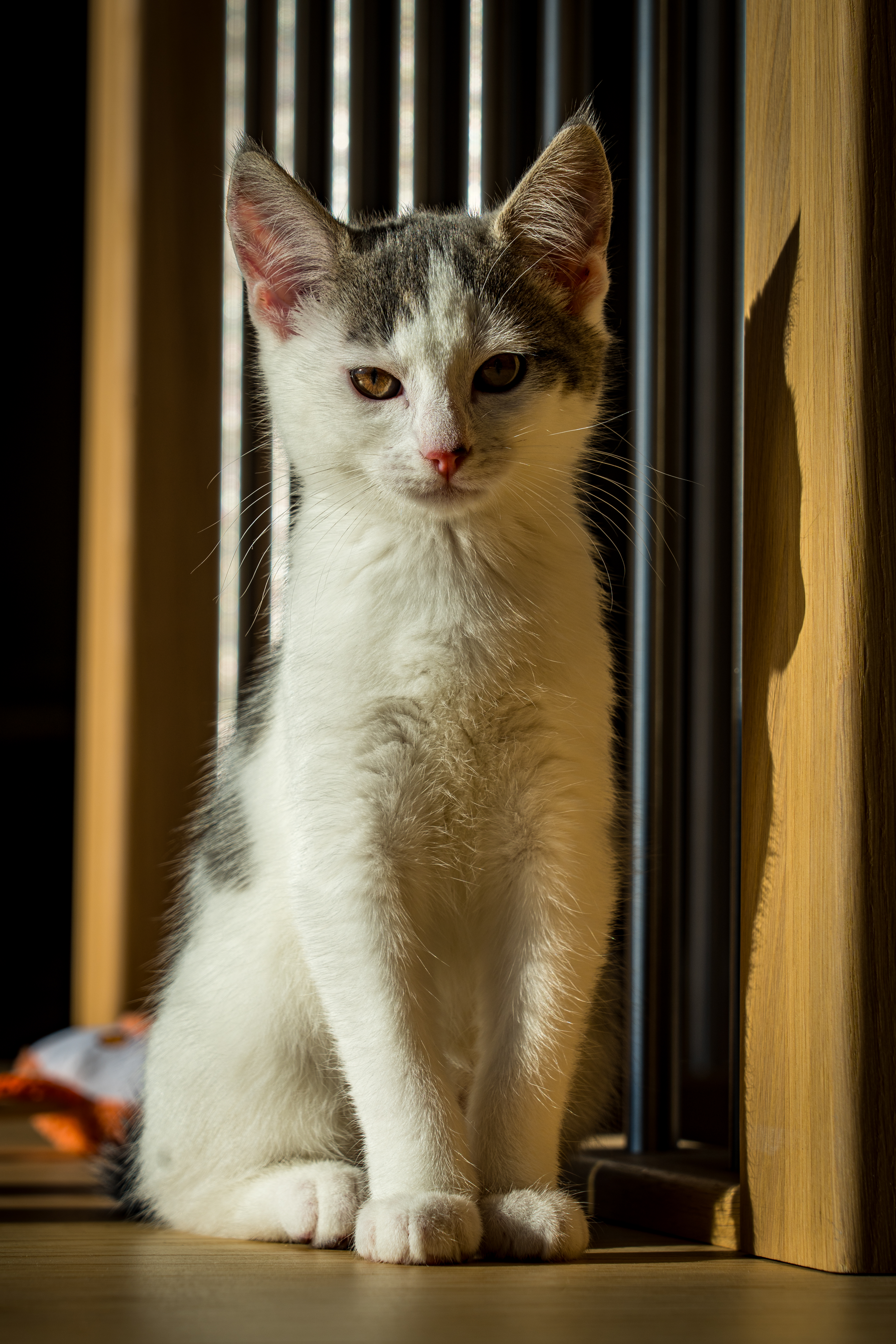
# Luna the cat



---
# rallarveien
Source: https://haakony.no/posts/rallarveien
Published: 2026-05-29
Topics: stories
**Introduction**
_From Mountains to Fjords: An Epic Bike Ride from Finse to Flåm_
There's something undeniably magical about Norway's rugged landscapes a blend of towering mountains, serene fjords, and unpredictable weather that keeps even the most seasoned adventurers on their toes. Recently, I embarked on an unforgettable journey that combined all these elements: a bike ride from Finse to Flåm that tested my limits and rewarded me with some of the most breathtaking views imaginable.
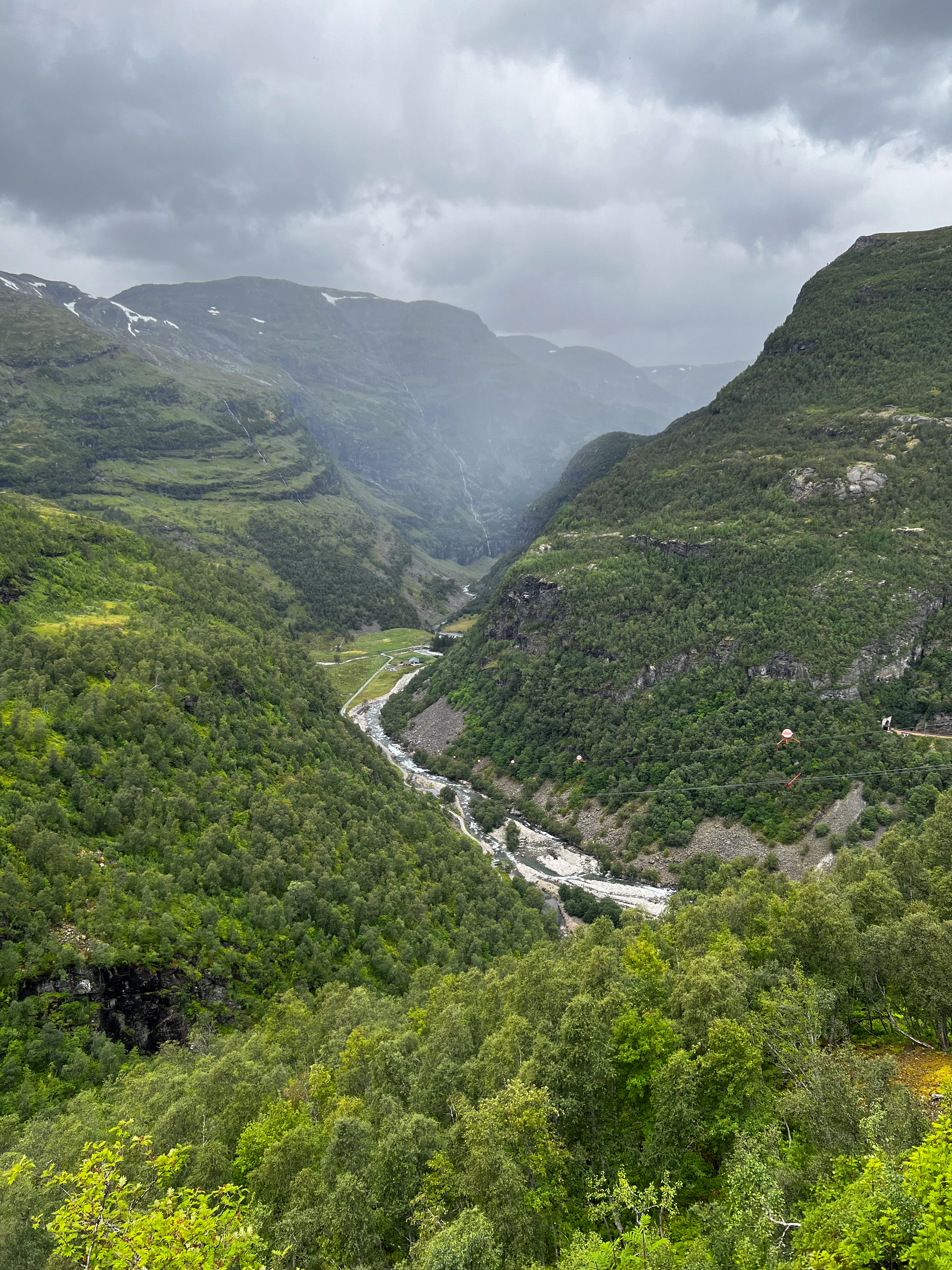{width=50%}
## The Plan
"We drive to Bergen, stay the night, drive to Flåm, park the cars, take Flåmsbana, change train at Myrdal to Finse, stay the night at DNT then pickup rented bikes and ride back to Flåm".
Easy peasy
## All Aboard to Finse
Our adventure began with a scenic train ride to Finse, the highest station on the Oslo-Bergen railway line. As the train chugged along, panoramic views of lush valleys gave way to high waterfalls, and windy turns up the steep mountain.
[https://www.jernbanedirektoratet.no/jernbanestrekning/flamsbana/](https://www.jernbanedirektoratet.no/jernbanestrekning/flamsbana/)
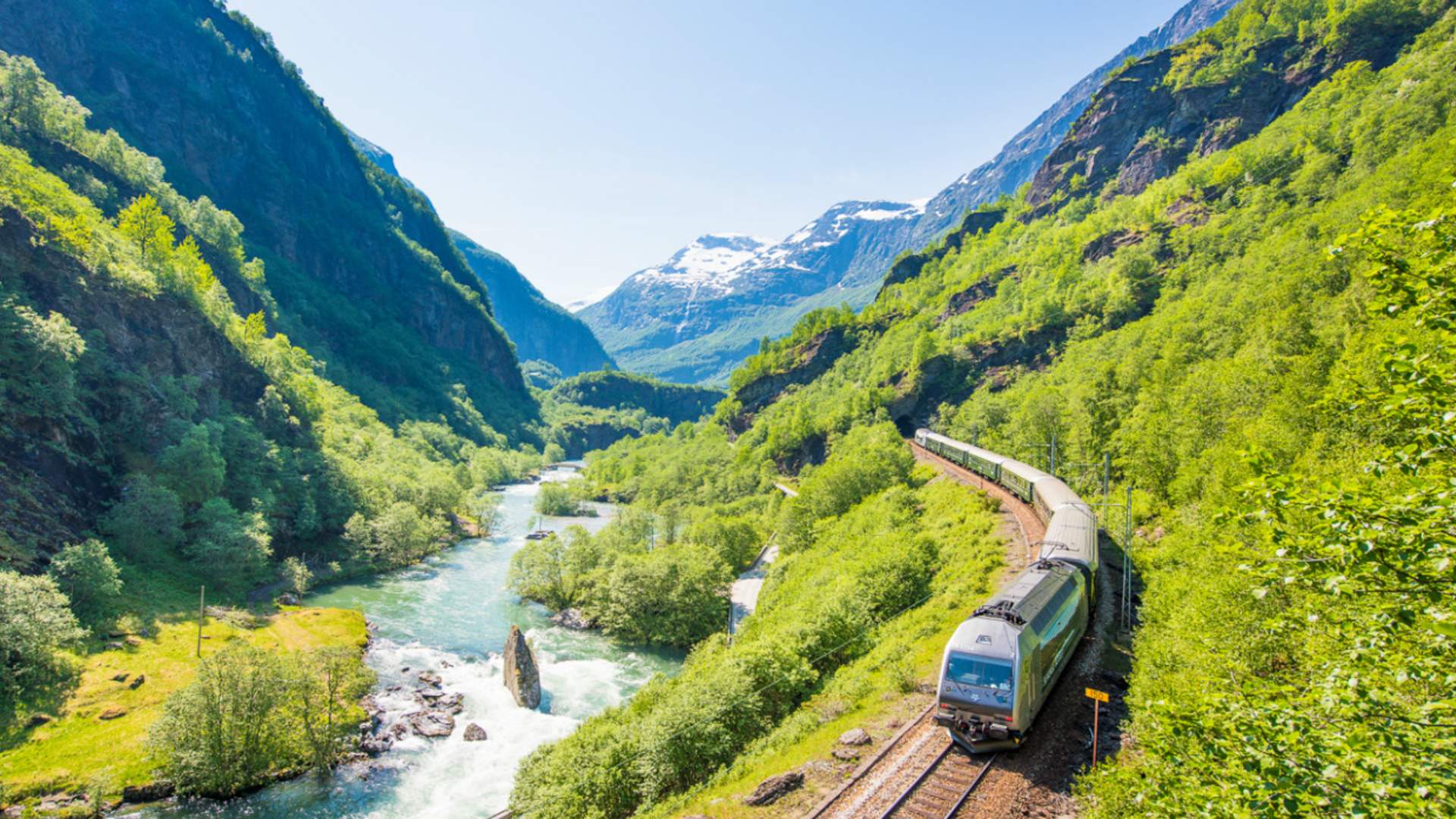
The train stopped at a platform looking over a large waterfall where we could see "huldra" singing trying to allure us away.
Before continued on with the train ride.
{{< rawhtml >}}
{{< /rawhtml >}}
After the short stop at Myrdal we continued on a new train taking us to Finse.
{{< rawhtml >}}
{{< /rawhtml >}}
Stepping onto the platform at Finse felt like arriving in another world remote, wild, and incredibly beautiful overlooking a huge glacier on the other side of the water.
{{< rawhtml >}}
{{< /rawhtml >}}
## A Glimpse into History at the Train Museum
Before setting off the next morning, we visited the Finse Train Museum. Despite its modest size, the museum offered fascinating insights into the construction of the Bergen Line and the challenging conditions faced by the workers over a century ago. Old photographs, tools, and artifacts painted a vivid picture of life in this isolated outpost during the early 1900s.

## A Night at the DNT Cabin
We settled into a cozy DNT (Den Norske Turistforening) cabin for the night. The rustic charm of the cabin, complete with wooden interiors and a crackling fireplace, provided the perfect refuge from the wet mountain air. Surrounded by fellow hikers and cyclists, we had a fantastic dinner prepared by local cuisine.
[https://www.dnt.no/finsehytta](https://www.dnt.no/finsehytta)
## Pedals Against the Wind: The Journey Begins
After a quick breakfast and weather discussion, we put on all our weatherproofing and headed out to get our rented bikes and set off.
With our bikes rented and gear strapped on, we embarked on the Rallarvegen trail—a historic route originally built for the construction of the railway. Almost immediately, we were met with fierce winds and driving rain. The trail, surrounded by towering peaks and glaciers, was both awe-inspiring and humbling. Each pedal stroke against the relentless wind felt like a small victory.
We knew that the weather should get better the lower we got but there were still a lot of pedaling in the headwind before that,
{{< rawhtml >}}
{{< /rawhtml >}}
## Weathering the Storm
The first part of the 56 km ride was undoubtedly the most challenging. Gusts threatened to push us off course, and the cold rain seeped through our layers. Yet, there was a raw beauty in the storm the way the clouds swirled around the mountains and the mist clung to the rocky terrain. It was a stark reminder of nature's power and our small place within it.
## A small light in the storm
When the clothes were soaked and the cold rain felt like needles against our thighs we could make out a sign saying Open and waffles. It was like a blessing at a perfect moment in the difficult time. We headed inside and we were greeted by a wall of hot air and the smell of waffles.
The mood changed from black to gray in a moment and the smiles came back. As both us and fellow travelers clinged together trying to get a bit dryer and warmer.
## Descent into Tranquility
As we continued our descent, the weather began to shift. The winds calmed, the rain softened to a drizzle, and patches of blue sky emerged. The rugged mountain landscape gradually gave way to verdant valleys dotted with wildflowers and cascading waterfalls. The air grew warmer, and we shed our rain gear, feeling rejuvenated by the improving conditions.
## The Final Stretch to Flåm
The latter part of the journey was pure bliss. We coasted down gentle slopes with the stunning Aurlandsfjord coming into view. The sun cast a golden hue over the landscape, and the tranquil sounds of nature replaced the earlier howling winds. Rolling into the quaint village of Flåm, we were greeted by picturesque wooden houses and the soothing sight of the fjord's calm waters.
{{< rawhtml >}}
{{< /rawhtml >}}
## Reflection
This trip was more than just a bike ride; it was a journey through some of Norway's most dramatic contrasts—from the harsh, wind-lashed heights of Finse to the serene beauty of Flåm. Facing the elements head-on made the experience all the more rewarding. It's incredible how quickly the landscape (and weather) can change over just 56 km, offering a new perspective at every turn.
## Tips for Fellow Adventurers
- **Be Prepared for Any Weather**: Conditions can change rapidly. Waterproof clothing and layered attire are essential.
- **Rent a Reliable Bike**: The trail varies from smooth paths to rocky terrain. A good mountain bike is crucial.
- **It is not all down hill**: The first part is a 100ish meter climb that can be hard if your packing alot of gear.
- **Take Your Time**: Allow yourself to pause and absorb the stunning surroundings. There are plenty of photo-worthy spots.
- **Explore Local History**: Don't miss the small museums and historical sites along the way—they add depth to the journey.
## Conclusion
Cycling from Finse to Flåm was an unforgettable adventure that combined physical challenges with Norway's breathtaking landscapes. Despite the harsh weather conditions at the start, the journey was incredibly rewarding. If you're seeking an experience that tests your limits and immerses you in nature, this trip is a must-do.
{{< rawhtml >}}
{{< /rawhtml >}}
{{< rawhtml >}}
{{< /rawhtml >}}
---
# superlekene_2023
Source: https://haakony.no/posts/superlekene_2023
Published: 2026-05-29
Topics: photo
## Superlekene 2023
I recently had the pleasure of volunteering at Superlekene 2023, a sports event dedicated to individuals with special adaptation needs.
"Superlekene" The Super Games is a sports event for people with special adaptation needs of all ages and at all functional levels. The goal of the Games is to give participants the opportunity to try different sports, inspire physical activity, and promote quality of life, well-being and healthy competition.
[https://www.superlekene.no/](https://www.superlekene.no/)
This event was held in Ålesund Blindheim. The contestants could join in on various activities like archery, volleyball, handball, and indoor hockey—all with instructors. They were all having a great time.
My mission was to capture the smiles of the contestants, it was a good day :)
But there are some challenges with these kinds of events because you have to be careful not to be too imposing and using strobes or artificial lighting can be problematic for the participants.
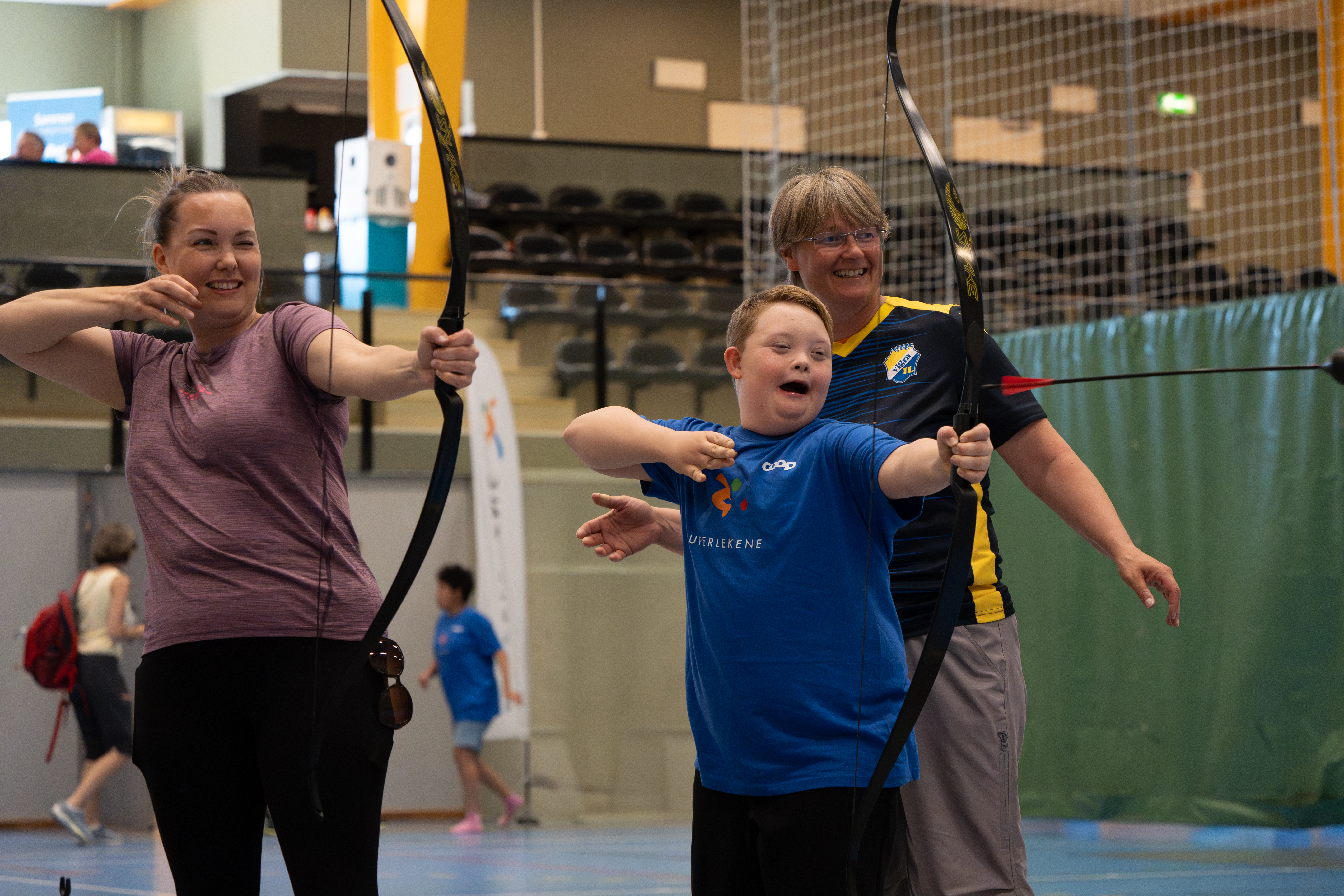
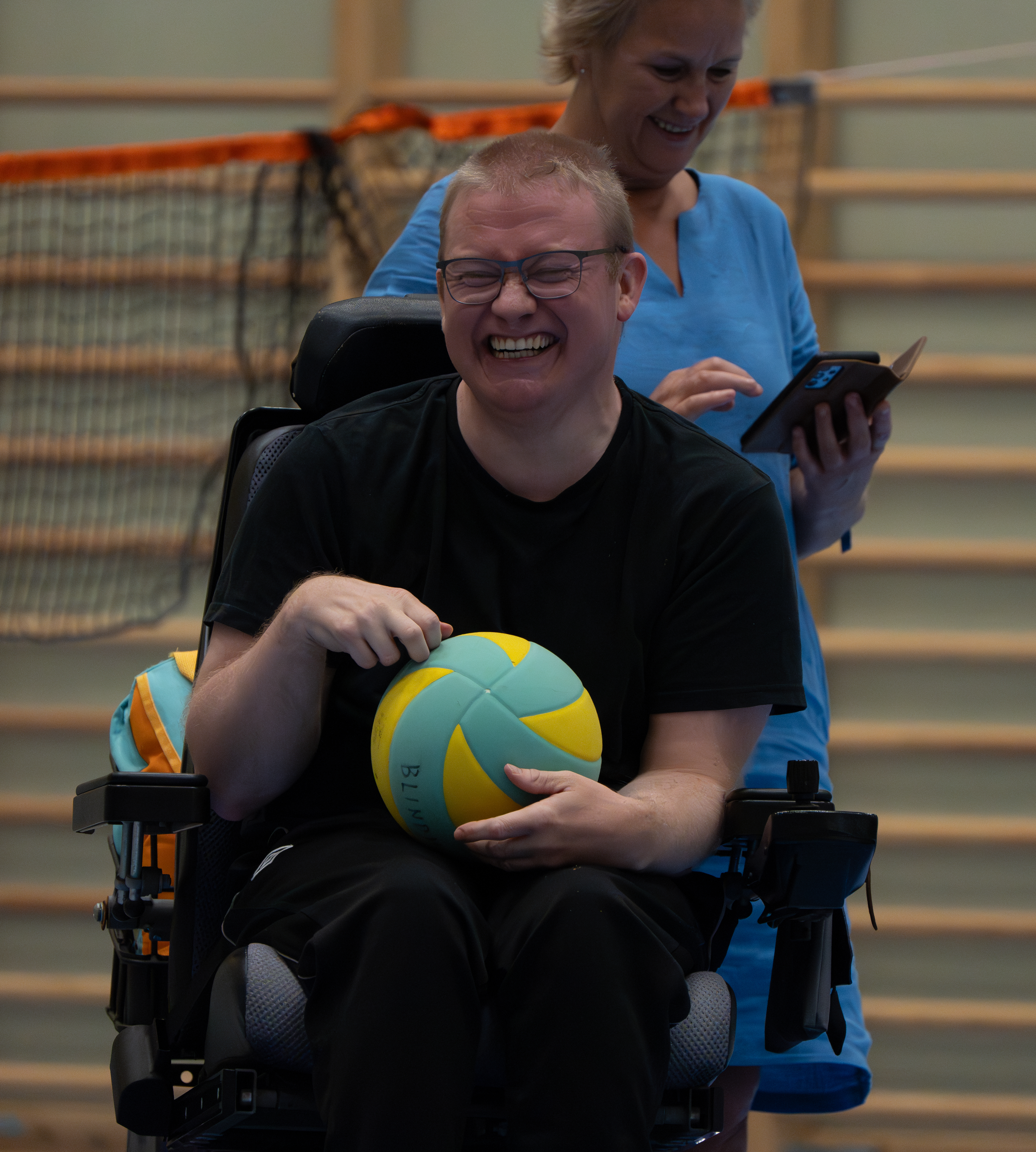
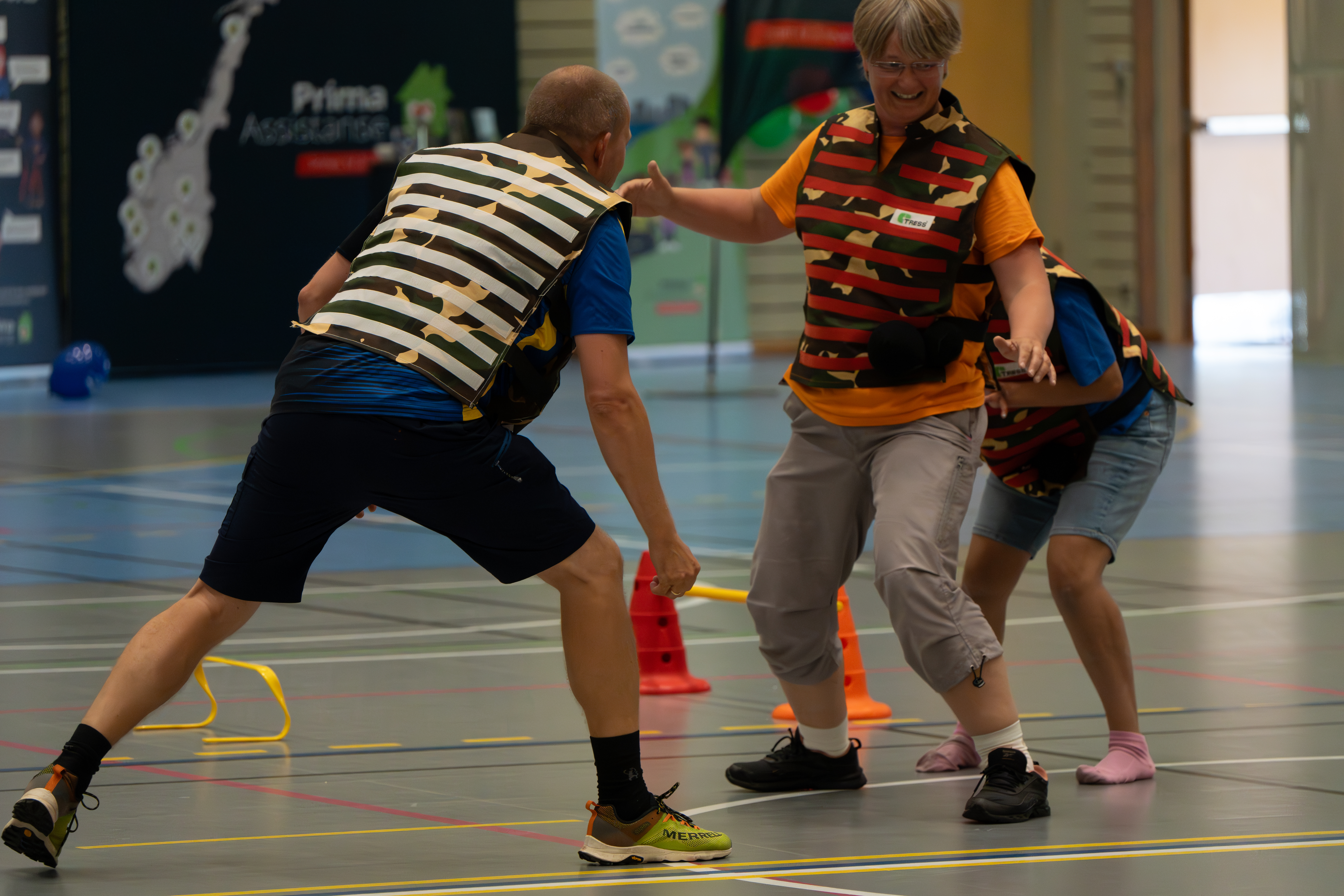
---
# superlekene_2024
Source: https://haakony.no/posts/superlekene_2024
Published: 2026-05-29
Topics: photo
I recently had the pleasure of volunteering at Superlekene 2024 again, a sports event dedicated to individuals with special adaptation needs.
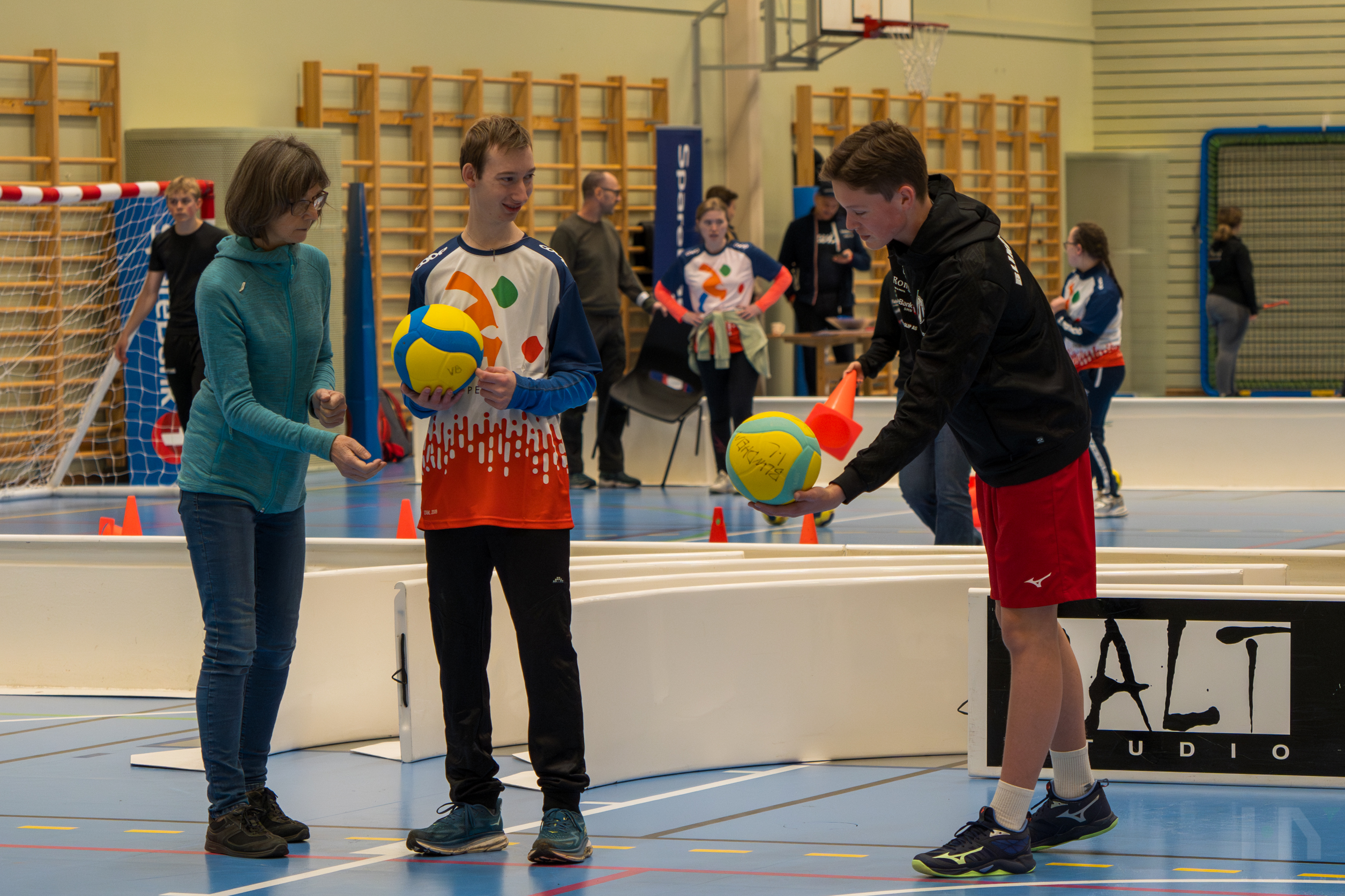
"Superlekene" The Super Games is a sports event for people with special adaptation needs of all ages and at all functional levels. The goal of the Games is to give participants the opportunity to try different sports, inspire physical activity, and promote quality of life, well-being and healthy competition.
[https://www.superlekene.no/](https://www.superlekene.no/)
This event was held in Ålesund Blindheim. The contestants could join in on various activities like archery, volleyball, handball, swimming, dancing, and indoor hockey—all with instructors. They were all having a great time.
My mission was to capture the smiles of the contestants, it was a good day :)
But there are some challenges with these kinds of events because you have to be careful not to be too imposing and using strobes or artificial lighting can be problematic for the participants.
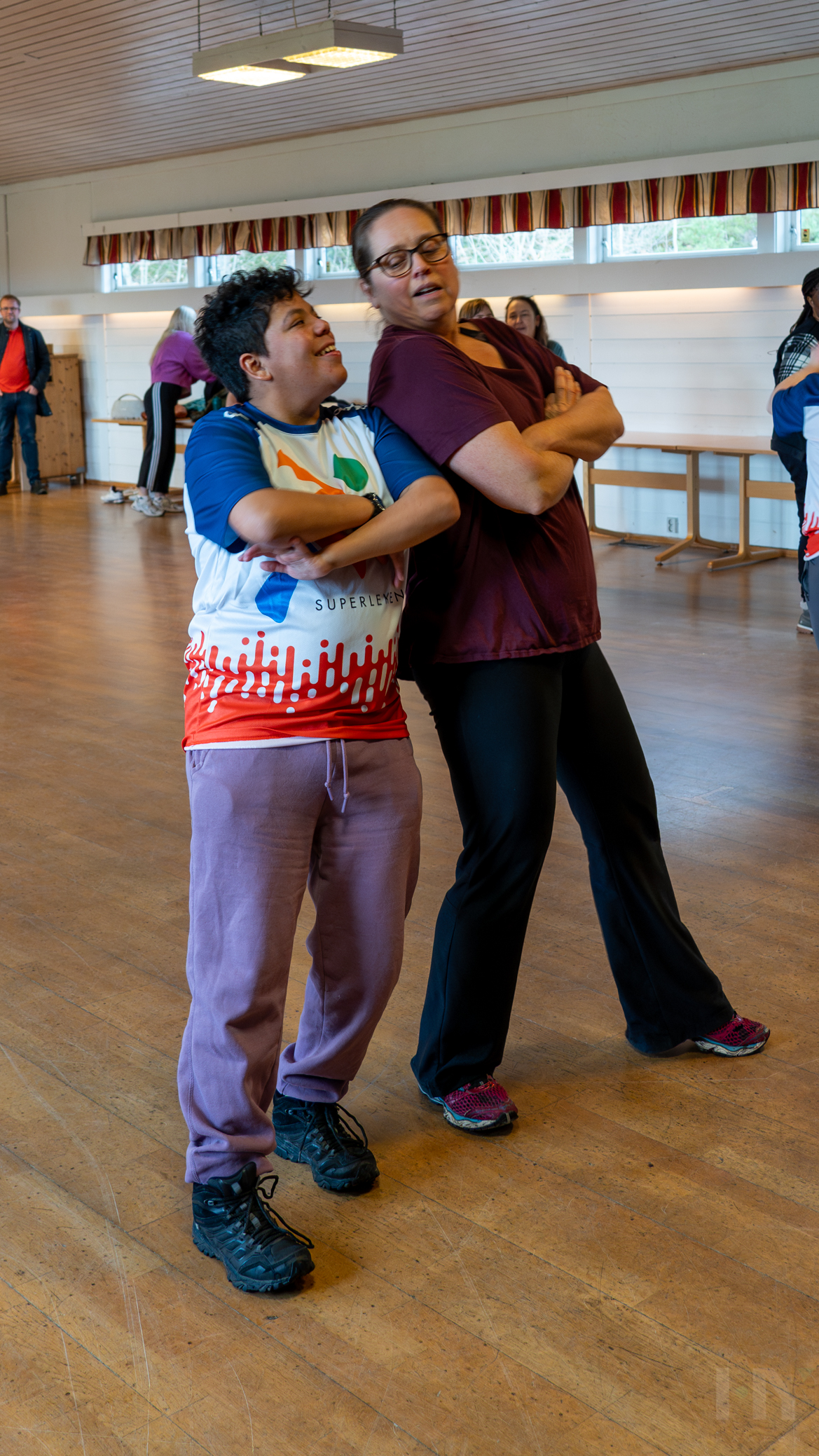
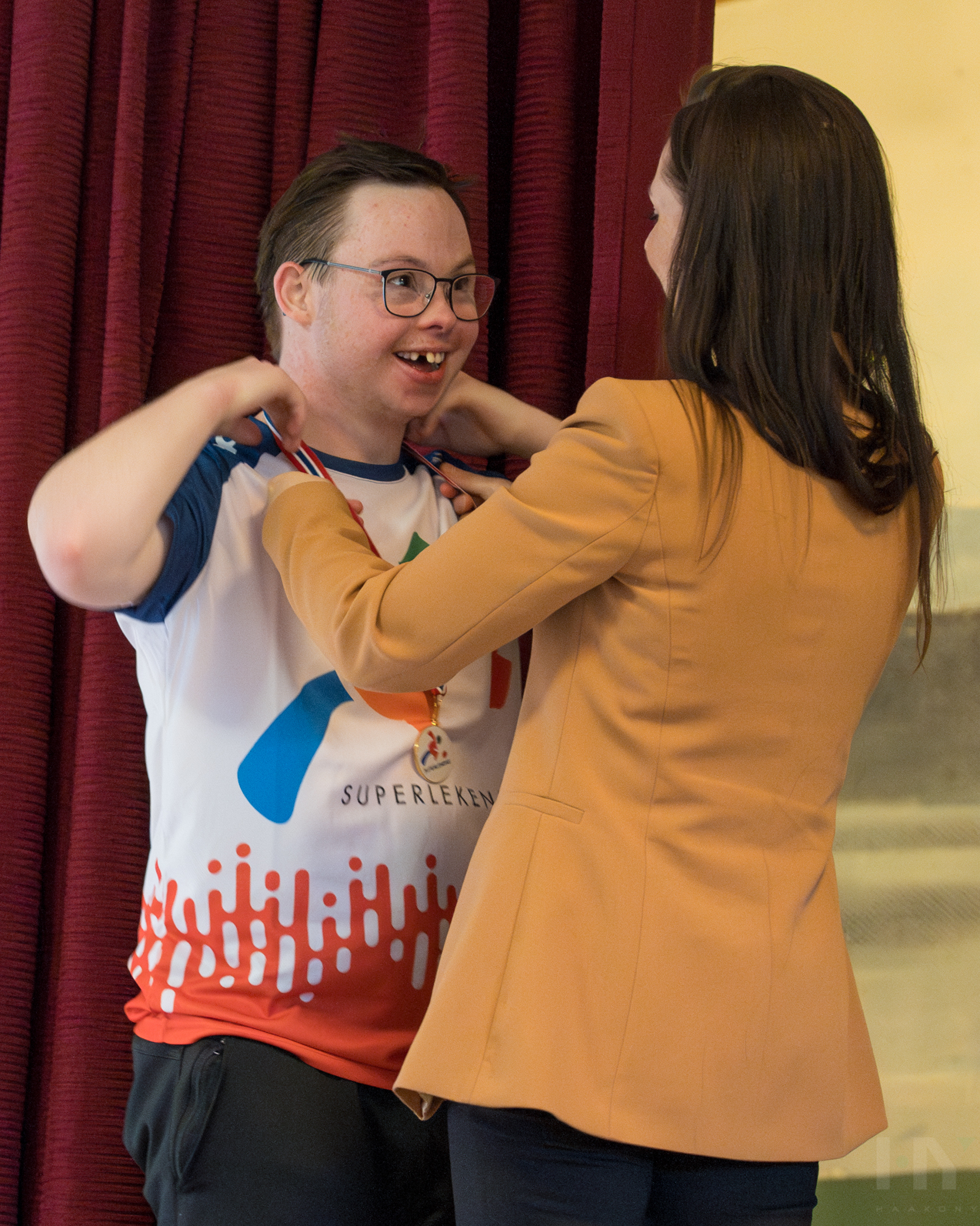

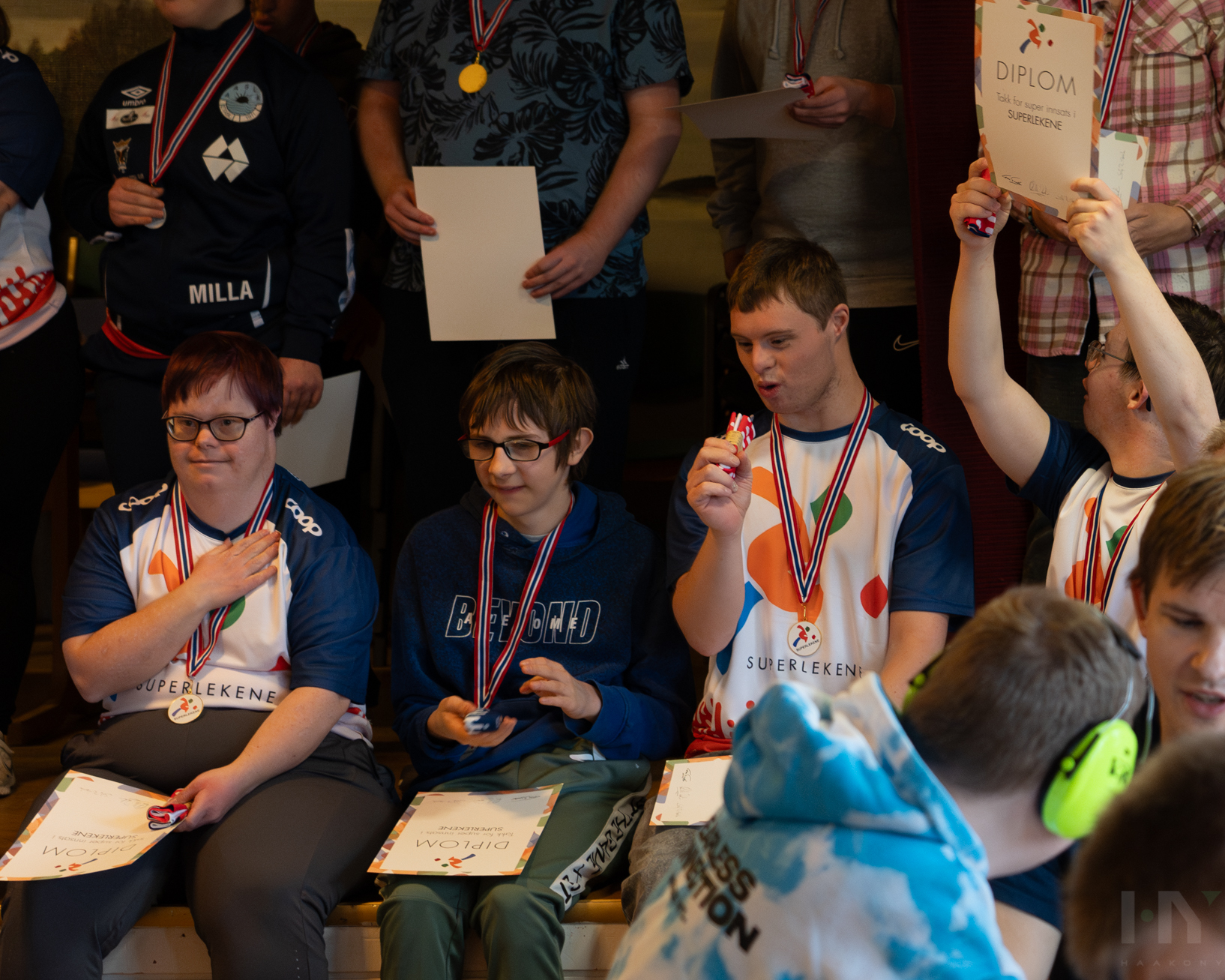
---
# the-kokkorobox
Source: https://haakony.no/posts/the-kokkorobox
Published: 2026-05-29
Topics: projects, c++, hardware, oled
The box was made as an experiment to see if something like this is a good idea.
Maybe we should call it a NodeMCU ESP8266 running an OLED SPI monitor on a 18650 battery with USB charge controller, some buttons, and a custom 3D-printed case just to nerd out as much as possible :)
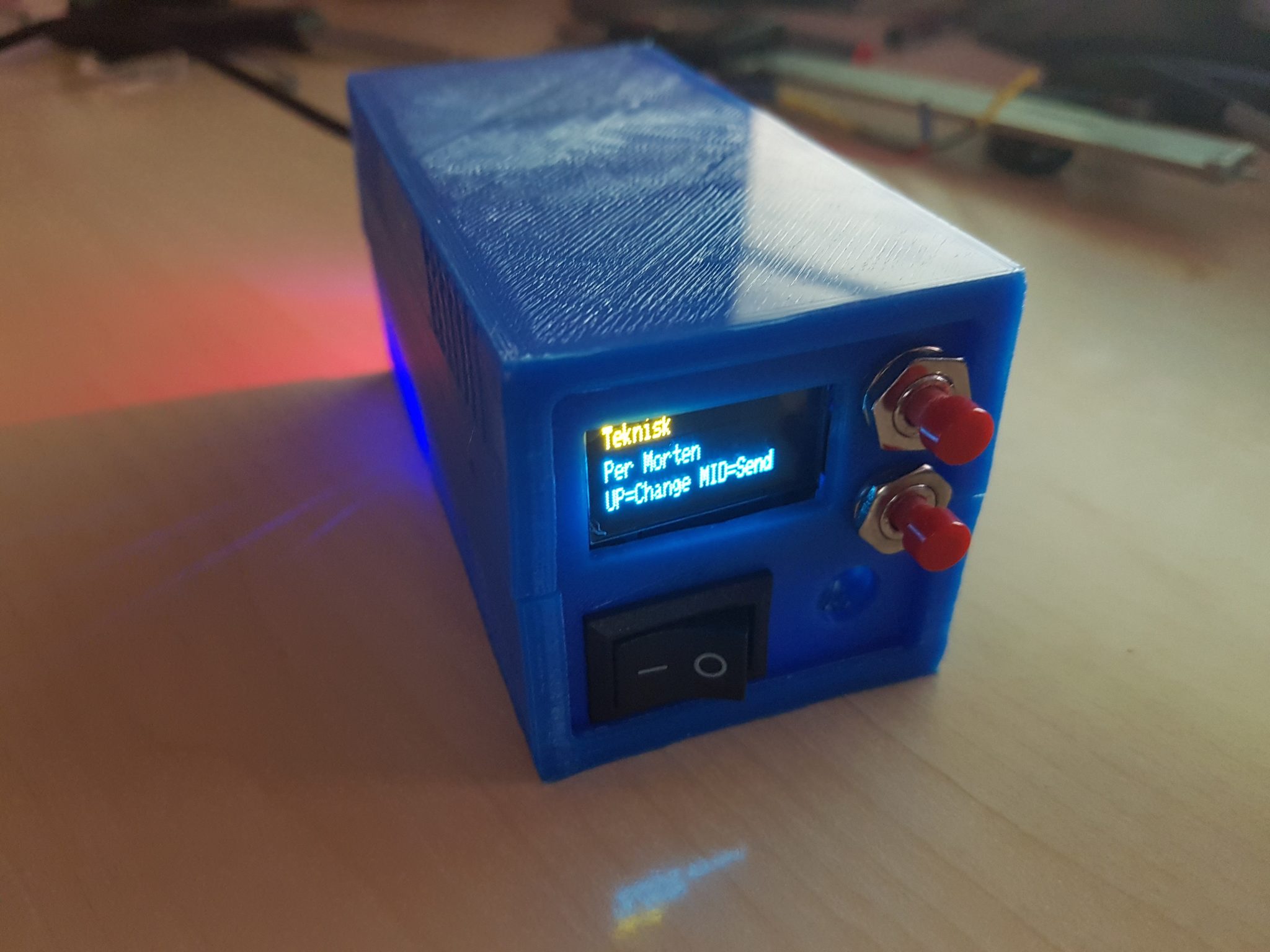
The box is connected to Wi-Fi with an ESP8266 chip and can send out updates to a wallboard.
It is supposed to be dynamically updated by MQTT, but it is not implemented yet. You can send messages to the lowest line, and it will display the message and flash an LED until you sign off on the message with an MQTT message of 1.
To save battery, it will sleep after 30 minutes if there has been no action on button 1. It starts so fast that there is no reason to keep it alive longer unless you want the MQTT messages, but we don't really need those at the moment.
It will also count down the battery on the top right side when it reaches below 3.3V. It will go from 244 to 0 and turn off at 2.5V because the voltage sensor can only handle a max of 3.3V.
Charging is done on the top USB, and it will have a red LED until it's full. You can also power it from both USB ports.
Other than that, it uses an HTTP GET to push updates to an API I made on the wallboard.
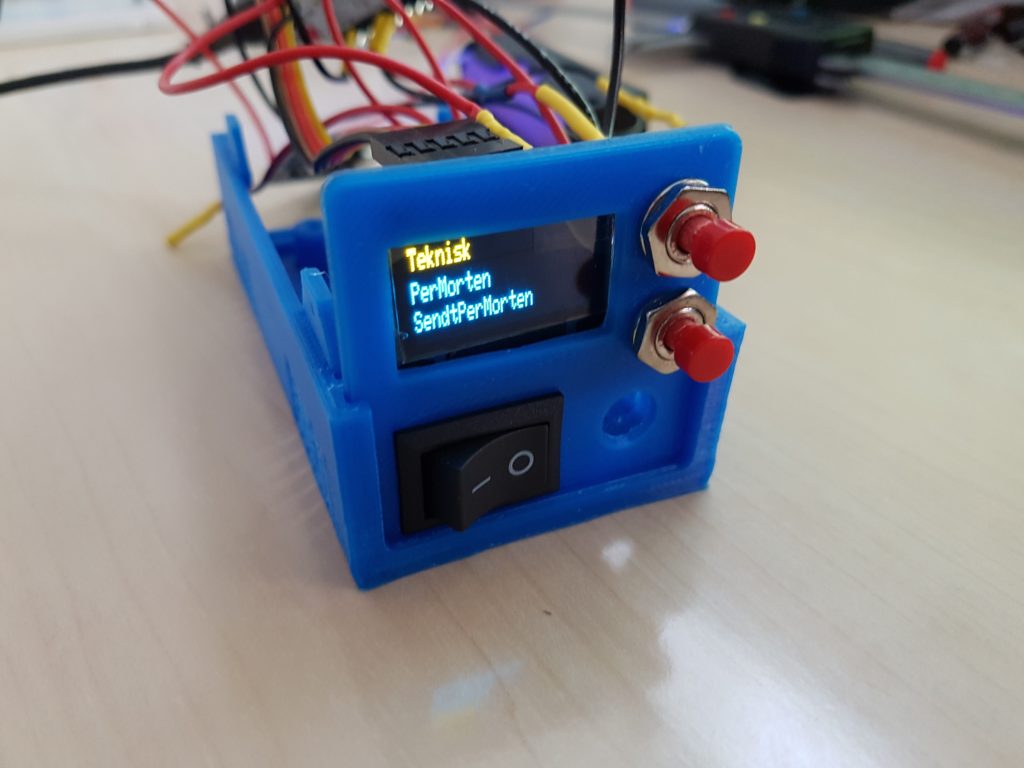
Stuff that could still be done: add updates via MQTT—the API should be able to handle whatever as long as I can alter it.
Create a new back panel with holes for the two USB ports, and see if I can design a new box that has better access to the buttons and screen.
Add more functionality it can do...
{{< youtube m49ZmL4k1Do >}}
So this is the mess of code.
```c++
#include <ESP8266WiFi.h>
#include <ESP8266HTTPClient.h>
#include <PubSubClient.h>
#include <SPI.h>
#include <Adafruit_GFX.h>
#include <Adafruit_SSD1306.h>
/*
static const uint8_t SDA = 4;
static const uint8_t SCL = 5;
static const uint8_t LED_BUILTIN = 16;
static const uint8_t BUILTIN_LED = 16;
static const uint8_t D0 = 16;
static const uint8_t D1 = 5;
static const uint8_t D2 = 4;
static const uint8_t D3 = 0;
static const uint8_t D4 = 2;
static const uint8_t D5 = 14;
static const uint8_t D6 = 12;
static const uint8_t D7 = 13;
static const uint8_t D8 = 15;
static const uint8_t D9 = 3;
static const uint8_t D10 = 1;
*/
// If using software SPI (the default case): please stick to these pin numbers unless you have some other board
//Pin connections for OLED are as follows - (D5, D7, D3, D4, 12); // (SCL,SDA,RES,DC,CS)
ADC_MODE(33); //voltage check thingy
const int BUTTON_PIN = D1;//button is connected to GPIO pin D1
const int BUTTON_PIN2 = D2;
const int BUTTON_PIN3 = D8;
const int SOUND_PIN = D6;
boolean buttonState = false; // variable for reading the pushbutton status
void handleKey1() {
buttonState = true;
}
int buttonState2 = 0;
boolean buttonState3 = false;
void handleKey3() {
buttonState3 = true;
}
int sleepTimer = 0;
long lastUpdateMillis = 0;
// Update these with values suitable for your network.
const char* ssid = "asd";
const char* password = "asd";
const char* mqtt_server = "asd";
const char* userName = "asd";
const char* passWord = "asd";
//bleh
int hasSentStringToServer = 0;
int choice1 = 0;
int choice2 = 0;
String CName = "";
unsigned long timez;
WiFiClient espClient;
PubSubClient client(espClient);
long lastMsg = 0;
char msg[50];
int value = 0;
String TopText = "Teknisk";
String BottomText = "UP=Change MID=Send";
//volts
const int ADC_PIN = A0;
const float ANALOG_TO_VOLTAGE_FACTOR = 3.29/1001.0; //0.00322265625
int rawVoltValue;
float voltage;
//blinking
boolean blinkOn = false;
int lastUpdateMillisBlink=0;
void setup_wifi() {
delay(100);
// We start by connecting to a WiFi network
Serial.print("Connecting to ");
Serial.println(ssid);
WiFi.begin(ssid, password);
while (WiFi.status() != WL_CONNECTED)
{
delay(500);
Serial.print(".");
}
randomSeed(micros());
Serial.println("");
Serial.println("WiFi connected");
Serial.println("IP address: ");
Serial.println(WiFi.localIP());
}
void callback(char* topic, byte* payload, unsigned int length) {
String dispText = "";
Serial.print("Message arrived [");
Serial.print(topic);
Serial.print("] ");
for (int i = 0; i < length; i++) {
Serial.print((char)payload[i]);
dispText += (char)payload[i];
}
Serial.println();
String msg = "1";
digitalWrite(BUILTIN_LED, HIGH);
char message[58];
msg.toCharArray(message, 58);
client.publish("teknisk/kokoro/ok", message);
// Switch on the LED if an 1 was received as first character
/* later :)
if ((char)payload[0] == '1') {
digitalWrite(BUILTIN_LED, LOW); // Turn the LED on (Note that LOW is the voltage level
// but actually the LED is on; this is because
// it is acive low on the ESP-01)
} else {
digitalWrite(BUILTIN_LED, HIGH); // Turn the LED off by making the voltage HIGH
}
*/
//digitalWrite(BUILTIN_LED, LOW); // Turn the LED on (Note that LOW is the voltage level
blinkOn = true;
//String dispText = String((char*)payload);
BottomText = dispText;
Serial.print(dispText);
}
void reconnect() {
// Loop until we're reconnected
while (!client.connected())
{
Serial.print("Attempting MQTT connection...");
// Create a random client ID
String clientId = "Teknisk_wallb_changer-";
clientId += String(random(0xffff), HEX);
// Attempt to connect
//if (client.connect(clientId.c_str())) //use if no pass
if (client.connect(clientId.c_str(), userName, passWord))
{
Serial.println("connected");
//once connected to MQTT broker, subscribe command if any
client.subscribe("teknisk/kokoro/display");
} else {
Serial.print("failed, rc=");
Serial.print(client.state());
Serial.println(" try again in 5 seconds");
// Wait 5 seconds before retrying
delay(5000);
}
}
} //end reconnect()
//oled stuff
#define OLED_SDA D7 //MOSI
#define OLED_SCL D5 //CLK
#define OLED_DC D4 //
#define OLED_CS 12 // no need of connecting, just use some pin number
#define OLED_RESET D3 //RES
Adafruit_SSD1306 display(OLED_SDA, OLED_SCL, OLED_DC, OLED_RESET, OLED_CS); // constructor to call OLED display using adafruit library
#define LOGO16_GLCD_HEIGHT 16
#define LOGO16_GLCD_WIDTH 16
static const unsigned char PROGMEM logo16_glcd_bmp[] = // // since i am using adafruit library, i have to display their logo
{ B00000000, B11000000,
B00000001, B11000000,
B00000001, B11000000,
B00000011, B11100000,
B11110011, B11100000,
B11111110, B11111000,
B01111110, B11111111,
B00110011, B10011111,
B00011111, B11111100,
B00001101, B01110000,
B00011011, B10100000,
B00111111, B11100000,
B00111111, B11110000,
B01111100, B11110000,
B01110000, B01110000,
B00000000, B00110000
};
//#if (SSD1306_LCDHEIGHT != 64)
//#error("Height incorrect, please fix Adafruit_SSD1306.h!");
//#endif
void setup() {
pinMode(BUILTIN_LED, OUTPUT); // Initialize the BUILTIN_LED pin as an output
digitalWrite(BUILTIN_LED, HIGH);
Serial.begin(115200);
setup_wifi();
client.setServer(mqtt_server, 1883);
client.setCallback(callback);
pinMode(BUTTON_PIN, INPUT_PULLUP);
pinMode(BUTTON_PIN2, INPUT_PULLUP);
pinMode(BUTTON_PIN3, INPUT_PULLUP);
attachInterrupt(BUTTON_PIN, handleKey1, RISING);
attachInterrupt(BUTTON_PIN3, handleKey3, RISING);
display.begin(SSD1306_SWITCHCAPVCC); // since i am using adafruit library, i have to display their logo
// init done
// Show image buffer on the display hardware.
// Since the buffer is intialized with an Adafruit splashscreen
// internally, this will display the splashscreen.
display.display();
delay(500);
// Clear the buffer.
display.clearDisplay();
// NOTE: You _must_ call display after making any drawing commands
// to make them visible on the display hardware!
// following OPTIONAL part is just to display the message only during the startup--- you can modify or just remove it
display.setTextColor(WHITE);
display.setTextSize(1);
display.setCursor(25, 11);
display.print("Hakon Yndestad");
// display.print("Temp. reading");
display.display();
display.setCursor(25, 0);
display.print("Kokkorobox");
display.display();
delay(4000);
display.clearDisplay();
// OPTIONAL part ends here
}
void loop() {
if (!client.connected()) {
reconnect();
}
client.loop();
int status;
long now = millis();
if ( choice1 == 0) {
CName = "PerMorten";
} else if ( choice1 == 1 ) {
CName = "Henrik";
} else if ( choice1 == 2 ) {
CName = "Anders";
} else if ( choice1 == 3 ) {
CName = "David";
} else if ( choice1 == 4 ) {
CName = "Morten";
} else if ( choice1 == 5 ) {
CName = "Ken";
} else if ( choice1 == 6 ) {
CName = "Hakon";
} else {
CName = "Aulin";
}
// read the state of the pushbutton value:
buttonState = digitalRead(BUTTON_PIN);
if (buttonState && millis() - lastUpdateMillis > 250) {
String msg = "Button status: ";
buttonState = false;
lastUpdateMillis = millis(); //doubbletap reset
sleepTimer=millis(); //update sleeptimer
choice1 += 1;
msg = "ON";
char message[58];
msg.toCharArray(message, 58);
Serial.println(message);
Serial.println(choice1);
Serial.println(CName);
//publish sensor data to MQTT broker
//client.publish("hass/node/state", message);
if (choice1 > 8) {
choice1 = 0;
}
}
// check if the pushbutton2 is pressed.
// if it is, the buttonState2 is HIGH:
buttonState2 = digitalRead(BUTTON_PIN2);
if (buttonState2 == HIGH && hasSentStringToServer == 0) {
String msg = "Button status: ";
if (buttonState2 == HIGH )
{
digitalWrite(BUILTIN_LED, LOW);
String APIurl= "http://asd"; //for wallboard
msg = "ON2- Sending command to server";
char message[58];
msg.toCharArray(message, 58);
Serial.println(message);
Serial.println(choice1);
Serial.println(CName);
Serial.println("----------");
BottomText = "Sendt " + CName;
//publish sensor data to MQTT broker
HTTPClient http; //Declare an object of class
APIurl += "99/";
APIurl += CName;
APIurl += "/";
APIurl += choice1;
http.begin(APIurl); //Specify request destination (http://blablabla)
int httpCode = http.GET(); //Send the request
if (httpCode > 0) { //Check the returning code
String payload = http.getString(); //Get the request response payload
Serial.println(payload); //Print the response payload
}
http.end(); //Close connection
Serial.println(APIurl);
Serial.println("----------");
//client.publish("hass/node/state", message);
hasSentStringToServer == 1;
delay(250); //delay so that the itchy button dont doubbletapp
digitalWrite(BUILTIN_LED, HIGH);
}
if (buttonState2 == LOW )
{
hasSentStringToServer = 0;
delay(250); //delay so that the itchy button dont doubbletapp
}
}
// Button 3 stuff
buttonState3 = digitalRead(BUTTON_PIN3);
if (buttonState3 && millis() - lastUpdateMillis > 250) {
buttonState3 = false;
lastUpdateMillis = millis();
digitalWrite(BUILTIN_LED, LOW);
//publish accept data to MQTT broker
String msg = "Kvittert: ";
digitalWrite(BUILTIN_LED, HIGH);
char message[58];
msg.toCharArray(message, 58);
client.publish("teknisk/kokoro/ok", message);
Serial.println("---------- high");
delay(250); //delay so that the itchy button dont doubbletapp
blinkOn= false;
}
/*
if (buttonState3 == LOW )
{
Serial.println("---------- low");
digitalWrite(BUILTIN_LED, LOW);
delay(250); //delay so that the itchy button dont doubbletapp
}
*/
//led blinker
if (blinkOn && millis() - lastUpdateMillisBlink > 250){
if(digitalRead(BUILTIN_LED)){
digitalWrite(BUILTIN_LED, LOW);
}else{
digitalWrite(BUILTIN_LED, HIGH);
}
lastUpdateMillisBlink = millis();
}
//voltage check thingy
rawVoltValue = analogRead(ADC_PIN);
voltage = rawVoltValue * ANALOG_TO_VOLTAGE_FACTOR;
//run display
TopDisplayText(TopText);
TopDisplayBattery(rawVoltValue-780);
MiddleDisplayText(CName);
BottomDisplayText(BottomText);
//set to sleep if idle for 30minutes or battery is below 2.5v
if (millis() - sleepTimer > 1800000 || rawVoltValue < 780)
{
Serial.println(sleepTimer);
ESP.deepSleep(0); // 20e6 is 20 microseconds 0 forever
sleepTimer=millis(); //resets timer if we deside to auto wake later
}
}//void loop
void TopDisplayBattery(int rawVoltValue) {
display.setTextColor(WHITE);
display.setTextSize(1);
display.setCursor(110, 0);
display.print(rawVoltValue);
display.setCursor(100, 0);
display.print("B");
}
void TopDisplayText(String TopText) {
display.setTextColor(WHITE);
display.setTextSize(1);
display.setCursor(0, 0);
display.print(TopText);
}
void BottomDisplayText(String BottomText) {
display.setTextColor(WHITE);
display.setTextSize(1);
display.setCursor(0, 20);
display.print(BottomText);
}
void MiddleDisplayText(String text) {
//display.drawRect(1, 1, display.width() - 1, display.height() - 1, WHITE); // draws the outer rectangular boundary on the screen
display.setTextColor(WHITE); //if multicollor OLED
display.setTextSize(1);
display.setCursor(0, 10);
display.print(text);
display.display();
display.clearDisplay();
}
```
---
# Desky 2025
Source: https://haakony.no/posts/desky_2025
Published: 2025-04-07
Topics: projects, c++, arduino, esp32, btc, desky
# Building a Bitcoin Price Tracker with ESP32-S3 and AMOLED Display
## Introduction
In this project, I built a Bitcoin price tracker that shows real-time price data on a small AMOLED screen. It fetches Bitcoin price data from the CoinDesk API and displays it as an easy-to-read graph, along with high/low values and percentage change.
## Hardware
I based this project on the [LILYGO T-Display-S3 AMOLED](https://www.banggood.com/custlink/3KGS4PpAQM) development board, which includes:
- ESP32-S3 microcontroller with WiFi and Bluetooth 5.0
- 1.9-inch AMOLED display with RM67162 controller
- Two programmable buttons
- Compact form factor perfect for desktop displays

## Features
Here are the main features I wanted in this tracker:
1. **Real-time Price Updates**: Fetches the latest Bitcoin price data every 5 minutes
2. **Interactive Time Intervals**: Switch between 30-minute, 30-hour, and 30-day views using the buttons
3. **Visual Price Graph**: Displays price trends with auto-scaling for optimal visualization
4. **Key Price Information**: Shows high, low, and current prices
5. **Percentage Change**: Displays price movement with color coding (green for positive, red for negative)
6. **Clean User Interface**: Well-organized layout with clear labeling
## How It Works
The project is split into a few key parts:
### 1. Hardware Setup
The LILYGO T-Display-S3 AMOLED board gives me everything I need in one package. The ESP32-S3 handles WiFi and data processing, and the AMOLED display makes the output look sharp and vibrant.
### 2. Software Architecture
I structured the code to:
- Initialize the display and WiFi connection
- Fetch Bitcoin price data from the CoinDesk API
- Process and store the historical price data
- Draw the graph and price information on the display
- Handle button inputs for switching between time intervals
### 3. Data Visualization
I draw the graph using the TFT_eSPI library, which is efficient and works well with the AMOLED display. The price data is auto-scaled so the graph stays useful even when the market moves a lot.
### 4. User Interaction
I use the two onboard buttons for interaction:
- Button 1: Cycles through different time intervals (30m → 30h → 30d)
- Button 2: Manually refreshes the data
## Technical Challenges and Solutions
While building it, I ran into a few challenges and solved them:
1. **Display Initialization**: The AMOLED display required specific initialization parameters to work correctly
2. **Memory Management**: ESP32 has limited RAM, so we optimized data structures and drawing routines
3. **Screen Refresh**: We implemented proper sprite clearing to prevent artifacts and ensure smooth updates
4. **API Rate Limiting**: Added error handling for API requests to manage potential rate limits
5. **Button Debouncing**: Implemented proper debounce logic to ensure reliable button inputs
## Code Structure
I kept the code modular, with separate functions for:
- Display initialization and management
- Data fetching and parsing
- Graph drawing and visualization
- Button handling and user interaction
I also used a template-based approach for environment variables so sensitive values like API keys stay out of source code.
## Future Enhancements
There are a few obvious ways I could expand this:
1. **Additional Cryptocurrencies**: Add support for tracking multiple cryptocurrencies
2. **Custom Alerts**: Implement price alerts for significant movements
3. **More Time Intervals**: Add additional time ranges like 7-day or 1-month views
4. **Weather Integration**: Combine with weather data for a multi-purpose display
5. **Cloud Integration**: Store historical data in the cloud for longer-term analysis
## Conclusion
This project is a good example of what I can do with an ESP32-S3 and a small AMOLED display. By combining hardware and software in a simple way, I ended up with a compact desktop tool that gives me real-time Bitcoin market data at a glance.
It also shows how practical and useful modern microcontroller projects can be when they are connected to live internet data.
## Resources
- [GitHub Repository](https://github.com/haakony/desky_2025_2)
- [LILYGO T-Display-S3 AMOLED](https://www.banggood.com/custlink/3KGS4PpAQM)
- [LILYGO T-Display-S3 AMOLED Documentation](https://github.com/Xinyuan-LilyGO/T-Display-S3-AMOLED)
- [TFT_eSPI Library](https://github.com/Bodmer/TFT_eSPI)
---
# Building an AI-Powered Ball Story Generator
Source: https://haakony.no/posts/2024-03-30-building-an-ai-powered-ball-story-generator
Published: 2025-03-30
Topics: projects, python, ai, ollama, hugo, openai, comfyui, story-generation, image-generation
Recently, I embarked on an interesting project: creating an AI-powered system that generates humorous stories and satirical news articles about various types of balls. The result is [A Balling Site](https://balls.no), where you can find these AI-generated tales.
## The Concept
The idea was to create a system that could:
1. Generate engaging stories and news articles about different types of balls
2. Create AI-generated images for both the main content and specific scenes
3. Automatically format and deploy everything to a Hugo static site
## Technical Stack
The system uses a combination of modern tools and APIs:
- **LLM Providers**:
- Ollama (primary) for story generation
- OpenAI (optional) as a fallback
- **Image Generation**:
- ComfyUI (primary) for high-quality images
- DALL-E (optional) as an alternative
- **Static Site**: Hugo for content management and deployment
## Key Challenges
### 1. Managing Multiple AI Providers
One of the main challenges was creating a flexible system that could work with different AI providers. Here's how we handled the LLM provider selection:
```python
class LLMProvider:
"""Base class for LLM providers."""
def generate_content(self, prompt: str) -> str:
"""Generate content using the provider."""
raise NotImplementedError
class OllamaProvider(LLMProvider):
def generate_content(self, prompt: str) -> str:
"""Generate content using Ollama API."""
response = requests.post(
f"{settings.OLLAMA_API_URL}/api/generate",
json={
"model": settings.OLLAMA_MODEL,
"prompt": prompt,
"stream": False,
"format": "json"
}
)
return response.json()["response"]
```
### 2. Image Generation and Scene Placement
Another challenge was ensuring that the generated images matched the story content and were placed appropriately. We solved this by:
1. Using a `[SCENE]` marker in the generated content
2. Creating two types of images:
- Main image for the story header
- Scene image for specific story moments
```python
def create_blog_post(data: Dict[str, Any], image_path: Optional[str] = None, scene_image_path: Optional[str] = None, content_type: str = "story") -> str:
# Process the content to insert the scene image
content_parts = content.split('[SCENE]')
content_with_image = content_parts[0]
if len(content_parts) > 1 and scene_image_path:
content_with_image += f"\n\n[]({date}-{slug}-{timestamp})\n\n" + content_parts[1]
```
### 3. Content Cleaning and Formatting
The AI models sometimes return content with JSON artifacts or code blocks. We implemented robust cleaning functions:
```python
def clean_content(content: str, content_type: str = 'story') -> str:
"""Clean up story/article content by removing JSON artifacts and extra whitespace."""
# Remove any code blocks and JSON artifacts
content = re.sub(r'```.*?```', '', content, flags=re.DOTALL)
content = re.sub(r'\{.*?\}', '', content, flags=re.DOTALL)
content = re.sub(r'```json\s*\{.*?\}```', '', content, flags=re.DOTALL)
# Remove any extra newlines
content = re.sub(r'\n{3,}', '\n\n', content)
return content.strip()
```
## Interesting Findings
1. **Ollama's JSON Output**: While Ollama is great for creative writing, getting consistent JSON output was challenging. We had to implement fallback mechanisms and robust parsing.
2. **Image Generation Timing**: ComfyUI image generation can take several seconds. We implemented proper waiting mechanisms and error handling to ensure reliability.
3. **Content Structure**: The AI models sometimes needed explicit instructions about content structure. We found that detailed prompts with examples worked best.
## The Result
The system now generates engaging content like this:
```markdown
---
title: "Great-Basketball"
date: 2025-03-30
draft: false
categories: ["story"]
tags: ['basketball', 'humor', 'kids', 'ollama', 'llama3.1:8b', 'comfyui']
---
[](2025-03-30-great-basketball-090951)
It was a typical Tuesday afternoon at Springdale Elementary when chaos erupted in the school gym...
[](2025-03-30-great-basketball-090951)
But little did they know, Benny had bigger plans...
```
## Future Improvements
1. **Better Error Handling**: Implement more robust error recovery for API failures
2. **Content Quality**: Add content validation and filtering
3. **Image Quality**: Implement image quality checks and regeneration if needed
4. **Performance**: Optimize the image generation process
## Conclusion
Building this system was a great learning experience in working with multiple AI providers and handling their quirks. The result is a fun, automated content generation system that creates engaging stories and articles about balls.
You can check out the results at [balls.no](https://balls.no), and the source code is available on [GitHub](https://github.com/haakony/a-balling-blog).
---
*This project demonstrates how we can combine different AI technologies to create engaging content. While there were challenges in managing multiple providers and ensuring consistent output, the result is a fun and interesting experiment in AI-powered content generation.*