---
title: "Making AI ads for HomeFolio"
slug: "homefolio-ai-ads"
url: "https://haakony.no/posts/homefolio-ai-ads"
date: "2026-10-07"
updated: "2026-10-14"
categories: ["ai", "projects"]
tags: ["ai", "video", "homefolio", "openart", "elevenlabs", "claude"]
reading_time_minutes: 2
description: "One character sheet, four storyboards and four short ads. The process, step by step."
---
# Making AI ads for HomeFolio
I wanted a few short ads for [HomeFolio](https://homefolio.cloud/) for Reels, TikTok and Shorts. Not screen recordings this time, but small stories with a character in them. Here is how I made four of them in about a day, with Claude Code doing most of the work through the OpenArt MCP.
More about the app itself is in my [HomeFolio post](https://haakony.no/posts/homefolio).
## 1. Make a character
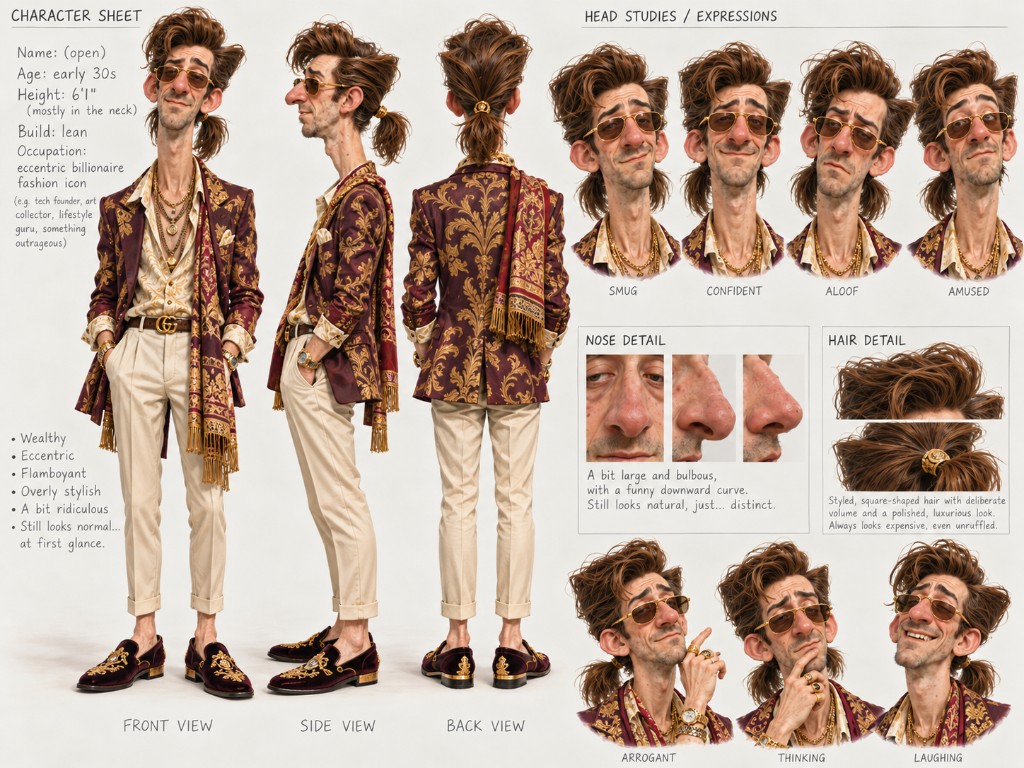
Everything starts with one character sheet: front, side and back views, and a few expressions. Every image after this uses the sheet as a reference, so he looks the same in every shot.
{width=100%}
## 2. Plan each story as a storyboard
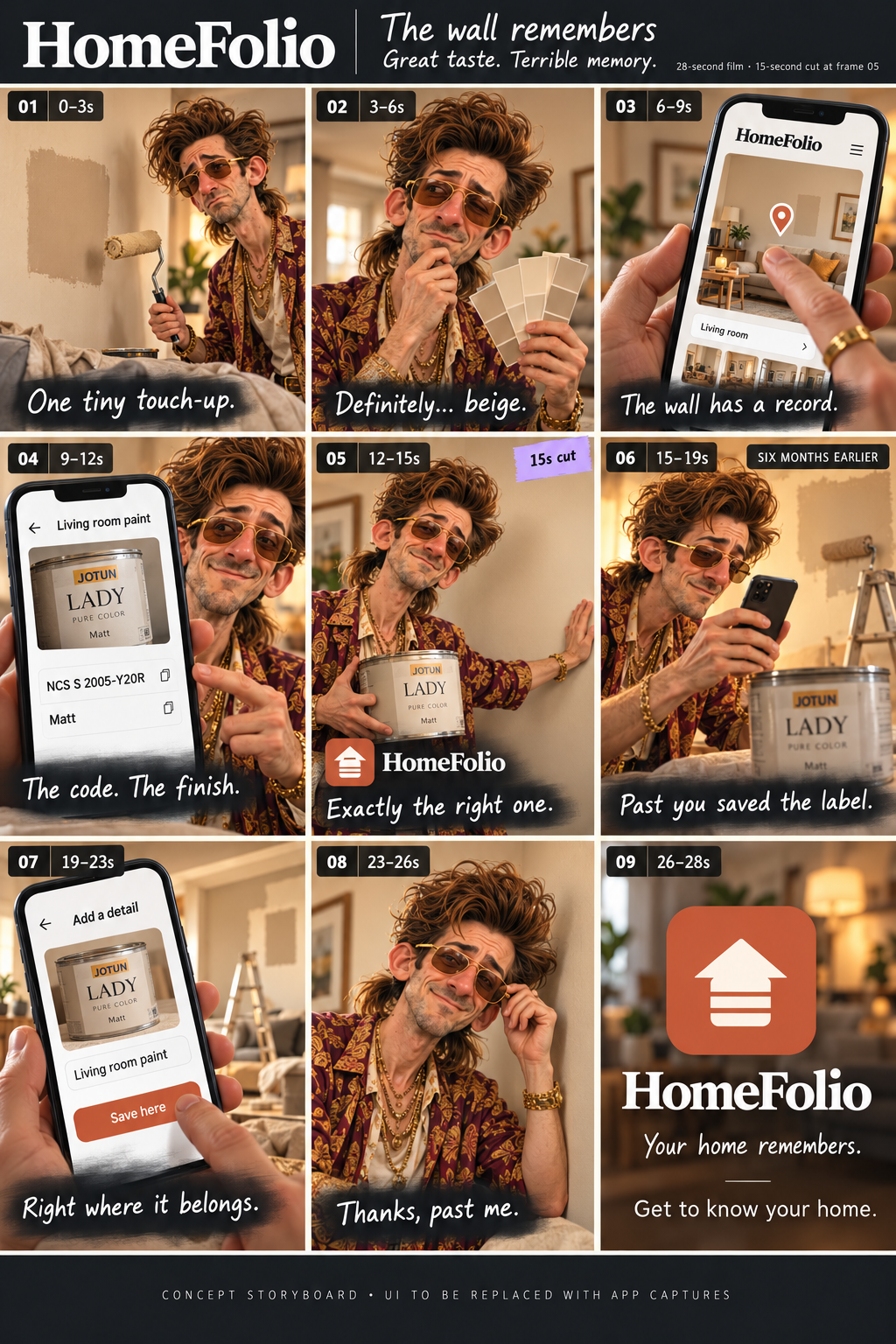
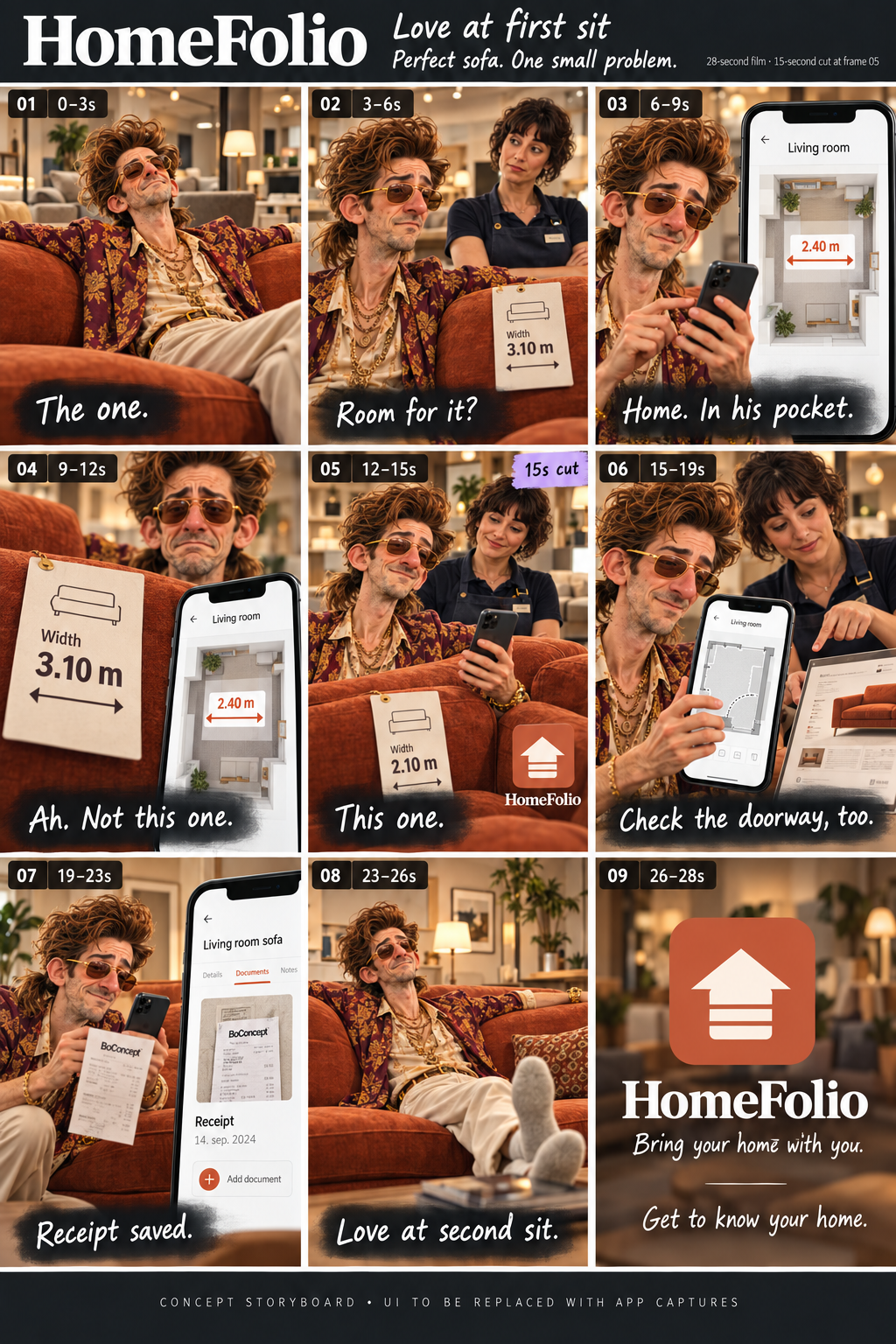
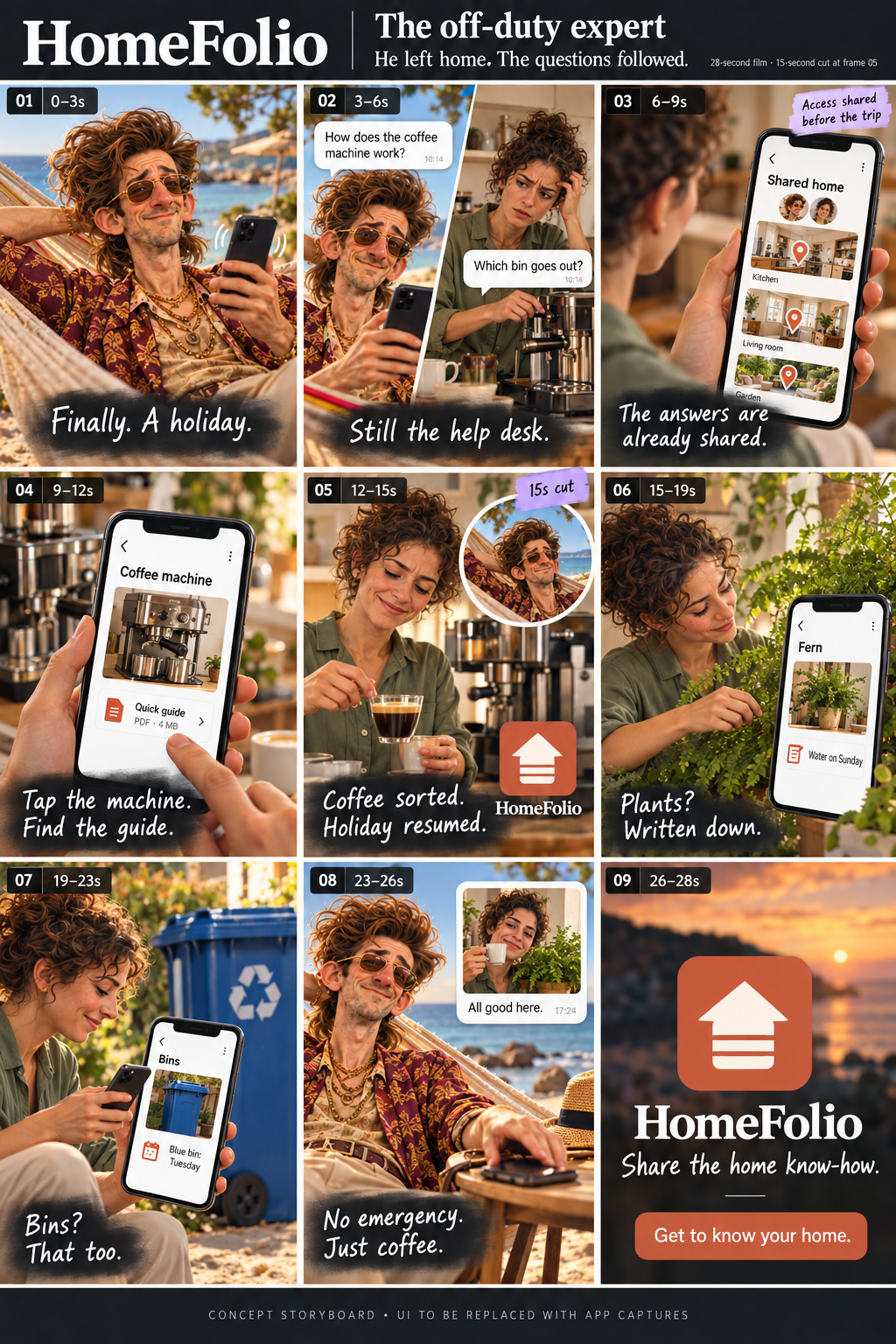
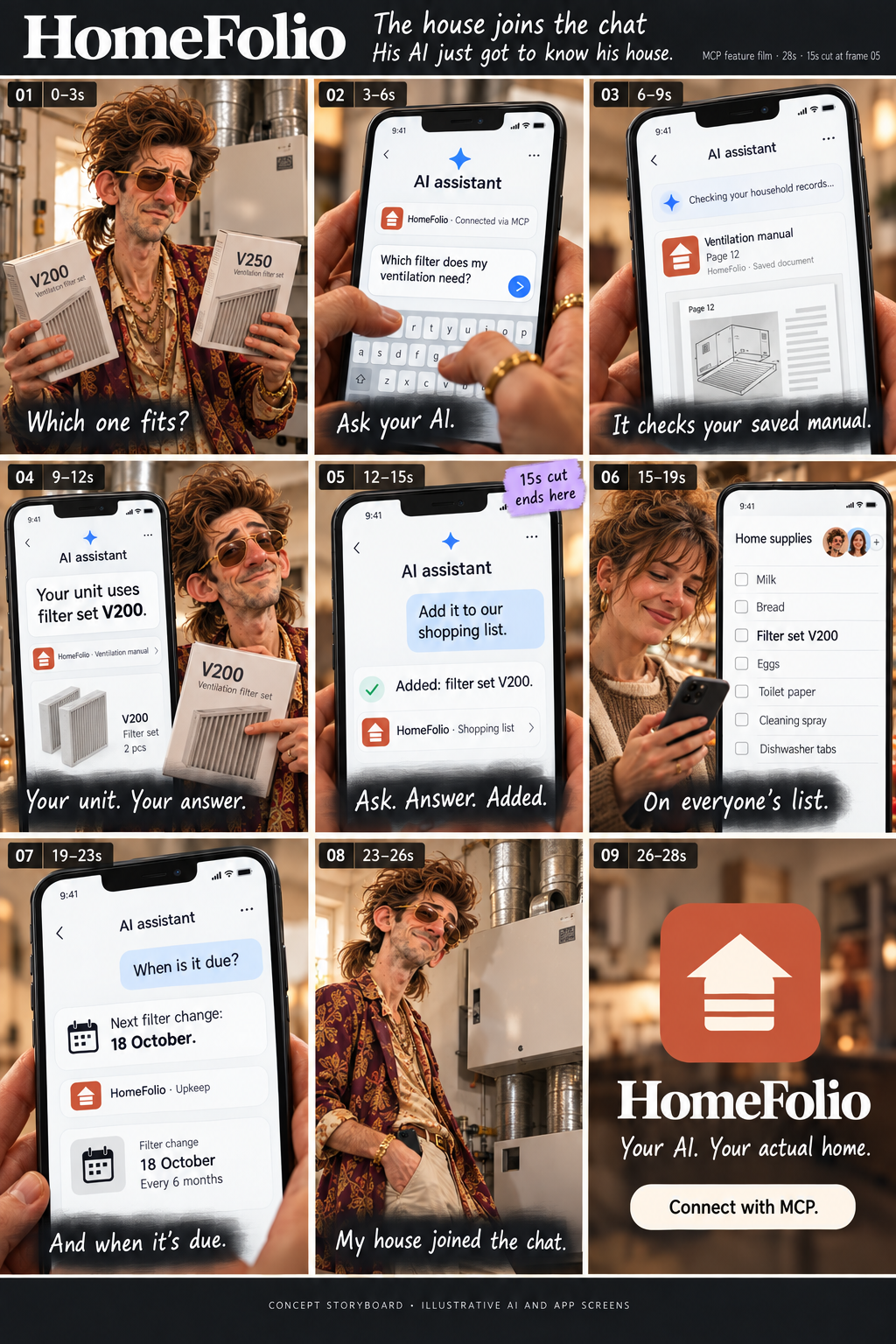
Each story is nine panels: a 28-second film, plus a 15-second cut that ends at panel five. The storyboards are only for planning. Nothing in them ends up in the final video.
{{< gallery cols="4" layout="grid" tiles="tall" caption="The four storyboards. Click one to see it full size." >}}
{{< /gallery >}}
## 3. Make the stills first
For each panel I generated a still image on OpenArt (Nano Banana Pro), with the character sheet and a picture of the room as references. Stills are cheap and video is not, so this is where you fix things.
Check every still up close against the character sheet before you go on. I first compared them on small thumbnails, and a cartoon-looking face slipped through.
## 4. Animate them
Each approved still becomes a 4 to 5 second clip (Kling 3 Omni, image to video). Keep it simple: one small action and a slow camera.
## 5. Use the real app, not an AI drawing of it
AI is bad at drawing app screens and logos. So the phones in the ads show the real app: the screens are rendered from the app's own code with demo data and placed in a phone frame in the edit. The logo, fonts and colours come straight from the app too.
## 6. Add sound and put it together
The narrator, the music and the sound effects come from ElevenLabs. Use a paid plan if the result goes in an ad, because the free plan doesn't allow commercial use. A Python script with ffmpeg cuts the clips, adds the captions, the phone screens and the end card, and exports both cuts.
## The result
The four films, in order: The wall remembers, Love at first sit, The off-duty expert and The house joins the chat.
## The first try
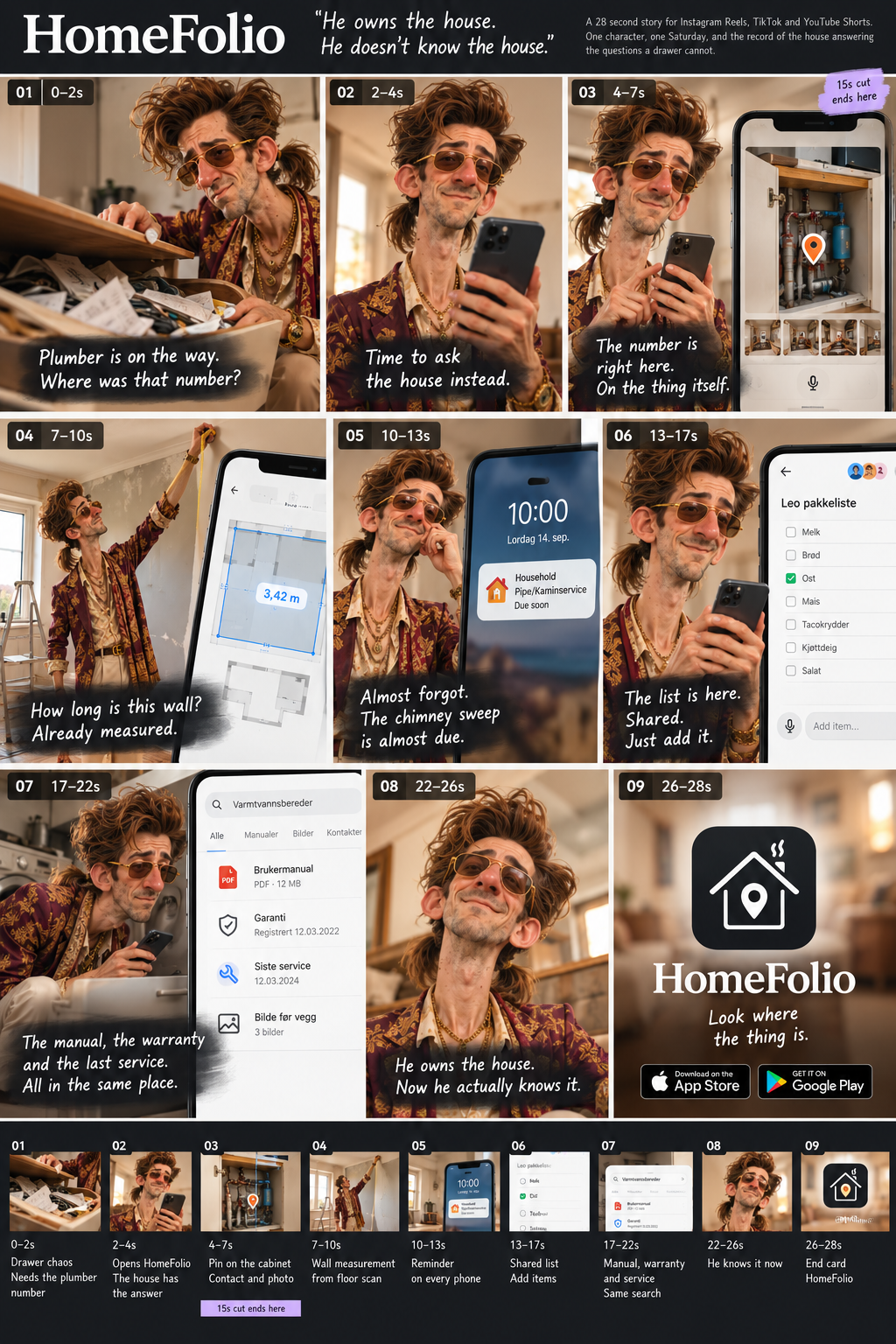
Before these four, I made one ad with a different AI tool. It follows the same character through one Saturday in his house, and it has a voice-over that reads the captions.
{{< gallery cols="2" layout="grid" tiles="tall" caption="The first ad: its storyboard, and the finished film with a voice-over." >}}
{{< /gallery >}}
## What I learned
- Check the AI's work against the reference, not against the other options.
- Show the real app. AI-drawn screens and logos never look like the real thing.
- Label AI-made videos when you post them. TikTok, YouTube and Instagram all ask for it.